6 Routers That Handle Ghana’s Internet Speeds Well
Fast internet is useless if your router is weak. Many people blame their ISP but the real problem is often the router.
Buffering videos. Dropped connections. Slow speeds in certain rooms.
That’s what happens when your router can’t handle your environment.
The good news? There are routers that perform well even with Ghana’s internet conditions.
You just need to know where to look.
The Wi-Fi Problem in Ghana
In many homes and offices, internet issues aren’t just about the network provider.
Common problems include:
- Weak signal across rooms
- Too many connected devices
- Cheap routers that overheat
- Poor bandwidth management
- Slow speeds despite good data plans
Many default routers from ISPs are basic and not designed for heavy use.
That’s why upgrading your router can completely change your internet experience
.
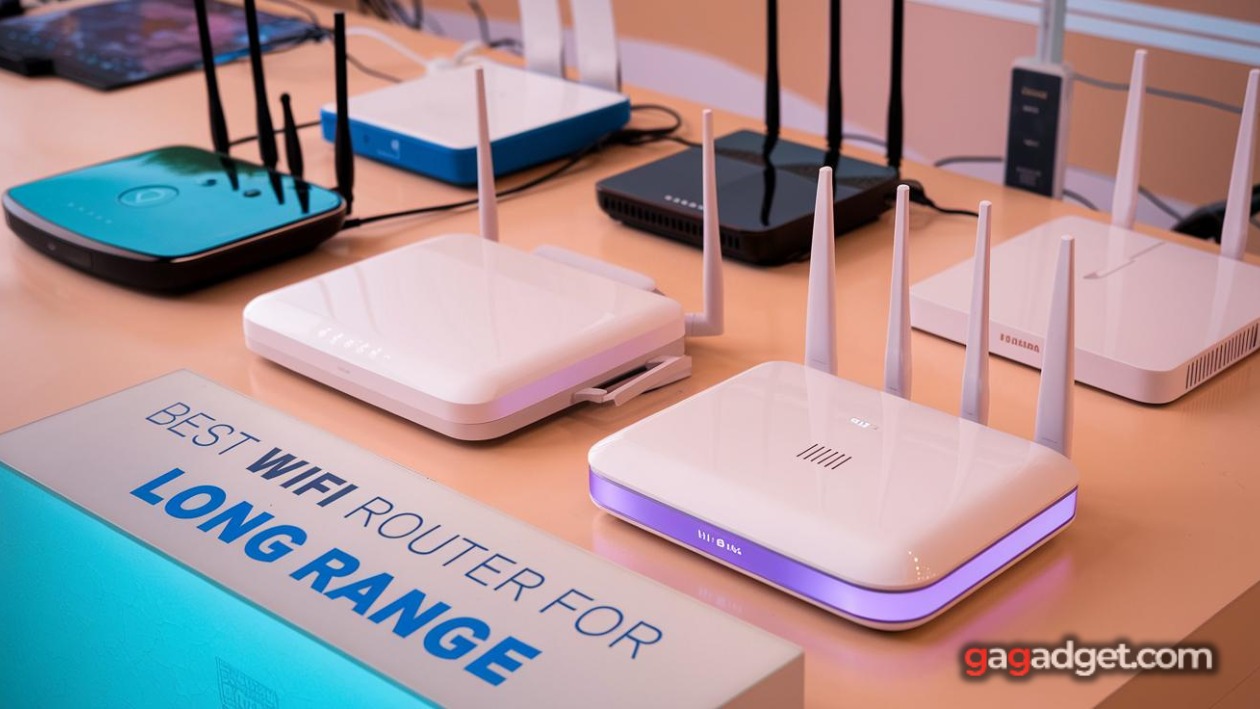
6 Routers That Actually Perform Well
1. TP-Link Archer C6
From TP-Link
Best For:
Homes and small offices
Why It’s Worth It:
- Dual-band Wi-Fi
- Strong coverage
- Affordable
2. TP-Link Archer AX23 (Wi-Fi 6)
From TP-Link
Best For:
Modern devices and faster speeds
Why It’s Worth It:
- Wi-Fi 6 support
- Better performance with multiple devices
- Stable connections
3. Huawei AX3 Router
From Huawei
Best For:
Speed + range
Why It’s Worth It:
- Strong signal strength
- Fast speeds
- Sleek design
4. Tenda AC10
From Tenda
Best For:
Budget users
Why It’s Worth It:
- Good performance for price
- Easy setup
- Reliable
5. Netgear Nighthawk R7000
From Netgear
Best For:
Heavy users and gaming
Why It’s Worth It:
- Powerful performance
- Strong range
- Handles multiple devices easily
6. Xiaomi Mi Router 4A
From Xiaomi
Best For:
Affordable setups
Why It’s Worth It:
- Budget-friendly
- Simple setup
- Good for light use
How to Choose the Right Router
Small Space?
Choose TP-Link C6 or Xiaomi 4A.
Large Home/Office?
Choose Huawei AX3 or Netgear.
Need Speed?
Choose Wi-Fi 6 routers (AX23, Huawei AX3).
Heavy Usage?
Choose Netgear Nighthawk.
Quick Checks Before Buying
Sign 1: Coverage Range
Ask how far the signal reaches.
Sign 2: Device Capacity
More users = stronger router needed.
Sign 3: Heat Management
Overheating reduces performance.
Sign 4: Band Support
Dual-band is essential (2.4GHz + 5GHz).
Sign 5: Setup Ease
User-friendly setup saves time.
Seller Red Flags
Avoid sellers who:
- Sell outdated routers
- Don’t explain specs
- Offer no warranty
- Push very cheap models for heavy use
- Can’t guide setup
Buy Verified Routers from Machinewura
Machinewura ensures your network setup is solid.
We offer:
- Reliable routers
- Trusted brands
- Fair pricing
- Customer support
Pay on delivery available in Accra and Kumasi, with nationwide shipping.
Final Thoughts
A good router unlocks the full value of your internet.
Don’t settle for weak Wi-Fi upgrade your experience.
The best protection is never buying from unverified sellers in the first place.
Looking for the best deals?
Browse our full collection of verified tech — all with pay-on-delivery and a 30-day warranty.
Thanks for reading!
Published May 2, 2026 · 2 min read