Laptops
MacBook vs Windows Laptop: Which Fits You in Ghana?
Choose by the software your course or job needs first. MacBooks win on battery life through dumsor; Windows wins on engineering software, gaming and repairs.
MachineWura Team
January 15, 2026 · 11 min read
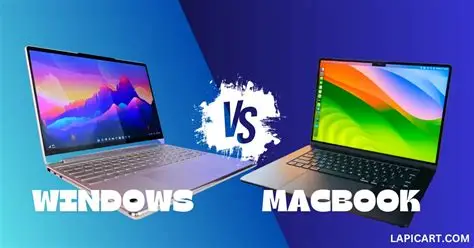
Pick the platform your course or job software runs on first, then compare battery life, repairs and lifespan. A MacBook Air with an Apple chip is the stronger choice for long battery life through outages, writing, business work and creative work, while a Windows laptop is the only practical choice for many engineering, GIS, statistics and accounting programs, for gaming, and for buyers who want cheaper, easier repairs and upgrades.
Updated October 2026.
Which should you buy, a MacBook or a Windows laptop?
Buy a Windows laptop if any program you must use is Windows-only. Buy a MacBook if all your software runs on macOS and you value battery life, build quality and a long software life. If you are unsure, check your course outline, department handbook or job description before anything else.
| If you... | Choose | Reason |
|---|---|---|
| Study civil, structural or mechanical engineering | Windows | SolidWorks, Revit, Civil 3D, ETABS and SAP2000 are Windows-only |
| Use ArcGIS Pro, EViews, Power BI Desktop or Microsoft Access | Windows | These are Windows-only |
| Study architecture | Usually Windows | Revit is Windows-only; ArchiCAD and SketchUp run on both |
| Edit video or produce music | Either, Mac often preferred | Final Cut Pro and Logic Pro are Mac-only; Premiere Pro, DaVinci Resolve and FL Studio run on both |
| Want to build iPhone apps | Mac | Apple's Xcode only runs on macOS |
| Mostly write, research, present and use the web | Either | Word, Excel, PowerPoint, Google Docs and Zoom run on both |
| Play PC games | Windows | Most PC games are Windows-only |
| Need long battery life through outages | MacBook Air | Apple chips use very little power in everyday work |
| Want to upgrade storage or RAM later | Windows | MacBook memory and storage are fixed at purchase |
Will your course or job software run on a Mac?
Check each program by name on its maker's website for "macOS" or "Apple silicon" support. Many students and staff buy a MacBook and discover in the first semester that a required program is Windows-only.
Windows-only programs common in Ghanaian courses and offices
- Engineering and construction: SolidWorks, Revit, Civil 3D, ETABS, SAP2000.
- GIS and planning: ArcGIS Pro (QGIS runs on both and is a free alternative where allowed).
- Economics and data: EViews; Power BI Desktop.
- Office databases: Microsoft Access.
- Accounting: many desktop accounting packages run only on Windows; ask your firm which system it uses.
Programs that run on both
- Microsoft 365 apps (Word, Excel, PowerPoint, Outlook, Teams). Excel for Mac lacks some advanced data tools such as Power Pivot, which matters for some accounting and analyst roles.
- Statistics: SPSS, Stata, R, Python and MATLAB.
- Design: Adobe Photoshop, Illustrator, Premiere Pro; Figma; AutoCAD (the Mac version has fewer features than the Windows version).
- Web, programming and data science tools such as VS Code.
Can a MacBook run Windows?
Not natively. MacBooks with Apple chips (M1, M2, M3 and later) cannot install Windows directly the way older Intel Macs could. Virtualisation software such as Parallels Desktop can run the Arm version of Windows 11 inside macOS, and many ordinary Windows apps work that way. Demanding engineering programs, software that needs special drivers and many games may not. Do not buy a MacBook planning to rely on this for required coursework.
Which lasts longer through dumsor?
A MacBook Air with an Apple chip lasts much longer on battery for typical work. Apple rates the M2 and M3 MacBook Air at up to 18 hours of video playback, and in everyday use (browsing, documents, video calls) they draw only a few watts. Many Windows business laptops manage a working day on a good battery, while gaming laptops often last only two to four hours.
Worked example: a six-hour outage
| Laptop | Battery capacity | Typical draw for documents and browsing | Approximate hours |
|---|---|---|---|
| MacBook Air M2 or M3 | about 52 Wh | about 5 to 8 W | 7 to 10 hours |
| Windows business laptop, 14-inch | about 50 to 60 Wh | about 8 to 12 W | 4 to 7 hours |
| Windows gaming laptop | about 70 to 90 Wh | about 20 to 30 W idle, far more in games | 2 to 4 hours |
The calculation is battery watt-hours divided by average watts. Your figures will vary with screen brightness, video calls and battery age. To charge a 52 Wh laptop from empty takes about 60 Wh from a power bank or portable power station after losses, so a 300 Wh power station can recharge it about four to five times.
Both platforms now charge over USB-C on most modern models. A USB-C Power Delivery power bank rated at 30 W or more can top up a MacBook Air; check the wattage your Windows laptop needs. Gaming laptops usually need their own high-wattage charger.
Which is easier to repair in Ghana?
Windows laptops, especially business models, are easier and cheaper to repair and upgrade. Their batteries, keyboards, chargers and storage drives are common parts, and many let you replace the SSD and sometimes add RAM. A broken screen or failed battery is a routine job for many technicians.
MacBooks are well built and fail less often from wear, but repairs are more specialised. RAM and storage are part of the main board, so a failed SSD can mean a board repair or replacement. Screens and keyboards are expensive assemblies. Before buying, find out where the nearest technician who handles MacBook board repairs is, especially if you live outside Accra.
Heat and dust affect both. A fanless MacBook Air slows itself down when it gets hot under heavy, sustained work, such as long video exports in a warm room. Windows laptops with fans pull in harmattan dust, so their vents need cleaning. Keep any laptop off beds and cushions, which block airflow.
How long will each stay useful?
A MacBook with an Apple chip typically receives macOS updates for many years; the 2020 M1 models were still supported by macOS Tahoe (macOS 26), released in 2025. Intel MacBooks are a different story: Apple has said macOS Tahoe (macOS 26) is the last version for Intel Macs, so avoid buying any Intel MacBook now, however cheap.
For Windows, the key date has already passed: Microsoft ended support for Windows 10 in October 2025. Windows 11 officially needs a TPM 2.0 security chip and roughly an Intel 8th-generation or AMD Ryzen 2000-series processor or newer. Many older UK-used laptops do not meet this and are stuck on Windows 10 with no security updates.
Worked example: cost per year of use
Compare laptops by how many years they will serve you, not only by the price.
Cost per year = (price - expected resale value) / years you will use it.
- Estimate the years of use. For a MacBook Air M2 or M3 bought now, five years or more is realistic. For a Windows business laptop with an 11th-generation Intel chip or newer, four to five years is realistic with an SSD and RAM upgrade along the way. For a laptop that cannot run Windows 11, plan on zero years of safe use.
- Estimate resale value. MacBooks tend to hold their value well in the second-hand market; Windows business laptops less so.
- Add battery replacement if you plan to keep it longer than the battery's life. Apple rates modern MacBook batteries for about 1,000 cycles.
- Divide. A more expensive laptop that lasts longer and resells better can cost less per year.
Which is better for students and which for professionals?
For most students on humanities, business, law, health sciences, journalism and general science courses, either works; a MacBook Air suits those who want long battery life and expect to keep it through the whole degree. Engineering, architecture and GIS students should buy Windows. Our guide to the best laptops for students in Ghana and the student laptop guide cover specifications by course.
For professionals, follow the office's systems. Accounting, engineering and many government and banking roles use Windows-only software and Windows management tools, and a business laptop such as an EliteBook, Latitude or ThinkPad fits in. Creative agencies, media, developers and consultants often work well on a Mac.
Between Macs, the MacBook Air M2 is the value choice and the MacBook Air M3 adds a faster chip and support for two external displays with the lid closed.
What specification should you buy on either side?
- Memory (RAM): 16 GB is the sensible choice for a laptop you will keep for years. 8 GB still works for documents and browsing, but feels tight with many browser tabs and video calls. On a MacBook you cannot add RAM later.
- Storage: 256 GB minimum on a Mac, preferably 512 GB if you keep photos and video. On Windows, an SSD is essential; never buy a hard-drive-only laptop.
- Chip: Apple M1 or newer on a Mac. Intel Core i5 11th generation or newer, or AMD Ryzen 5 5000 series or newer, on Windows.
- Battery health: on a used laptop, check it (see below).
What to check before you buy a used MacBook or Windows laptop
Many laptops in Ghana are UK-used, so the checks below matter more than the brand. At MachineWura, every pre-owned device passes a 30-point inspection with at least 85% battery health before it is listed.
- Check the model year and chip. On a Mac, open the Apple menu, About This Mac. On Windows, open Settings, System, About.
- Check battery health. On a Mac: System Settings, Battery, then the information button beside Battery Health for maximum capacity, and System Information, Power, for the cycle count. On Windows: open Command Prompt and type
powercfg /batteryreport, then compare "full charge capacity" with "design capacity". - On a Mac, check Activation Lock and Remote Management. Find My must be turned off, and after a reset the Mac must not show a "Remote Management" screen, which means it is still enrolled in a company's device management.
- On Windows, check for company locks. Look for a BIOS password and, after reset, any organisation sign-in screen. Confirm Windows is activated in Settings.
- Check Windows 11 compatibility on any Windows laptop.
- Test the keyboard, trackpad, ports, webcam, speakers and Wi-Fi. UK keyboards place a few symbols differently from US keyboards; type your email address to check.
- Check the charger is the correct wattage and genuine.
Common mistakes
- Buying a MacBook before checking course software, then needing a second laptop for one program.
- Buying an Intel MacBook in 2026. It is near the end of its macOS support.
- Buying an old Windows laptop that cannot run Windows 11.
- Choosing 8 GB RAM on a MacBook you intend to keep five years.
- Ignoring battery cycles on a used laptop that looks perfect.
- Charging from unstable power without protection. Use a surge-protected extension or a UPS, especially when power returns after an outage.
Frequently asked questions
Is a MacBook good for university in Ghana?
Yes, for most courses, as long as your required software runs on macOS. Engineering, architecture and some GIS and economics courses use Windows-only programs, so check your course outline first.
Can I use Microsoft Office on a MacBook?
Yes. Word, Excel, PowerPoint, Outlook and Teams all run on macOS. Excel for Mac lacks a few advanced data tools such as Power Pivot, and Microsoft Access is not available on Mac.
Which laptop lasts longest during power outages?
A MacBook Air with an Apple chip usually lasts the longest, often a full working day of documents and browsing. Windows business laptops with large batteries come next. Gaming laptops last the least time on battery.
Are MacBooks harder to repair in Ghana?
They need more specialised repairs. RAM and storage cannot be replaced separately, and screens and keyboards are costly assemblies. Windows business laptops use more common, replaceable parts.
Is a UK-used MacBook a good buy?
It can be, if it has an Apple chip (M1 or newer), healthy battery cycles, no Activation Lock and no Remote Management enrolment. Avoid Intel MacBooks, which are near the end of macOS support.
Can I play games on a MacBook?
Some games run on macOS, but most PC games are Windows-only. If gaming matters, buy a Windows laptop with a dedicated graphics card.
Still deciding between a MacBook and a Windows laptop? Browse laptops at MachineWura, or message us on WhatsApp on 0550 314 351 with your course or job and the software you use.
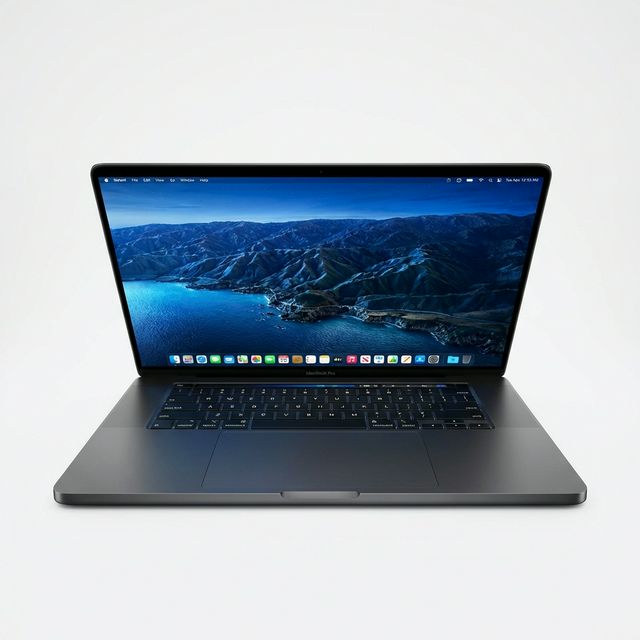
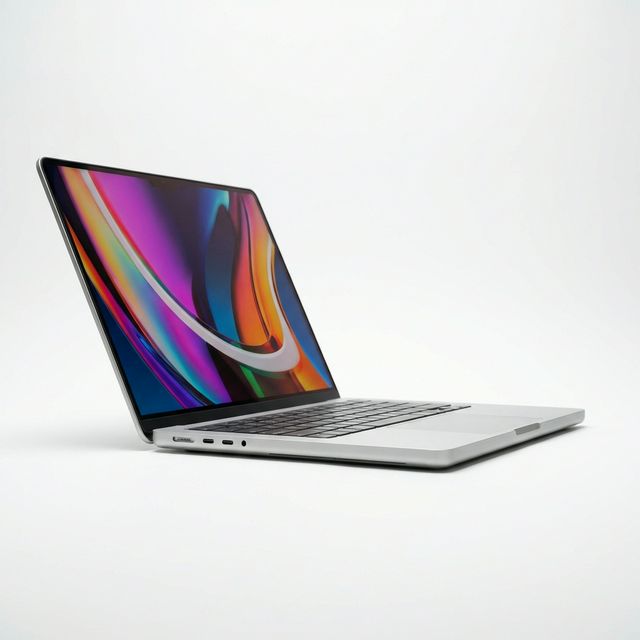
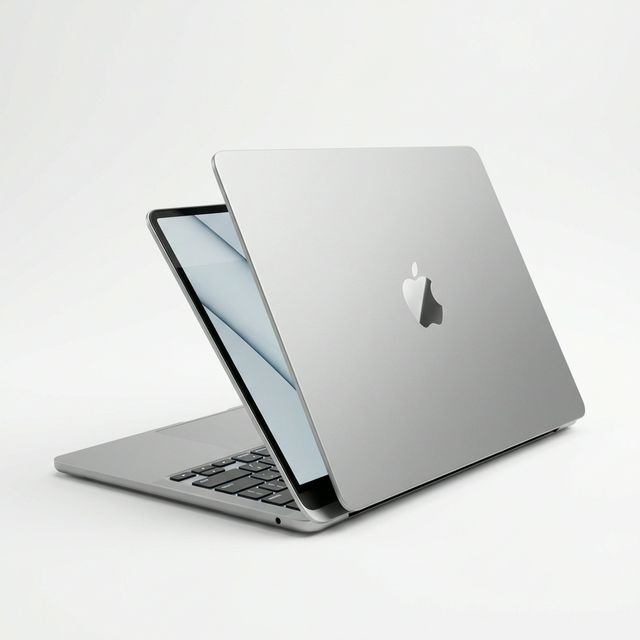
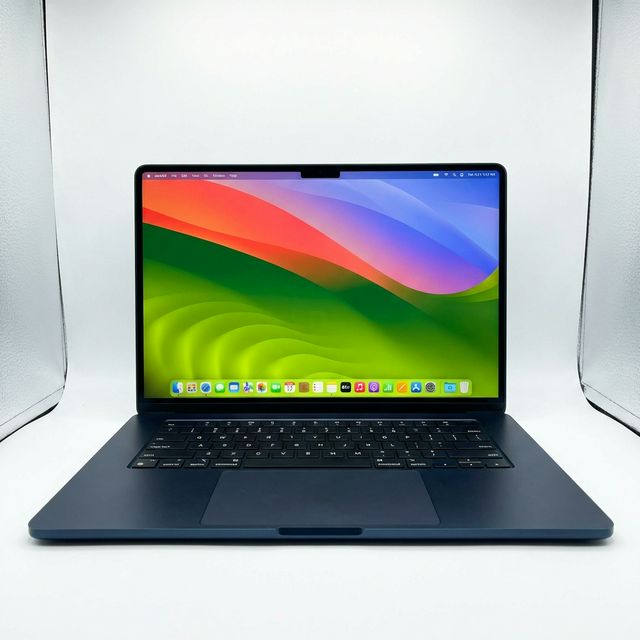
MacBooks in stock
Buying from MachineWura
An online electronics store in Accra selling brand new and UK-used phones, laptops, creator gear and appliances.
Pay on Delivery in Accra
Inspect it at your door, then pay.
Checked before it ships
UK-used devices pass a 30-point check with at least 85% battery.
Fast delivery
24 hours in Accra, 2 to 3 days elsewhere in Ghana.
7-day returns
If it arrives defective or not as described.
Published January 15, 2026 · 11 min read