Creators
Product Photography for Online Sellers in Ghana: A Simple Home Setup
Take product photos that sell on Instagram, WhatsApp and Jiji with your phone, a white background and good light. Step-by-step, with prices.
MachineWura Team
November 13, 2026 · 5 min read
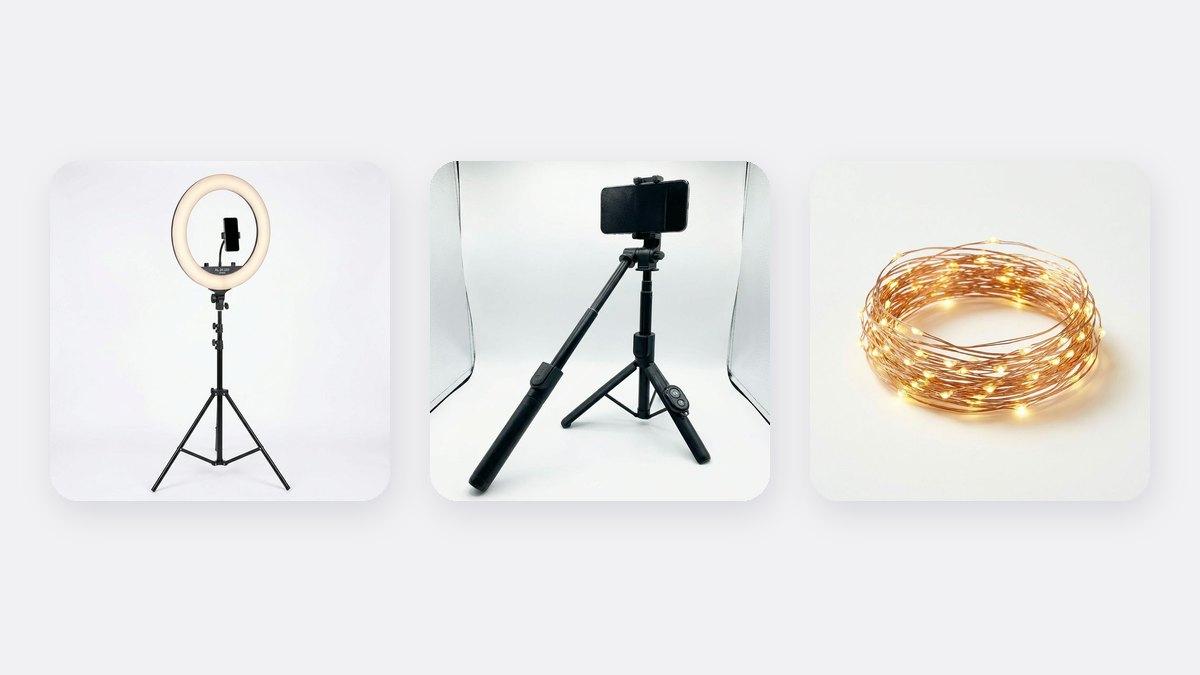
You can take product photos that sell on Instagram, WhatsApp and Jiji with just your phone, a plain background and good light. Put the product on a white sheet or card near a window, hold the phone steady on a tripod, and photograph it from a few angles. If you shoot at night or want every photo to look the same, add a ring light. Clean, bright photos make customers trust you and ask "how much?" instead of scrolling past.
Updated November 2026. Prices are from our store at the time of writing.
Why do product photos matter so much?
On Instagram, WhatsApp Status and Jiji, the photo is the first thing a customer sees. Dark, blurry or messy photos make buyers wonder if the product is fake, used or low quality. Clear, bright photos on a clean background make the same product look more valuable, so customers are more willing to pay your price.
Good photos also save you time. When customers can see the product clearly, they ask fewer questions before they buy.
What do you need?
| Item | Why | Price |
|---|---|---|
| Your phone | Any recent phone is good enough | You already have it |
| A plain background | White card, a white bedsheet or a plain wall | Free or very cheap |
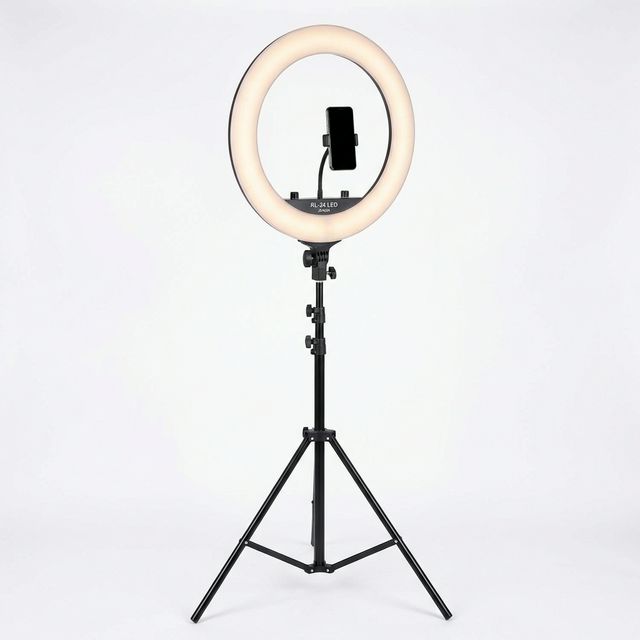
| A window or a light | Bright, even light with no harsh shadows | Free, or a ring light for ₵350 |
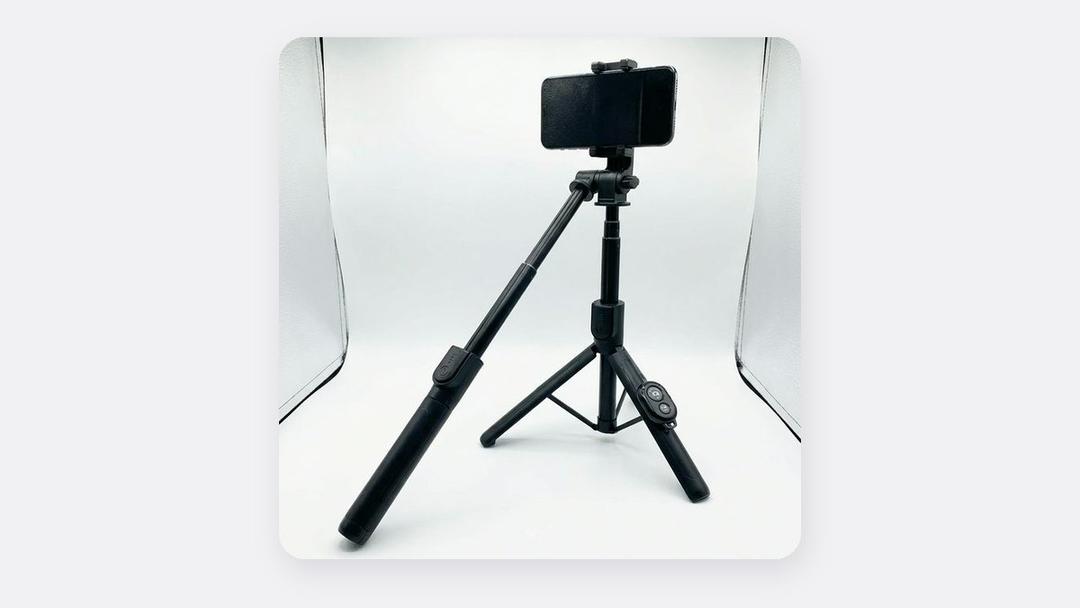
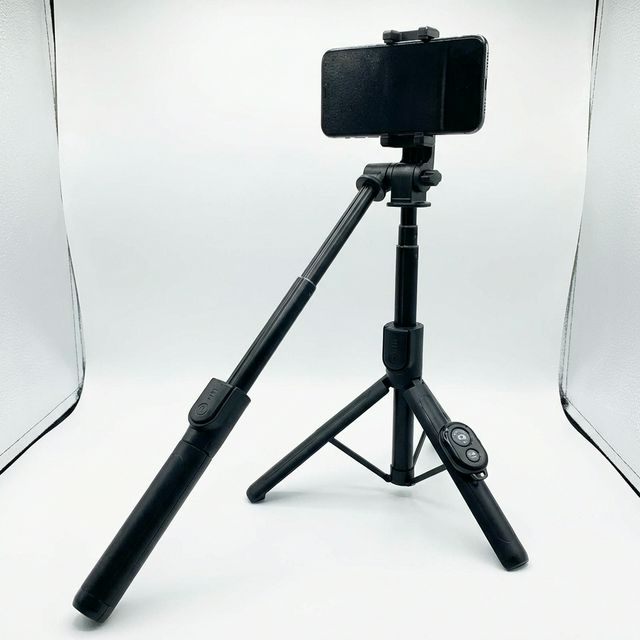
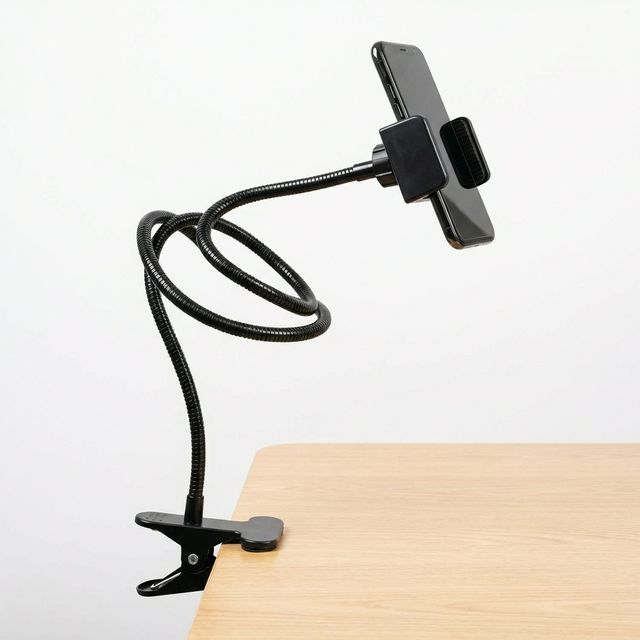
| Something to hold the phone | Sharp photos and the same angle every time | Selfie stick tripod ₵140 or gooseneck phone holder ₵95 |
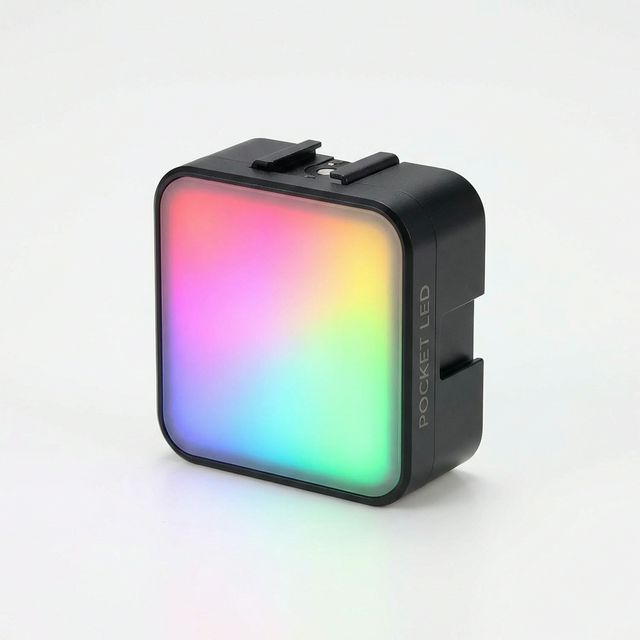
| A small extra light | Removes shadows; adds sparkle to jewellery and perfume | RGB Mini LED Light ₵160 |
Step-by-step: a simple home photo setup
- Make a backdrop. Put a table near a window. Tape a large white card or sheet to the wall behind the table so it curves down onto the table. The curve hides the line where the wall meets the table, so the product looks like it is floating on white.
- Use window light. Place the product so the window is to one side. Avoid direct, strong sunlight; a thin white curtain softens it. Switch off ceiling lights so you don't mix yellow and white light.
- Fill the shadows. Hold a white card, a sheet of paper or foil-covered cardboard on the shadow side of the product to bounce light back.
- Fix the phone in place. Put it on a tripod or holder at the product's height. Keeping the phone still makes photos sharper and keeps the angle the same for every product.
- Clean the product and the lens. Dust and fingerprints show up clearly in close-up photos. Wipe your phone's lens too.
- Take several angles. Front, back, side, a close-up of the details (stitching, buttons, label) and one photo of the product being used or worn.
- Tap to focus. Tap on the product on your screen so it is sharp, and slide the brightness up slightly so the white background looks white, not grey.
How to photograph different products
| Product | Tip |
|---|---|
| Clothes and shoes | Hang clothes on a plain wall or show them worn. Shoot shoes from the side and at an angle. |
| Wigs and hair | Use a mannequin head and side light to show the texture and shine. |
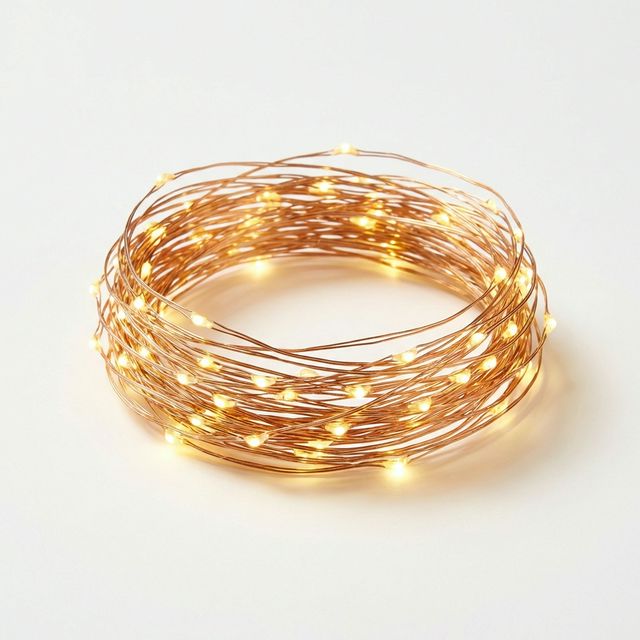
| Jewellery and perfume | Use a dark background, a small light from the side, and starry fairy lights behind for sparkle. |
| Food and cakes | Natural window light, shot from slightly above. Add a plate, napkin or ingredients around it. |
| Phones and gadgets | Wipe off every fingerprint. Light from the side to avoid reflections on the screen. |
| Skincare and cosmetics | White background, bright light, and one photo showing the product's texture on your hand. |
Should you buy a ring light for product photos?
Buy one if:
- You photograph products at night or in a room without a good window
- You sell many products and want every photo to look the same
- You also record videos of yourself showing the products
A 24-inch ring light gives even light with few shadows and works for both product photos and talking videos. Read our ring light guide for how to set it up.
Make videos too
Short videos sell well on TikTok, Instagram Reels and WhatsApp Status. Film the product turning slowly, show how it works, or film someone using it. A smartphone gimbal makes smooth "walk around" videos of larger items like furniture, cars and appliances. For a full video setup, read our TikTok and Reels setup guide.
Common mistakes
- Messy backgrounds. A bed, a cluttered table or the street behind the product distracts buyers.
- Using the flash. It makes products look flat and shiny. Use window light or a lamp instead.
- Heavy filters. If the colour in the photo is different from the real product, customers will complain or return it.
- Only one photo. Buyers want to see the product from every side before they pay.
Frequently asked questions
What is the cheapest way to take good product photos?
A white sheet, a window and your phone held still on a stack of books. Add a tripod (₵140) when you can.
What background is best for product photos?
White or light grey for most products, because it looks clean and matches online shops. Dark backgrounds work well for jewellery, perfume and luxury items.
Can I take product photos at night?
Yes, with a ring light or a bright LED light. Turn off the ceiling light so the colours stay true.
Product photo gear, in stock
Buying from MachineWura
An online electronics store in Accra selling brand new and UK-used phones, laptops, creator gear and appliances.
Pay on Delivery in Accra
Inspect it at your door, then pay.
Checked before it ships
UK-used devices pass a 30-point check with at least 85% battery.
Fast delivery
24 hours in Accra, 2 to 3 days elsewhere in Ghana.
7-day returns
If it arrives defective or not as described.
Published November 13, 2026 · 5 min read