Creators
Is a Smartphone Gimbal Worth It? A Buyer's Guide for Ghana
When a phone gimbal is worth buying, how it compares with built-in stabilisation, and how to get smooth event, tour and vlog footage.
MachineWura Team
November 12, 2026 · 7 min read
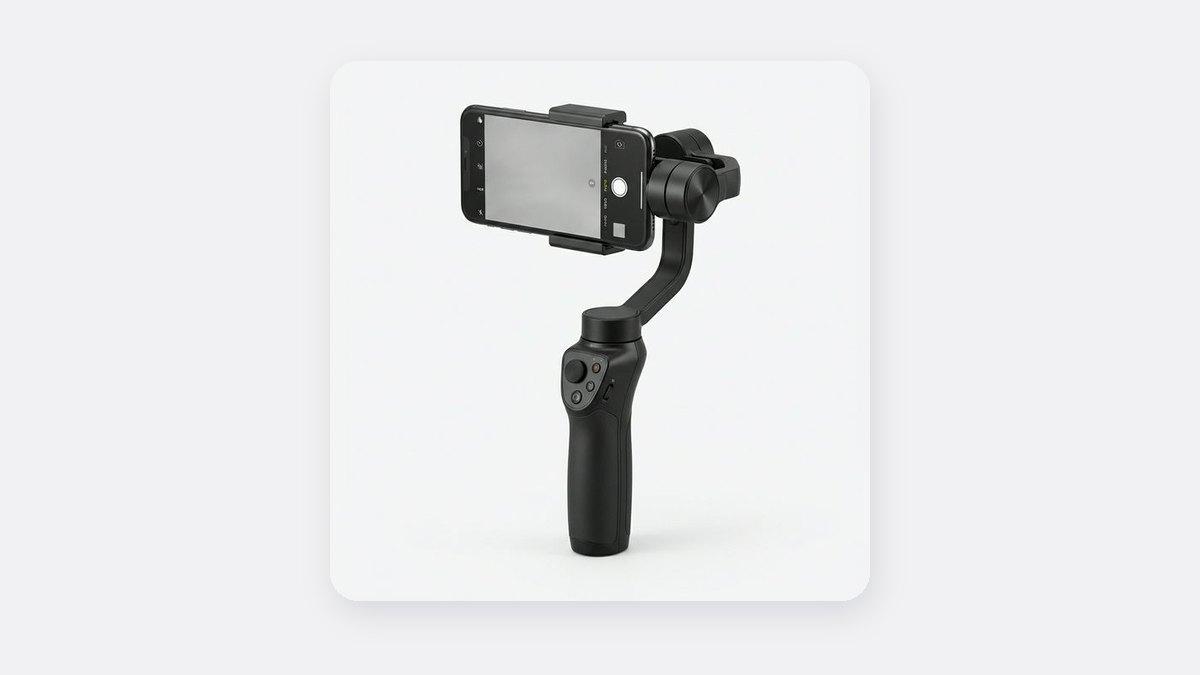
A smartphone gimbal is worth buying if you film while moving: walking vlogs, event and wedding coverage, property tours, car showrooms, church programmes or smooth product shots. Small motors inside the handle keep your phone level and steady while you move, so your videos glide smoothly like a music video instead of bouncing with every step. If you mostly film yourself talking to the camera from one spot, you do not need a gimbal; a tripod and a microphone will improve your videos more for less money.
Updated November 2026.
What does a smartphone gimbal do?
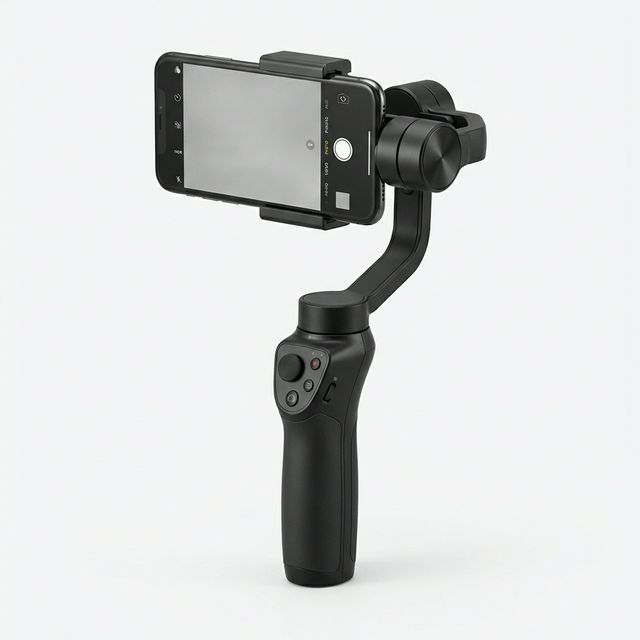
A gimbal is a handle that holds your phone. When your hand shakes, bounces or leans as you walk, small motors inside move the phone the opposite way, so it stays level and steady.
When you see "3-axis" on the box, it means the gimbal fixes all three kinds of shake: bouncing up and down, swinging left and right, and the picture leaning to one side. Avoid cheaper "1-axis" handles; they only fix one of these.
The result is smooth, gliding video, like the shots in music videos and property tours, filmed on the phone you already own.
Do you need a gimbal if your phone has stabilisation?
Newer phones already try to steady your video. iPhone 14 and later have "Action mode", and many Samsung phones have "Super Steady". These zoom in slightly and smooth the picture using software. They help, but they have limits:
| Phone's own steadying | Gimbal | |
|---|---|---|
| Walking footage | Good; some bounce remains | Very smooth |
| At night or indoors | Gets blurry and wobbly | Clearer, because the phone itself is held still |
| What fits in the shot | Zooms in, so you lose the edges of the picture | Everything you point at |
| Smooth pans and follow shots | Hard to keep even by hand | Easy and repeatable |
| Face tracking | No | Many gimbals follow your face automatically |
| Setup time | None | Balance the phone and switch on |
| Cost | Free | ₵400 and up |
If your phone is from 2022 or later and your footage is mostly handheld walking clips in daylight, try Action mode or Super Steady first. If you need smooth movement at night, at indoor events or in long takes, a gimbal is a clear step up.
Who should buy a gimbal?
A gimbal pays for itself fastest for people who sell with moving video:
- Event, wedding and funeral videographers filming on phones, especially walking shots down aisles and through crowds
- Real estate agents and property developers doing walkthrough tours of houses and apartments
- Car dealers filming smooth walk-arounds of vehicles
- Church media teams covering processions and choir ministrations
- Travel and food vloggers walking through markets, beaches and restaurants
- Online shops filming smooth turns around products such as shoes, bags and phones
It is less useful if you mostly sit at a desk, film tutorials from above, or record talking videos on a tripod.
What features should you look for?
- "3-axis" on the box. This means it steadies every kind of shake. Avoid "1-axis" handles.
- Can it carry your phone? Big phones such as iPhone Pro Max and Samsung Ultra models are heavy, especially in a thick case. If the gimbal struggles or droops, take the case off.
- Face tracking. Lets the gimbal follow you as you move, which is very useful when you film yourself.
- Shooting modes. Time-lapse, panorama and "follow" modes add variety without extra skill.
- Foldable design. Fits in a bag for events and travel.
- Battery and charging. Gimbals need charging. Charge it the night before a shoot, and carry a power bank on long event days.
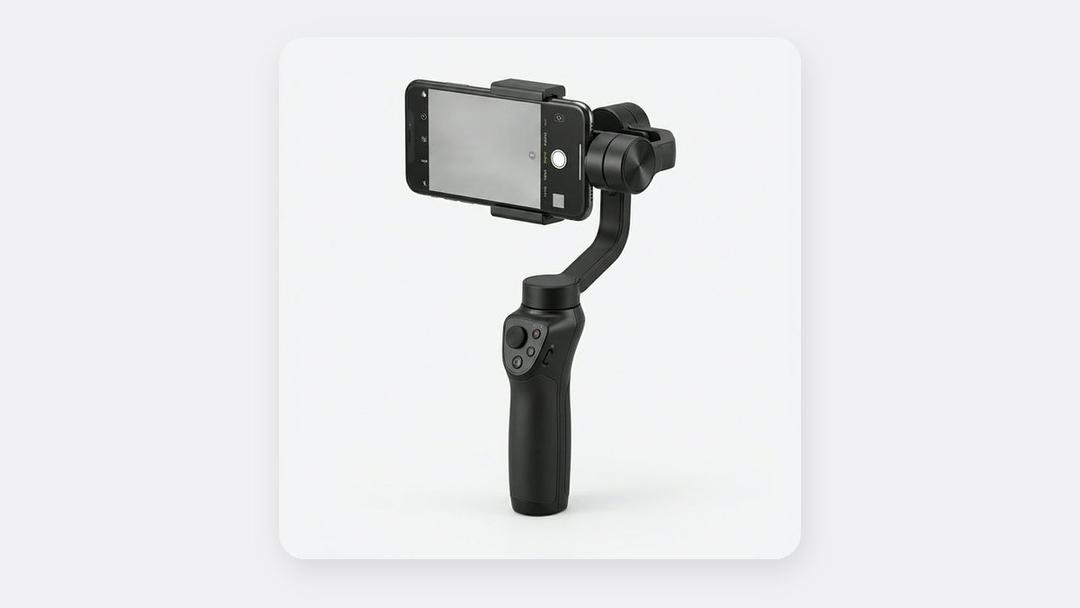
Our 3-in-1 Smartphone Gimbal Stabilizer (₵460 at the time of writing) steadies all three kinds of shake, can follow your face automatically, makes time-lapse videos (hours squeezed into seconds) and wide panorama shots, and folds to fit in a bag.
How do you get smooth footage with a gimbal?
A gimbal makes footage smoother, but technique still matters. These habits make the biggest difference:
- Balance the phone first. Slide the phone in the clamp until it sits level with the gimbal switched off. A badly balanced phone makes the motors work harder, drains the battery and causes jitter.
- Walk "ninja style". Bend your knees slightly and walk heel to toe. This removes the up-and-down bounce that the gimbal cannot fully correct.
- Hold with two hands for long shots, or tuck your elbow in to your body.
- Move slowly. Smooth, slow movement looks cinematic. Fast swings look amateur even when stabilised.
- Plan each shot. Decide where you start and end before you press record. Short, clean 5 to 10-second moves edit together better than one long wandering clip.
- Use the normal camera at night. It gives the clearest picture in dim places. Switch to the wide setting (the "0.5" button) only to fit more into small spaces such as bedrooms and cars.
- Stop the brightness jumping. Tap and hold on the person you are filming until the phone shows a lock, so the picture does not keep getting brighter and darker as you move between inside and outside.
What about sound when you use a gimbal?
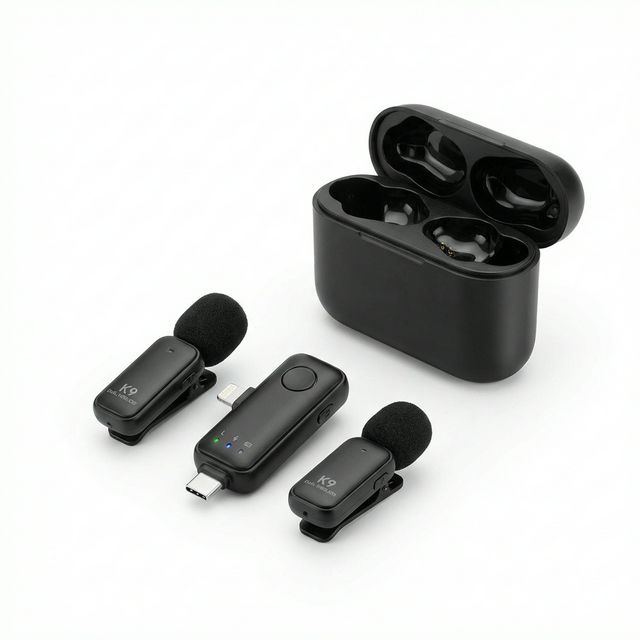
When you move around, the phone's built-in microphone picks up wind, footsteps and crowd noise, and your voice gets quieter as you turn away. If you talk while filming, use a wireless clip-on microphone such as the K9 Wireless Lavalier Microphone (Dual) (₵150). Our wireless microphone guide explains how to choose one and where to clip it.
Gimbal, tripod or POV mount?
These three tools solve different problems. Many creators end up owning more than one.
| Tool | Solves | Best for | Price from |
|---|---|---|---|
| Gimbal | Shaky moving footage | Walking, tours, events | ₵460 |
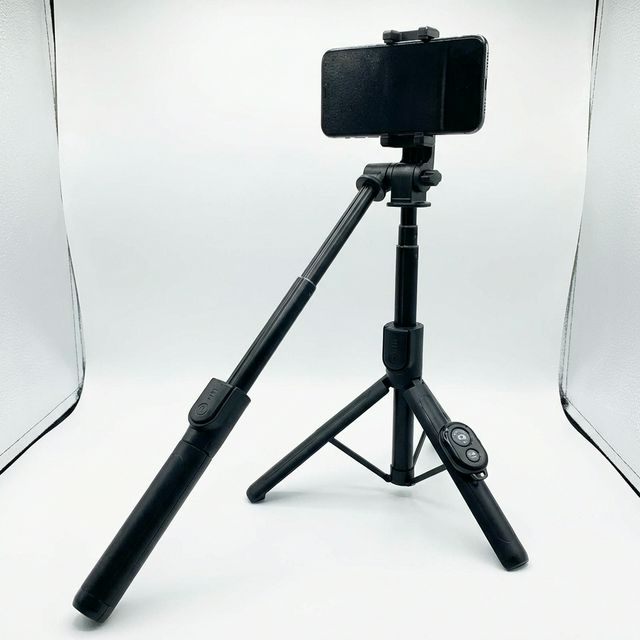
| Bluetooth selfie stick tripod | Filming yourself from a fixed spot | Talking videos, group photos, outfit videos | ₵140 |
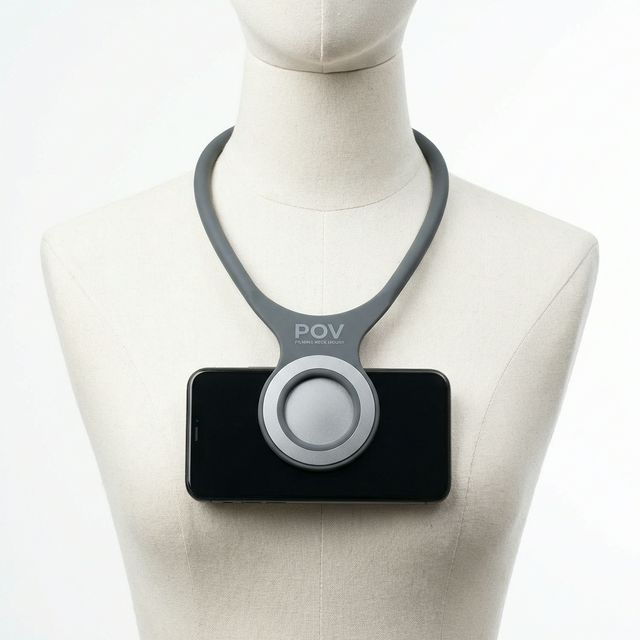
| Magnetic POV neck mount | Filming what you see, hands free | Cooking, crafts, unboxing, hair and makeup | ₵290 |
Read our guides to phone tripods and selfie sticks and POV filming gear to compare.
Frequently asked questions
Is a gimbal good for TikTok?
Yes if your TikToks involve movement, such as transitions, walking, dancing outside or showing a space. For talking videos from one spot, a tripod is enough.
Can a gimbal hold an iPhone Pro Max?
Most 3-axis phone gimbals can hold large phones, but the heaviest phones in thick cases can be near the limit. Remove bulky cases and balance the phone carefully.
How long does a gimbal battery last?
It depends on the model, your phone's weight and how balanced it is. Charge it fully before every shoot and carry a power bank for long events.
Should I buy a gimbal or a better phone?
If your phone already takes clear video in daylight, a gimbal will improve your moving shots more than a new phone would. If your videos look blurry or grainy even when standing still, upgrade the phone first. Our guide to the best phones for content creation can help.
Gimbals and filming gear, in stock
Buying from MachineWura
An online electronics store in Accra selling brand new and UK-used phones, laptops, creator gear and appliances.
Pay on Delivery in Accra
Inspect it at your door, then pay.
Checked before it ships
UK-used devices pass a 30-point check with at least 85% battery.
Fast delivery
24 hours in Accra, 2 to 3 days elsewhere in Ghana.
7-day returns
If it arrives defective or not as described.
Published November 12, 2026 · 7 min read