
Gaming
Game Controller buying guide
A game controller (gamepad) lets you play games with thumbsticks and buttons instead of a touchscreen or keyboard. Choose by what you play on: a console's own controller for PS5 or Xbox, a Bluetooth controller for PC, and a clip-on or telescopic controller for phone games.
Updated · 3 min read
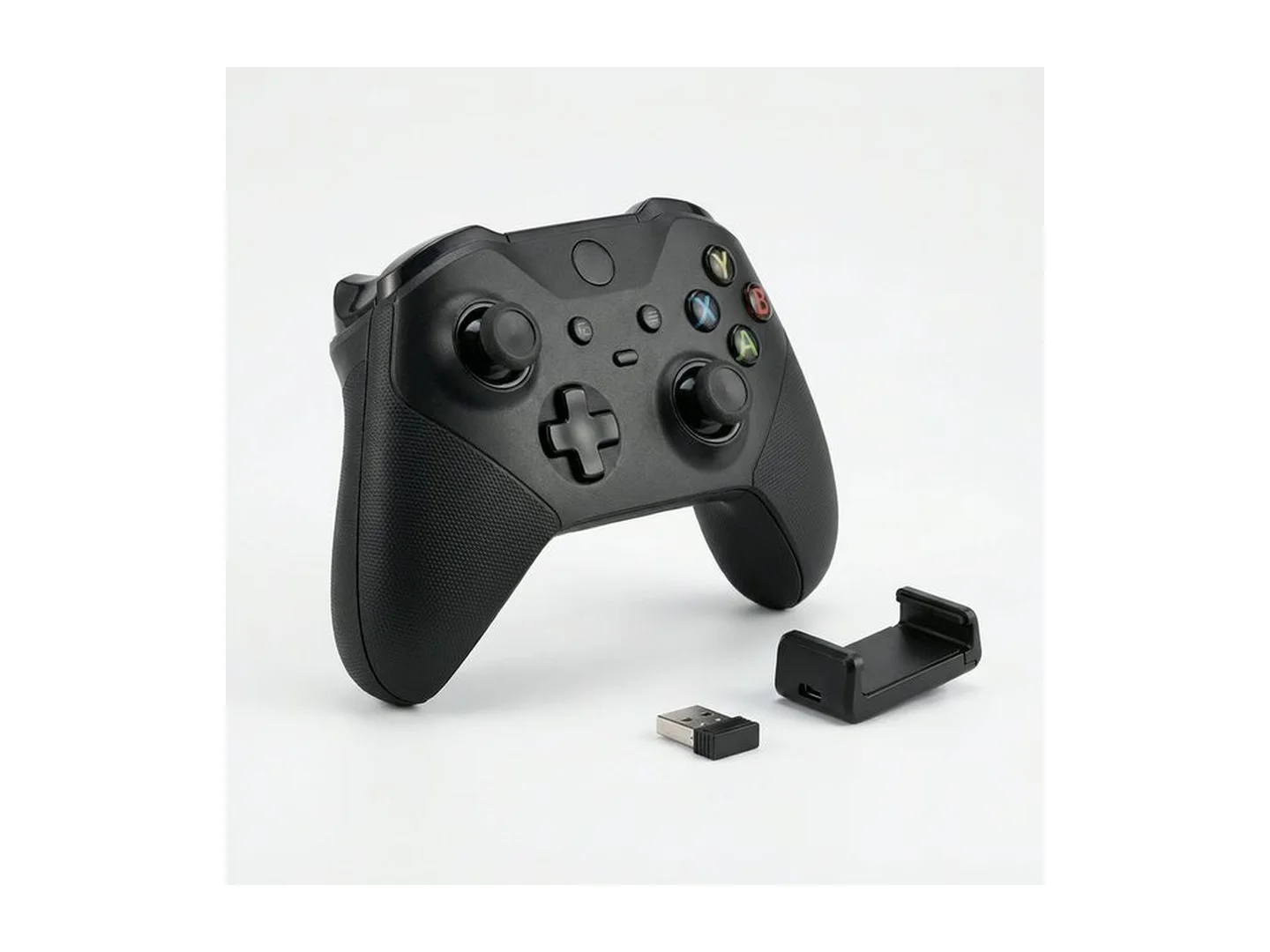
At MachineWura today
GH₵ 180 to GH₵ 280 · 3 in stock
Quick answer
- First question: what do you play on? A controller that works on a PC or phone may not work on a PS5.
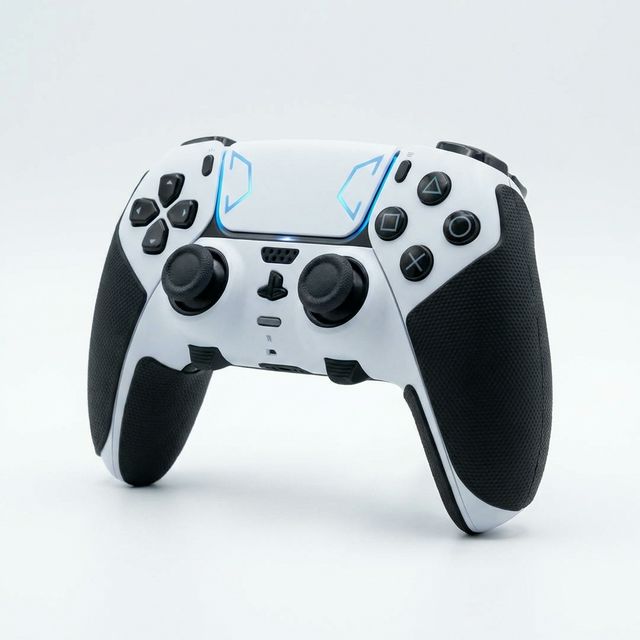
- PS5: buy a DualSense, or a controller that clearly states it works with PS5 games.
- PC: almost any Bluetooth or USB controller works.
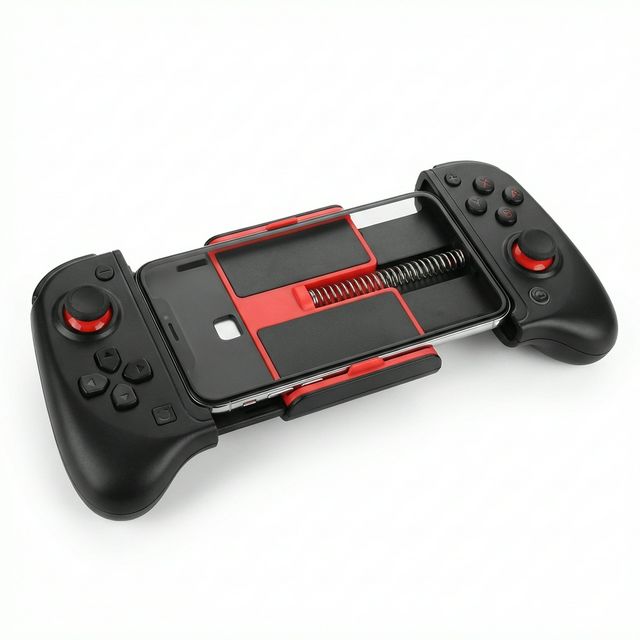
- Phone: a telescopic controller that stretches around the phone feels closest to a handheld console.
- Before paying, check both thumbsticks spring back to the centre and every button clicks.
Which controller for which device
| You play on | What works | Notes |
|---|---|---|
| PlayStation 5 | DualSense, or a third-party controller made for PS5 | PS4 controllers only play PS4 games on a PS5 |
| PlayStation 4 | DualShock 4 or PS4-compatible controllers | Many low-cost options |
| Xbox | Xbox controllers | PlayStation controllers do not work on Xbox |
| PC or laptop | Most Bluetooth and USB controllers | Xbox-style layouts are the most widely supported |
| Android phone | Bluetooth or USB-C telescopic controllers | Check your game supports controllers |
| iPhone | Bluetooth controllers, and USB-C or Lightning telescopic ones | Match the plug to your iPhone |
| Smart TV game apps | Bluetooth controllers | Depends on the TV and the app |
Types of controller
Console controllers. Made by the console's maker. They cost more and work with every feature.
Third-party controllers. Made by other brands. They cost less and are fine for PC and phone gaming. On consoles, check carefully which games and features they support.
Telescopic phone controllers. These stretch open and grip your phone at both ends, turning it into a handheld console. Some plug into the phone's charging port, so there is no delay and no battery to charge.
"Pro" controllers. They add extra buttons on the back, so you can jump or reload without lifting your thumbs from the sticks. Useful for fast shooting and football games.
What to look for
Comfort. It should fit your hands. Smaller hands suit slimmer controllers.
Thumbsticks. Smooth to move and firmly back to centre when released.
Triggers. The buttons under your index fingers. For racing games, triggers that press gradually let you accelerate gently.
Vibration. Adds feel to games. It also uses battery, so it can be switched off.
Battery and charging. Most now charge by USB-C. A controller you can play while charging is more practical.
Delay. Wired and plug-in controllers respond instantly. Good wireless ones feel the same. Very cheap wireless ones can feel slow in fast games.
Common mistakes
- Buying a "PS5 style" controller for PS5 games without checking it supports them.
- Not testing the sticks. Stick drift is the most common fault.
- Buying a phone controller for a game that does not support one.
- Wrong plug for a telescopic controller.
Care
Keep drinks and food away from it. Dust around the thumbsticks causes drift, so store it covered. Do not leave it flat for months; charge it now and then.
Choosing a console too? Read our game console guide. For clear game sound and chat, see the gaming headset guide.
Tell us what you play on and we will confirm which controller works: WhatsApp MachineWura on 0550 314 351.
Game Controller in stock at MachineWura
Typical game controller specifications
| By device | |
|---|---|
| PlayStation 5 | DualSense or a controller stated to work with PS5 |
| PC | Bluetooth or USB controller |
| Phone | Telescopic controller that grips the phone, or Bluetooth with a clip |
| Connection | |
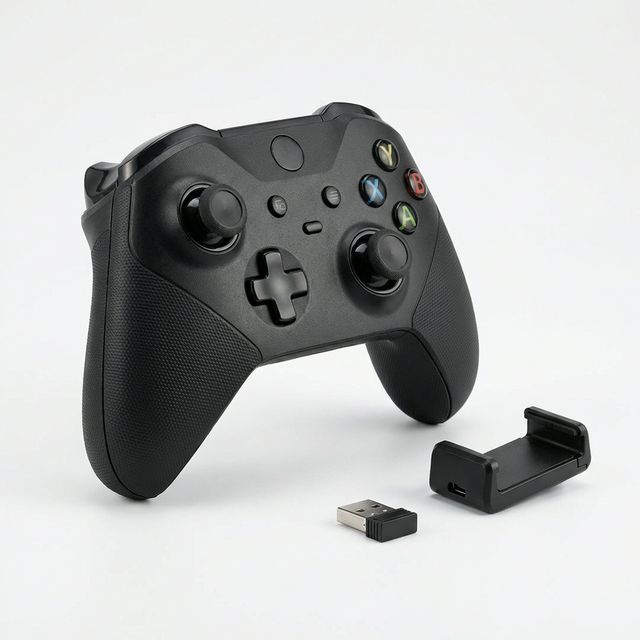
| Wireless | Bluetooth or a small USB receiver |
| Wired | USB cable: no battery to charge |
Questions people ask
Will any controller work with a PS5?
No. PS5 games need a PS5 controller (the DualSense) or one that states it is made for PS5. A PS4 controller plays PS4 games on a PS5 but not PS5 games. Many cheaper 'PS5 style' controllers work only on PC, phones or PS4, so check before buying.
Can I use a controller for phone games like Call of Duty Mobile or EA FC Mobile?
Many phone games support controllers, but not all. Call of Duty Mobile and EA FC Mobile do. Check the game's settings for controller support before buying.
What is stick drift?
It is when your character or camera moves by itself because a thumbstick no longer rests at the centre. It comes from wear or dust. Test for it before buying by leaving the sticks alone in a game or a test screen and watching for movement.
Wired or wireless controller?
Wireless is more comfortable and tidy. Wired never needs charging and costs less. For most people wireless is the better choice; keep a charging cable near where you play.
How long does a controller battery last?
Most wireless controllers give several hours to a full day of play per charge, and less with vibration and lights on. You can usually keep playing while it charges from a cable.
Still deciding?
Tell us your budget and how you'll use it, and we'll tell you what's in stock and what we can source. WhatsApp 0550 314 351, or shop gaming.