Monitors
Best Monitor for Working From Home in Ghana: Size, Resolution, USB-C and Power Backup
How to choose a computer monitor in Ghana: 24-inch vs 27-inch, 1080p vs 1440p vs 4K, IPS vs VA panels, USB-C single-cable charging, and sizing a UPS for dumsor.
MachineWura Team
November 12, 2026 · 4 min read
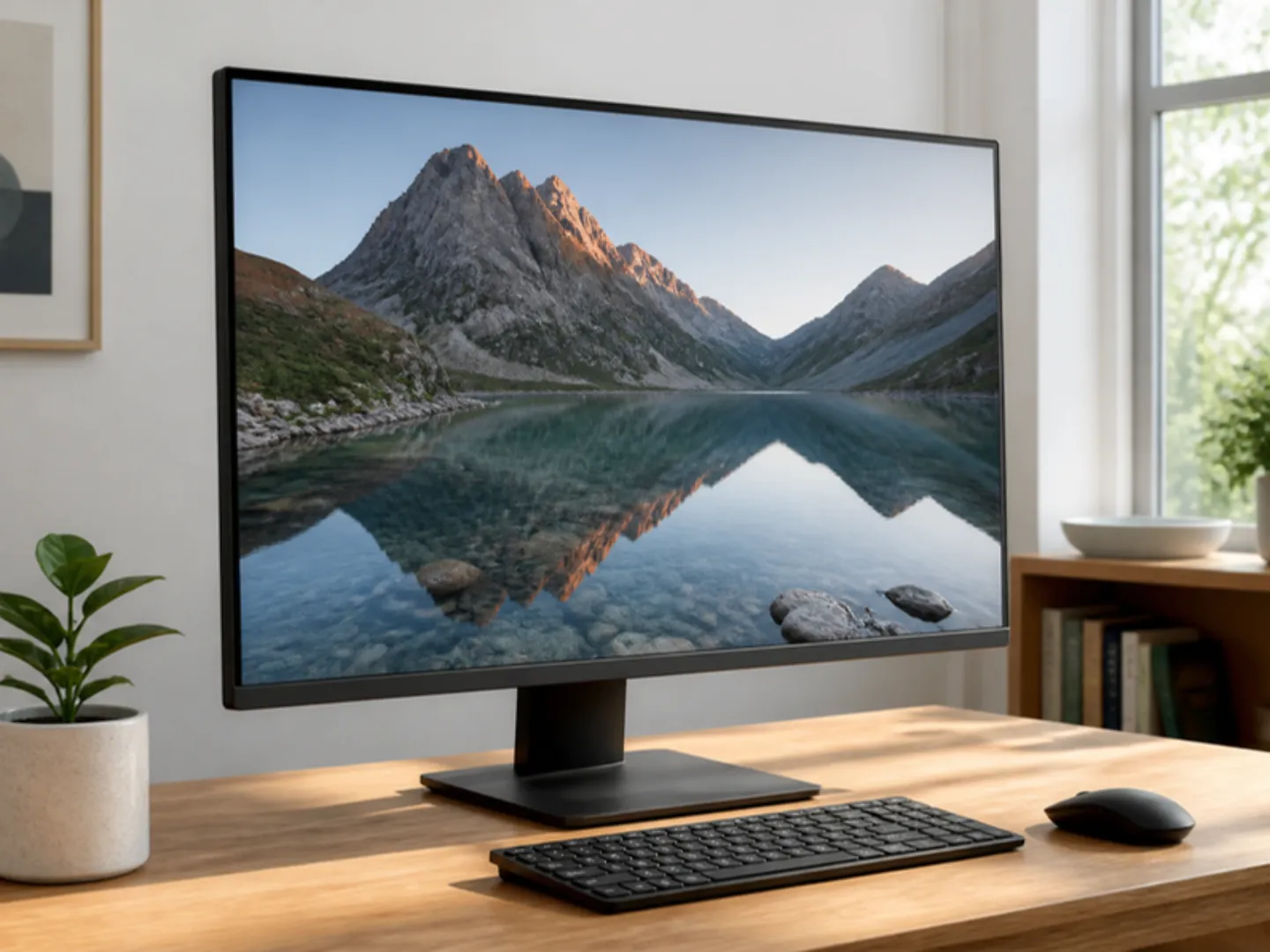
For most remote workers, programmers, and office setups in Ghana, a 27-inch 1440p (QHD) IPS monitor is the sweet spot: text is noticeably sharper than 1080p, two windows fit comfortably side by side, and it costs far less than 4K while drawing only 25W to 35W—easy to keep running on a small UPS or inverter during dumsor. If your budget is tighter or your desk is small, choose a 24-inch 1080p IPS monitor; if you edit 4K video, design print graphics, or trade markets on a MacBook Pro, step up to a 27-inch 4K IPS USB-C monitor.
Updated November 2026. Practical monitor guide for remote workers, developers, designers, and gamers in Ghana.
The quick answer
| Size & Resolution | Best for | Sharpness | Typical power draw |
|---|---|---|---|
| 24" Full HD (1920x1080) IPS | Budget desks, admin work, students | Good at 24" | 18W – 25W |
| 27" QHD (2560x1440) IPS | Coding, Excel, remote work, dual-window multitasking | Very sharp | 25W – 35W |
| 27"–32" 4K UHD (3840x2160) IPS | MacBooks, video editing, graphic design, photo retouching | Razor sharp | 35W – 55W |
| 27" 144Hz–180Hz IPS | PS5 / Xbox & PC gaming + daytime work | Smooth motion | 30W – 45W |
Avoid buying a 27-inch 1080p monitor for reading or coding if you sit close to your desk—pixels look noticeably blocky compared to 24-inch 1080p or 27-inch 1440p.
IPS vs VA vs TN panels: why IPS wins for work
- IPS (In-Plane Switching): Accurate colours, wide viewing angles (the screen doesn't wash out if you shift in your chair), and the best choice for design, coding, and office work.
- VA (Vertical Alignment): Deeper blacks for movies in dark rooms, but colours shift at angles and budget VA panels often show dark smearing when scrolling text.
- TN (Twisted Nematic): Old budget panels with poor viewing angles—avoid unless it is strictly for an entry-level POS counter.
USB-C monitors: one cable for MacBook and ThinkPad users
If you use a modern MacBook Air, HP EliteBook, Dell Latitude, or Lenovo ThinkPad, look for a monitor with USB-C DisplayPort Alt Mode + Power Delivery (65W–90W). Plugging in one USB-C cable sends video to the monitor, connects your keyboard/mouse plugged into the monitor's USB ports, and charges your laptop at the same time—keeping your desk clean.
Note: If you use a USB-C monitor's 65W charging feature, the monitor itself will draw ~80W–100W from the wall when charging a drained laptop.
Keeping your monitor on during dumsor
A standalone 24" or 27" LED monitor uses surprisingly little electricity (20W to 40W). That means:
- A standard 650VA or 1000VA UPS can keep a laptop (already on its own battery) + one 27" monitor + your Wi-Fi router running for 30 to 60+ minutes, or a portable power station can power the monitor for 5 to 10 hours.
- Always plug monitors into a surge protector or UPS—power spikes when ECG restores power frequently blow external monitor power bricks.
Ergonomics: check height adjustment and VESA mount
Cheap monitors often come on fixed stands that sit too low, forcing you to hunch your neck. Look for a stand with height, tilt, and pivot adjustment (Dell UltraSharp/P-series, HP E-series, LG Ergo), or confirm the back has a 100x100mm VESA mount so you can attach a desk monitor arm later.
See our Computer Monitor guide and Gaming Monitor guide, or message MachineWura on WhatsApp (0550 314 351) for monitors in stock.
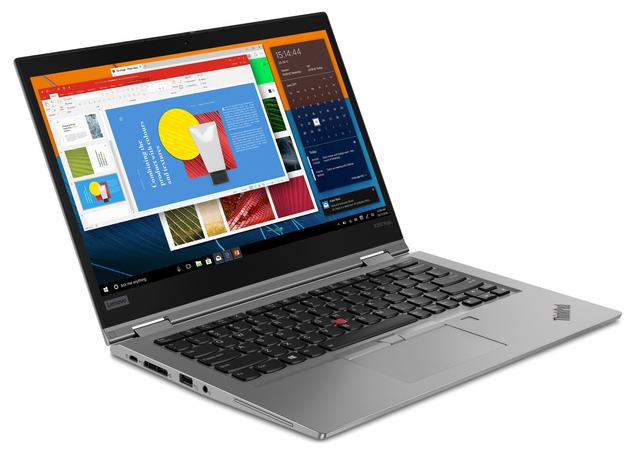
Laptops and monitors in stock
Buying from MachineWura
An online electronics store in Accra selling brand new and UK-used phones, laptops, creator gear and appliances.
Pay on Delivery in Accra
Inspect it at your door, then pay.
Checked before it ships
UK-used devices pass a 30-point check with at least 85% battery.
Fast delivery
24 hours in Accra, 2 to 3 days elsewhere in Ghana.
7-day returns
If it arrives defective or not as described.
Published November 12, 2026 · 4 min read