In this article
- What is the short answer for each type of buyer?
- What is the difference between a MacBook Air and a MacBook Pro?
- Which chip do you need: M1, M2, M3, M4 or M5?
- How much memory and storage should you choose?
- A worked example: will 256GB be enough for a student?
- Brand new or UK used: which makes more sense?
- What should you check before paying for any MacBook?
- Common mistakes when buying a MacBook in Ghana
- Is a MacBook a good choice for Ghana's conditions?
- Frequently asked questions
- Is the MacBook Air good enough for university?
- Should I buy the 13-inch or 15-inch MacBook Air?
- Is 8GB of memory enough on a MacBook?
- Can I run Microsoft Office on a MacBook?
- How long will a MacBook receive updates?
- Is a UK used MacBook Pro better than a new MacBook Air?
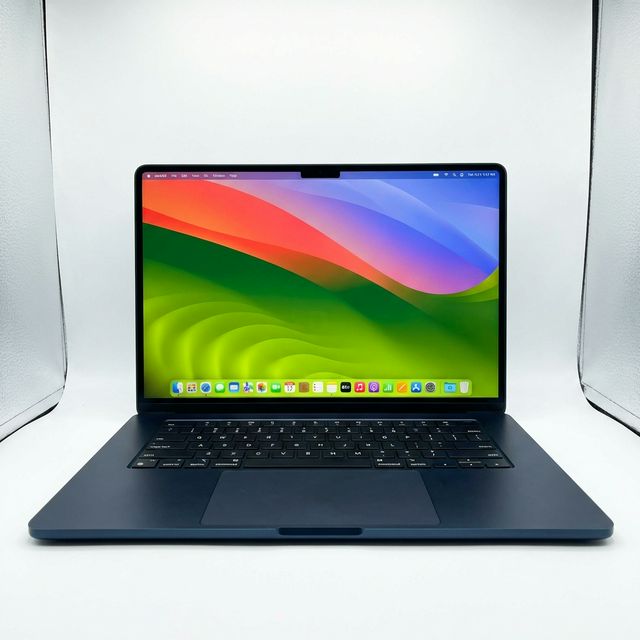
For most students, office workers and business owners in Ghana, the right MacBook is a MacBook Air with 16GB of memory and at least 256GB of storage, in the 13-inch size if you carry it daily and the 15-inch size if it mostly stays on a desk. Choose a MacBook Pro only when your work keeps the processor busy for long stretches, such as exporting video, compiling large projects or running 3D and music software, or when you need its brighter screen and extra ports. This guide explains the differences in plain words, shows which model fits which kind of user, and lists what to check before you pay.
Updated October 2026.
What is the short answer for each type of buyer?
If you only read one section, read this table. It matches common types of buyer to the MacBook that suits them.
| You are | Choose | Why |
|---|---|---|
| A university student on most courses | MacBook Air 13-inch, 16GB | Light, silent, all-day battery, handles notes, research, Office and light design |
| A student or worker who wants a bigger screen | MacBook Air 15-inch, 16GB | More room for two windows side by side, still fanless and light for its size |
| An office worker, lawyer, accountant or manager | MacBook Air 13 or 15-inch, 16GB | Email, documents, spreadsheets and video calls do not need a Pro |
| A graphic designer | MacBook Air 15-inch with 16GB, or MacBook Pro 14-inch | The Air covers most design work; the Pro adds a brighter, faster-refreshing screen |
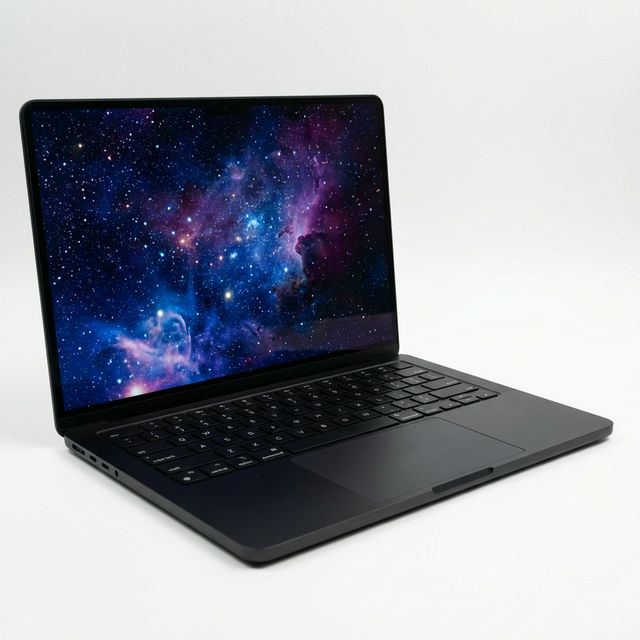
| A video editor or YouTuber | MacBook Pro 14-inch or 16-inch | A fan keeps performance steady during long exports; more ports, including an SD card slot |
| A software developer | MacBook Air with 16GB for most work, MacBook Pro with 24GB or more for containers and large builds | Memory matters more than the chip for developers |
| A music producer | MacBook Pro 14-inch | Sustained performance with many plugins, more ports for interfaces |
The rest of this guide explains the reasoning, so you can adjust it to your own work.
What is the difference between a MacBook Air and a MacBook Pro?
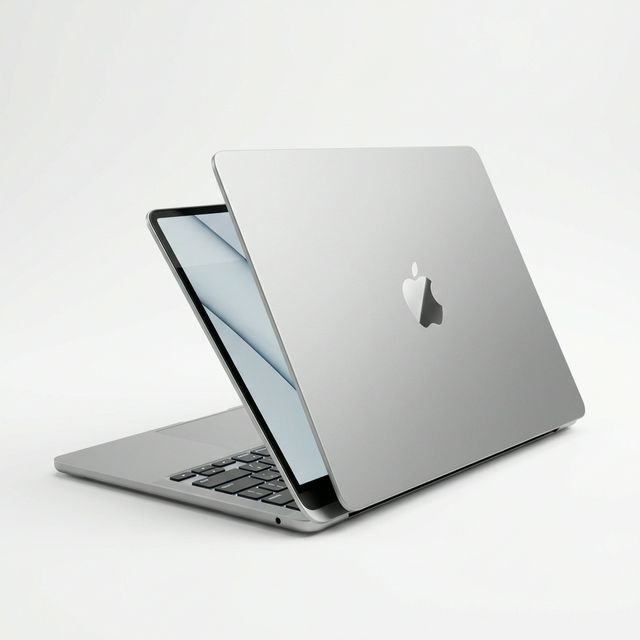
Both use Apple's own M-series chips, and both are fast for everyday work. The differences come down to cooling, screen, ports and battery.
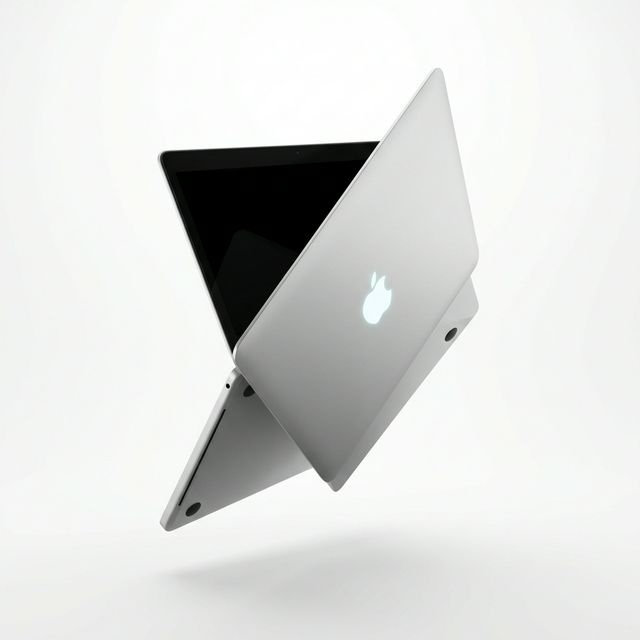
Cooling. The MacBook Air has no fan. That makes it completely silent, which is pleasant in a lecture hall or a quiet office, but it also means the chip slows itself down when it stays hot for a long time. For a ten-minute task you will not notice. For a forty-minute 4K video export, a Pro with a fan will finish noticeably sooner because it can keep running at full speed.
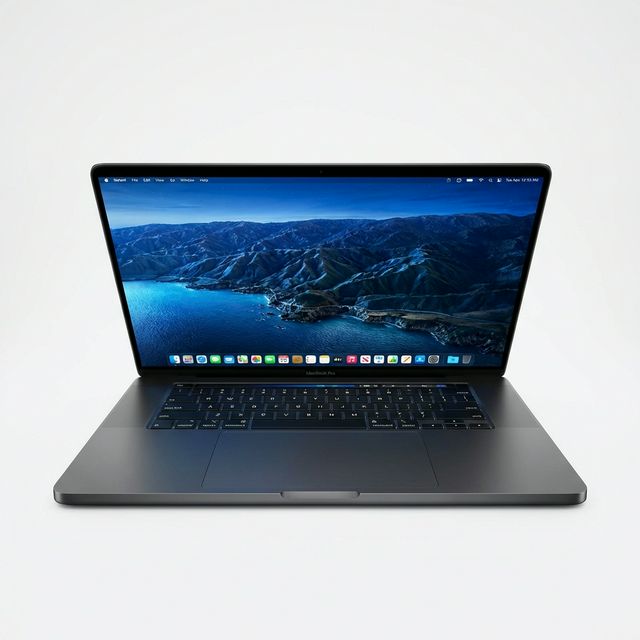
Screen. The Air has a sharp, colour-accurate Liquid Retina screen that is fine for nearly everyone. The Pro has a Liquid Retina XDR screen that is much brighter, especially for HDR video, and refreshes up to 120 times per second (Apple calls this ProMotion), which makes scrolling and drawing feel smoother. If you edit HDR video or work outdoors and near bright windows, the Pro screen is a real advantage. If you mostly type, the Air screen is enough.
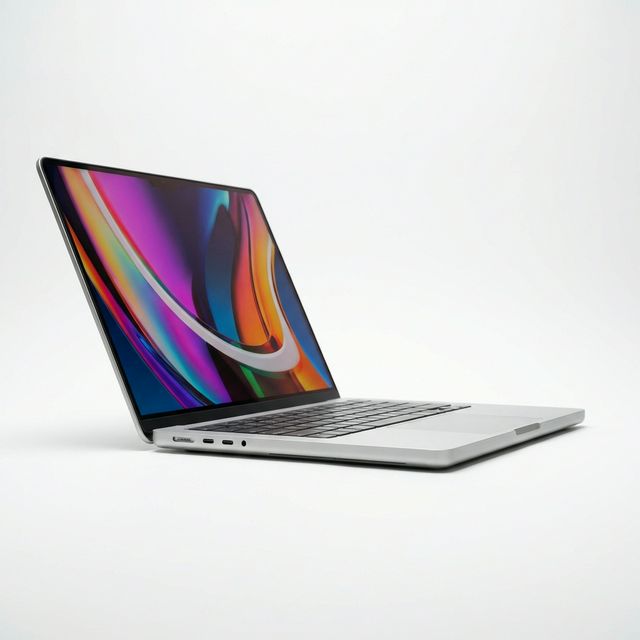
Ports. The Air has two USB-C (Thunderbolt) ports and a MagSafe charging port. The Pro adds a third Thunderbolt port, an HDMI port and an SD card slot. Photographers and videographers who move files from camera cards every day will appreciate the SD slot. Everyone else can use a small USB-C hub.
Battery. Both last a full working day of normal use. Apple quotes up to 18 hours of video playback for the MacBook Air with M4, and up to 24 hours for the 14-inch MacBook Pro with M4 or M5. Real use with Wi-Fi, a bright screen and a browser full of tabs is shorter, but both comfortably outlast most Windows laptops, which matters a great deal when the lights go off. See our guide to laptop battery life during power outages for the maths.
Weight. The 13-inch Air is about 1.24kg, light enough to carry all day. The 14-inch Pro is about 1.55kg and the 16-inch Pro is around 2.1kg. If you walk between lectures or ride trotro to work, those grams add up.
Which chip do you need: M1, M2, M3, M4 or M5?
Every M-series chip is fast enough for documents, browsing, video calls and Office. The chip matters less than most people think, and memory matters more.
- M1 (2020). Still a capable machine for students and office work. It is the oldest Apple silicon, so it will stop receiving macOS updates before newer models. Most M1 Airs have 8GB of memory. Read our MacBook Air M1 guide.
- M2 (2022). A redesigned, thinner Air with a larger screen and MagSafe charging. Many are 8GB, but Apple made 16GB standard from late 2024, so check the exact configuration. See the MacBook Air M2 guide.
- M3 (2024). Faster graphics and support for two external displays with the lid closed. See the MacBook Air M3 guide and the MacBook Pro 14 M3 guide.
- M4 (2025). The MacBook Air with M4 starts at 16GB of memory and can drive two external monitors with the lid open. A sensible default for a new purchase.
- M4 Pro and M5. The M4 Pro chip in the 14 and 16-inch MacBook Pro starts at 24GB and adds Thunderbolt 5. The M5 chip in the 14-inch MacBook Pro brings a newer generation of graphics. These are for heavy creative and technical work.
A useful rule: a newer chip in a base configuration is usually a better buy than an older chip with lots of extras, because the newer machine will receive software updates for longer.
How much memory and storage should you choose?
Memory (RAM). Buy 16GB if you can. Apple's memory is fixed to the chip and cannot be upgraded later, so the amount you choose on day one is what you live with for five years or more. With 8GB a MacBook works well for documents and a moderate number of browser tabs, but it starts to slow when you run Chrome with many tabs, Teams or Zoom, and a design app at the same time. Developers, designers and editors should treat 16GB as the minimum and consider 24GB or more.
Storage. 256GB fills up quickly once you have a few years of photos, WhatsApp media and downloaded lecture videos. 512GB is comfortable for most people. If you edit video, plan to keep your projects on an external SSD whatever internal size you choose, because video files are large and a dead laptop should never take your only copy with it.
A worked example: will 256GB be enough for a student?
Take a first-year student who installs Microsoft Office (about 10GB), keeps macOS and system data (about 25 to 35GB), syncs a phone's photos (often 40 to 80GB after a few years), saves lecture recordings and PDFs (20GB a year is common) and installs a few apps (10 to 20GB). By the end of second year that is roughly 110 to 170GB, before any films or music. A 256GB MacBook works if the student moves photos to cloud storage or an external drive. A 512GB model removes the need to manage space at all.
Brand new or UK used: which makes more sense?
Both are sensible, for different buyers.
Brand new is sealed, has never been activated and comes with a warranty that varies by device. It suits buyers who want the newest chip, the longest software support and no history to check.
UK used MacBooks are pre-owned machines, often from offices in the United Kingdom that replace their computers on a fixed cycle. They let you buy a higher model, such as a Pro instead of an Air, for the same budget. The important checks are battery health, Activation Lock and any company management profile. At MachineWura every pre-owned device passes a 30-point inspection with at least 85% battery health before it is listed. Our article on UK used laptops in Ghana explains what "UK used" means and how to inspect one yourself.
What should you check before paying for any MacBook?
Use this checklist whether you buy from us or anyone else.
- Activation Lock is off. Open System Settings, then your name at the top. The previous owner's Apple ID must be signed out. A MacBook still linked to someone else's Apple ID can be locked remotely and becomes useless.
- No remote management. Open System Settings, General, Device Management (or Profiles). There should be no company profile. A MacBook enrolled in a company's management system can be locked or wiped by that company.
- Battery health and cycle count. Open System Information, Power. Note the cycle count and condition. Apple rates its laptop batteries to keep about 80% of their capacity at 1,000 cycles.
- The configuration matches the listing. Click the Apple menu, About This Mac. Check the chip, memory and storage against what you were promised.
- Screen and keyboard. Open a white page and look for marks, bright spots or lines. Type every key, including the function row.
- Ports and charging. Charge through MagSafe and through each USB-C port.
- Camera, microphone and speakers. Make a short video call or record a voice memo.
Pay on delivery in Accra gives you time to run these checks at your door before any money changes hands.
Common mistakes when buying a MacBook in Ghana
- Buying 8GB to save money when you will use it for five years. Memory cannot be added later. The saving disappears the first time the laptop slows down during a deadline.
- Paying for a Pro you do not need. If your work is documents, spreadsheets, browsing and calls, the Air does it just as fast and weighs less.
- Ignoring Activation Lock. It is the single most common problem with second-hand MacBooks sold informally.
- Using a cheap, unbranded charger. A poor charger can damage the charging port. Use Apple's adapter or a reputable USB-C Power Delivery charger with enough wattage, and plug it into a surge protector, because power returning after an outage can arrive with a spike.
- Forgetting about Windows-only software. Some engineering, architecture and accounting software runs only on Windows. Check your course or job requirements first. Our comparison of MacBook and Windows laptops covers this in detail.
Is a MacBook a good choice for Ghana's conditions?
Mostly yes. Apple silicon MacBooks use very little power, so they last longer on battery during outages and run cool in hot rooms. The aluminium body handles daily carrying well. Two cautions: keep the laptop off soft surfaces like beds so air can circulate around it, and wipe harmattan dust from the keyboard and ports with a soft brush rather than blowing into them. If your area has unstable voltage, charge through a surge protector or a UPS.
Frequently asked questions
Is the MacBook Air good enough for university?
Yes, for nearly every course. It handles research, writing, presentations, Office, statistics packages and light design comfortably. The main exceptions are engineering and architecture courses that require Windows-only software such as Revit or SolidWorks.
Should I buy the 13-inch or 15-inch MacBook Air?
Choose the 13-inch if you carry it every day, because it is lighter and fits smaller bags. Choose the 15-inch if it will mostly sit on a desk or if you often work with two windows side by side.
Is 8GB of memory enough on a MacBook?
For documents, browsing and video calls, yes. For design, coding, video editing or keeping many apps open, choose 16GB. Memory cannot be upgraded after purchase.
Can I run Microsoft Office on a MacBook?
Yes. Word, Excel, PowerPoint, Outlook and Teams all have Mac versions. Many universities give students Microsoft 365 through their student email, so check with your IT office before paying for a subscription.
How long will a MacBook receive updates?
Apple does not publish a fixed number of years, but Apple silicon MacBooks have historically received several years of macOS updates and further years of security updates. A newer chip gives you a longer runway.
Is a UK used MacBook Pro better than a new MacBook Air?
It can be, if your work needs a fan, the brighter screen or the extra ports, and the used machine passes the checks above. For general use, a new Air is usually the simpler choice because it has a full history-free battery and the longest software support.
Have a question about a specific MacBook? Message us on WhatsApp on 0550 314 351, or browse laptops on MachineWura.
Thanks for reading!
Published October 23, 2026 · 11 min read