Laptops
Best Laptops for Students in Ghana: Specs by Course (2026)
Which laptop should a student in Ghana buy? Specs by course, a minimum spec table, battery tips for outages, and how to choose and check a UK-used laptop.
MachineWura Team
October 22, 2026 · 15 min read

The right student laptop depends on your course, not on the brand. Most business, humanities, law and medicine students need a light 13 or 14 inch laptop with 8 to 16 GB of RAM, an SSD and a healthy battery, while engineering, architecture, computer science and design students need 16 GB of RAM and, for 3D or video work, a dedicated graphics card. This guide shows what each course needs, the minimum specs to accept, how to plan for lecture halls and power outages, and how to judge a UK-used laptop before you pay.
Updated October 2026.
Quick answer
If you only read one section, read this one.
- Business, humanities, law and medicine: a 13 or 14 inch laptop, Intel Core i5 (10th generation or newer), AMD Ryzen 5 or Apple M-series, 8 GB RAM minimum (16 GB preferred), 256 GB SSD.
- Engineering, architecture, computer science and creative courses: 16 GB RAM, 512 GB SSD, and a dedicated graphics card for 3D modelling, rendering or video.
- The spec that matters most for most students is the drive: an SSD (solid-state drive, with no moving parts) makes an old processor feel quick, and a hard disk makes a new one feel slow.
- Battery health matters more than advertised battery life. A used laptop should still hold 80% or more of its original capacity.
- Avoid laptops with 4 GB of RAM, eMMC storage (slow, soldered flash storage often sold as 64 or 128 GB) or Intel Celeron and Pentium processors. They struggle with a modern browser and Microsoft Teams.
Which laptop suits your course?
Start with the software your department uses, then match the laptop to it. Ask a senior student or check your course handbook for the list, because a single Windows-only program can rule out a Mac.
| Course type | Main software | Key spec | Watch out for |
|---|---|---|---|
| Business, economics, humanities, law | Office, browser, Zoom or Teams, PDFs, SPSS or Stata | Battery life, keyboard, weight | Paying for a graphics card you will never use |
| Medicine, nursing, pharmacy, health sciences | PDFs, e-books, flashcard apps, video lectures | Screen quality, battery, light weight | Dim screens that tire your eyes on long reading days |
| Engineering and architecture | AutoCAD, SolidWorks, MATLAB, Revit, ANSYS | 16 GB RAM, dedicated graphics, cooling | Windows-only software if you choose a Mac |
| Computer science and IT | Code editors, Python, Java, virtual machines, Docker | 16 GB RAM, 512 GB SSD | Soldered 8 GB RAM that cannot be upgraded |
| Creative, art and design, media | Photoshop, Illustrator, Premiere Pro, DaVinci Resolve, Figma | Colour-accurate screen, 16 GB RAM, graphics | Budget screens with poor colour coverage |
Business, humanities and law
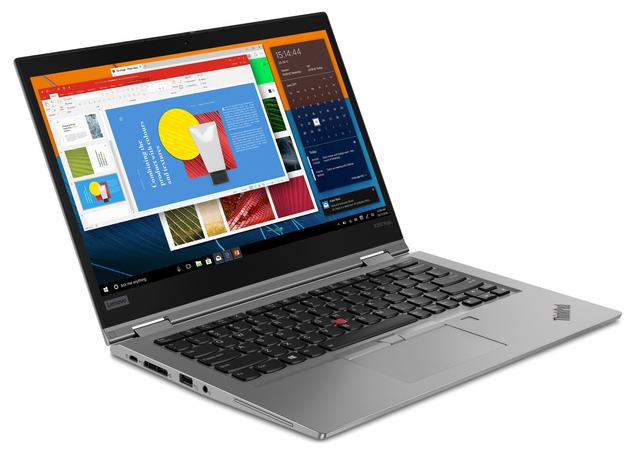
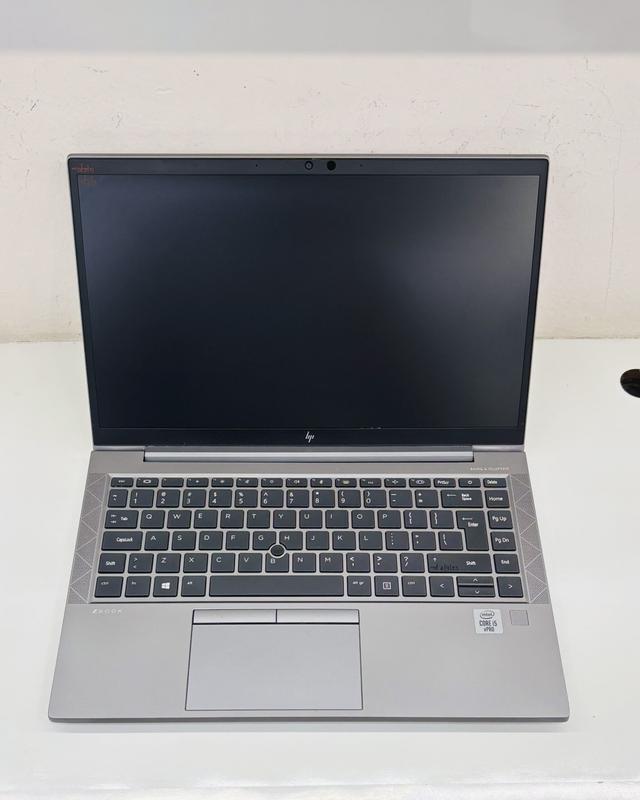
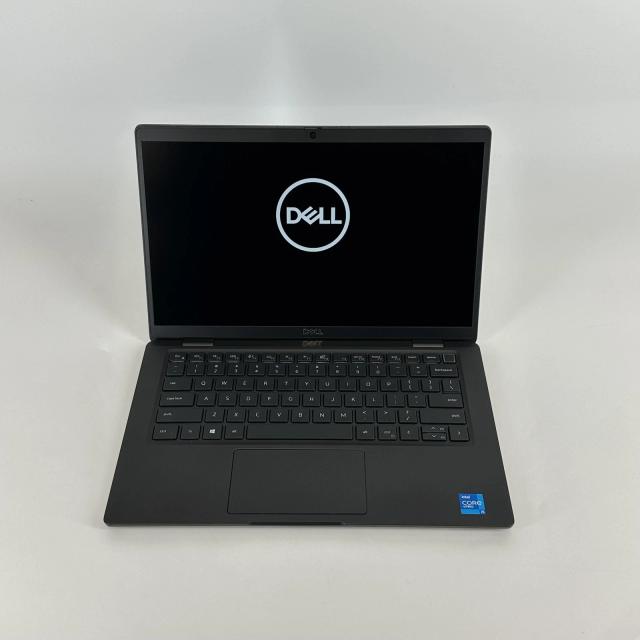
You will spend most of your time typing, reading and joining online classes, so comfort beats power. A UK-used business laptop such as an HP EliteBook, Dell Latitude or Lenovo ThinkPad with a Core i5, 8 to 16 GB of RAM and a 256 GB SSD covers every assignment. If you run SPSS, Stata or large Excel models, choose 16 GB. See our student laptop guide and the business laptop guide for how these lines differ.
Engineering and architecture
These courses are the most demanding. 3D CAD, building information modelling (BIM: 3D building models that carry data about every element) and simulation need 16 GB of RAM, a strong processor and usually a dedicated graphics card. Many of the core programs run only on Windows. Our laptops for engineering students guide covers each program in detail.
Medicine and health sciences
Medical students read for hours, so the screen and battery decide your comfort. Look for a Full HD (1920 x 1080) IPS screen, a type of panel that keeps colours and contrast when viewed from an angle, with brightness of around 300 nits or more. A light laptop with a long battery suits ward rounds and library days. A 2-in-1 with a pen is useful if you annotate slides by hand.
Computer science and IT
Code editors are light, but virtual machines, Docker and Android Studio are not. Choose 16 GB of RAM and a 512 GB SSD, and a comfortable keyboard, because you will type more than any other student. Our laptops for coding guide explains RAM use with a worked example.
Creative, art and design
Design work needs an accurate screen first. Look for a panel that covers close to 100% of sRGB (the standard colour range for web and screen work); budget panels often cover far less, which makes colours look washed out and prints look different from your screen. Photo work runs well on 16 GB of RAM; video editing benefits from 16 to 32 GB and a dedicated graphics card or an Apple M-series chip.
Minimum laptop specs for students by course
Treat these as the floor, not the target. If your budget allows, move one step up on RAM and storage, because those are the parts you outgrow first.
| Spec | Business, humanities, law | Medicine and health | Computer science | Engineering and architecture | Creative and design |
|---|---|---|---|---|---|
| Processor | Core i5 10th gen, Ryzen 5 4000 or Apple M1 | Core i5 10th gen, Ryzen 5 4000 or Apple M1 | Core i5 11th gen, Ryzen 5 5000 or Apple M1 | Core i5 or i7 11th gen H-series, Ryzen 5 5000 or better | Core i7, Ryzen 7 or Apple M-series |
| RAM | 8 GB | 8 GB | 16 GB | 16 GB | 16 GB |
| Storage | 256 GB SSD | 256 GB SSD | 512 GB SSD | 512 GB SSD | 512 GB SSD |
| Graphics | Integrated | Integrated | Integrated | Dedicated, 4 GB or more for 3D | Dedicated or Apple M-series for video |
| Screen | 13 to 14 inch, Full HD | 13 to 14 inch, Full HD IPS, 300 nits | 14 inch, Full HD | 14 to 16 inch, Full HD | 14 to 16 inch, close to 100% sRGB |
| Weight to aim for | Under 1.6 kg | Under 1.6 kg | Under 1.8 kg | Under 2.2 kg | Under 2 kg |
A few terms in the table, explained:
- Processor generation: Intel adds the generation to the model number, so a Core i5-1135G7 is 11th generation and a Core i5-8350U is 8th generation. Newer generations run cooler and faster at the same tier.
- U and H series: U-series chips are designed for long battery life in thin laptops; H-series chips draw more power for heavy work such as CAD and video.
- RAM: short-term working memory. When it runs out, Windows swaps data to the SSD and everything slows.
- Integrated graphics: graphics built into the processor, such as Intel Iris Xe. Enough for everything except 3D modelling, rendering, video work and gaming.
Battery life and charging in lecture halls and during outages
Plan on finding a socket only some of the time. Lecture halls often have few sockets, library seats near a wall fill quickly, and power outages can cut a study session short, so your battery and charger matter as much as your processor.
How much battery do you need?
Battery capacity is measured in watt-hours (Wh). Most 13 and 14 inch laptops carry a battery of 45 to 60 Wh. A laptop doing light work (notes, browsing, PDFs) at moderate screen brightness draws roughly 6 to 10 W, while video calls draw more.
Worked example: a 50 Wh battery at 85% health holds about 42 Wh. At an average draw of 7 W for notes and reading, that gives about 42 / 7 = 6 hours. The same laptop on a Teams call at 12 W gives about 3.5 hours. If you need a full day of classes without a socket, look for a battery of 50 Wh or more with health above 80%, or plan to top up at lunch.
Charging options that help
- USB-C charging: many recent business laptops and all recent MacBooks charge over USB-C with Power Delivery (PD). This lets you carry one small charger for your phone and laptop.
- Power banks: a USB-C PD power bank rated 45 W or more can charge a USB-C laptop. Convert capacity with mAh x 3.7 / 1000 = Wh, so a 20,000 mAh power bank stores about 74 Wh, enough for a partial recharge after conversion losses.
- A spare original charger: keep one at home and one in your bag if you move between hostel, library and lecture halls.
Power cuts and voltage swings at home or in the hostel
Laptop chargers accept 100 to 240 V, so they cope with normal variations on Ghana's 230 V supply. Surges when power returns can still damage a charger or the laptop, so plug into a surge protector or a UPS (uninterruptible power supply: a battery box that keeps power flowing during a cut). A laptop charging at 45 W for 8 hours uses 45 x 8 / 1000 = 0.36 kWh, so it adds very little to a prepaid meter and runs easily on a small solar or inverter system.
Gaming laptops are the exception: their chargers are often rated 150 to 240 W, the batteries drain in 2 to 3 hours of light use, and they weigh more. Unless your course needs the graphics card, they are a poor fit for a student who moves around campus.
UK-used or new: which should a student buy?
For most students, a well-inspected UK-used business laptop gives more laptop for the same budget than a new consumer model. UK-used means a pre-owned laptop imported from the UK, usually a former company machine.
| Factor | UK-used business laptop | New consumer laptop |
|---|---|---|
| Build | Metal or reinforced chassis, tested hinges | Often plastic at entry level |
| Keyboard | Usually better, often spill-resistant on business lines | Varies widely |
| Processor at the same budget | Often a tier higher (Core i5 or i7 rather than Core i3) | Lower tier at entry level |
| Battery | Already used: check health | Fresh |
| Upgrades | Often has RAM slots and a standard M.2 SSD slot | Entry models often have soldered RAM |
| Warranty | Seller warranty | Manufacturer warranty |
| Cosmetic condition | Graded: may show light marks | As new |
Choose new if you want a fresh battery and a manufacturer warranty, or if you need a current-generation chip for demanding software. Choose UK-used if you want a business-grade keyboard and build, and you can check the battery and condition first. At MachineWura, every pre-owned device passes a 30-point inspection with at least 85% battery health before it is listed.
If you are weighing a Mac against a Windows laptop for your course, read MacBook vs Windows laptops in Ghana. Students on courses without Windows-only software often find a MacBook Air M2 or MacBook Air M3 a good match for its battery life and silent, fanless design.
What to check on a used laptop
Spend 15 minutes on these checks before you pay. Our full guide on how to check a used laptop before buying explains each step in more depth.
- Battery health. On Windows, open Command Prompt and run powercfg /batteryreport, then compare "Full charge capacity" with "Design capacity". On a Mac, open System Settings, Battery, then Battery Health, and check the cycle count in System Information. Accept 80% or more.
- Storage type and health. In Task Manager (Performance tab) confirm the drive is an SSD. A free tool such as CrystalDiskInfo shows its health status.
- RAM and processor. Open Settings, System, About, and confirm they match what you were told.
- Screen. Open a plain white page and a plain black page full screen. Look for dead pixels, bright patches, lines and yellowing.
- Keyboard and touchpad. Type every key in a blank document, including the space bar and Shift keys. Check that the touchpad clicks in each corner.
- Ports and charging. Plug a flash drive into every USB port, test the headphone jack, and confirm the laptop charges from its own charger and shows "plugged in, charging".
- Wi-Fi, webcam and microphone. Join a network, then open the camera app and record a short clip.
- Hinges and body. Open and close the lid several times. A loose or creaking hinge gets worse, and cracks near the hinge often mean a drop.
- Locks. Make sure there is no BIOS password (a password on the startup firmware), no company login screen and no "managed by your organisation" message. On a Mac, check that Find My is turned off and Activation Lock is removed.
- Fans and heat. Play a video for ten minutes. The fan should run smoothly without grinding, and the base should be warm, not too hot to touch.
In Accra, MachineWura offers Pay on Delivery, so you can run these checks when the laptop arrives and pay after.
Student laptop budget tiers, by spec
Budgets change, but the trade-offs at each level stay the same. Use these tiers to decide which specs to expect and which to refuse.
| Tier | Typical spec | Handles well | Struggles with | Suits |
|---|---|---|---|---|
| Entry | Core i5 8th to 10th gen U-series, 8 GB RAM, 256 GB SSD, Full HD | Office, browsing, Zoom, PDFs, basic Python | CAD, video editing, virtual machines | Business, humanities, law, first-year science |
| Mid | Core i5 or i7 11th gen or newer, Ryzen 5 5000, or Apple M1 or M2; 16 GB RAM, 512 GB SSD | All of the above plus coding, Docker, 2D CAD, photo editing | Heavy 3D, rendering, long video exports | Computer science, medicine, most engineering years one and two |
| Upper | Core i7 H-series or Ryzen 7 with a dedicated graphics card, or Apple M2 or M3 with 16 GB; 16 to 32 GB RAM, 512 GB to 1 TB SSD | 3D CAD, BIM, simulation, video editing | Battery life on Windows models with a graphics card | Engineering, architecture, creative and media courses |
Where you must compromise, give up processor tier before RAM, and RAM before the SSD. An entry-tier laptop with an SSD is usable for four years of essay writing; a faster processor paired with a hard disk is not.
Laptops with a dedicated graphics card sit in the upper tier and are worth it only for courses that need 3D or video power. Browse all laptops to compare specs across tiers.
Common mistakes students make
Most regretted laptop purchases come from one of these errors.
- Buying before checking course software. One Windows-only program in year two can make a Mac a problem.
- Choosing a large 15.6 or 17 inch laptop for daily carrying. It is heavier, needs more desk space and usually has shorter battery life.
- Accepting a hard disk drive (HDD) because it offers more gigabytes. An SSD is several times faster to start up and open files.
- Paying for a gaming laptop for a business or humanities course. You carry the weight and the short battery life without using the graphics card.
- Ignoring battery health on a used laptop. A battery at 60% capacity halves your time away from a socket.
- Buying 8 GB of soldered RAM for a demanding course. Soldered memory cannot be upgraded later.
- Skipping a surge protector in a hostel or a house with frequent outages. Power surges damage chargers and motherboards.
- Paying in full before testing the laptop, especially when buying from a stranger online.
Frequently asked questions
Is 8 GB of RAM enough for a university student?
Yes for business, humanities, law and most medicine courses, where you mainly run a browser, Microsoft Office and PDFs. No for engineering, architecture, computer science or video work, where 16 GB is the realistic minimum. If you choose 8 GB, check whether the laptop has a free memory slot so you can upgrade later.
Should a student buy a UK-used laptop or a new one?
A UK-used business laptop usually gives you a stronger processor, a better keyboard and a sturdier build for the same budget as a new entry-level consumer laptop. A new laptop gives you a fresh battery and a full manufacturer warranty. Buy UK-used only after checking battery health, the keyboard, the screen and the ports, or from a seller that inspects and grades each unit.
Can a student laptop be charged from a power bank?
Yes, if the laptop charges over USB-C with Power Delivery (PD) and the power bank has a USB-C PD output of 45 W or more. Laptops that use a round barrel charger cannot be charged this way. A 20,000 mAh power bank stores about 74 Wh, which is enough for a partial recharge of most 13 and 14 inch laptops.
Is a MacBook good for university in Ghana?
A MacBook Air is a good fit for business, humanities, medicine, law and most creative courses because of its long battery life and light weight. It is a poor fit for engineering and architecture courses that depend on Windows-only software such as SolidWorks, Revit or ANSYS. Check your course software list before you choose.
Do I need a dedicated graphics card as a student?
Only if you study engineering with 3D modelling, architecture with rendering, game development or video editing. For every other course, the graphics built into a modern processor are enough, and a dedicated graphics card would only add weight, heat and battery drain.
Not sure which laptop fits your course? Message MachineWura on WhatsApp on 0550 314 351 with your course name and the software list, and we will suggest specs that fit.
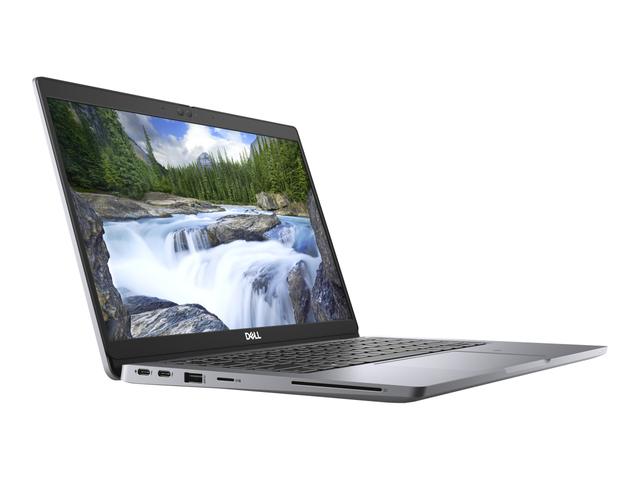
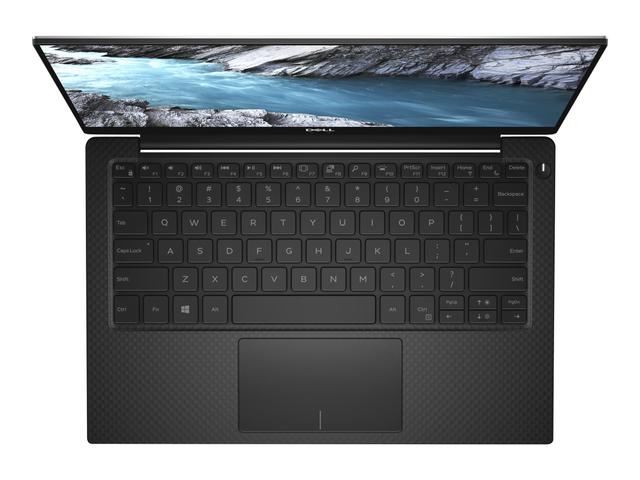
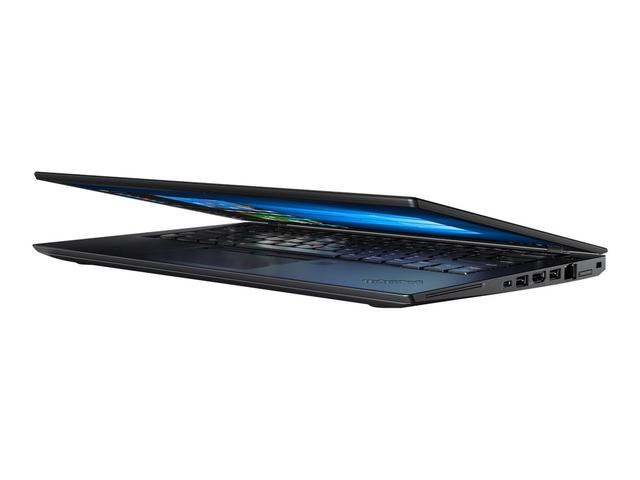
Laptops in stock
Buying from MachineWura
An online electronics store in Accra selling brand new and UK-used phones, laptops, creator gear and appliances.
Pay on Delivery in Accra
Inspect it at your door, then pay.
Checked before it ships
UK-used devices pass a 30-point check with at least 85% battery.
Fast delivery
24 hours in Accra, 2 to 3 days elsewhere in Ghana.
7-day returns
If it arrives defective or not as described.
Published October 22, 2026 · 15 min read