Creators
How to Film Weddings, Funerals and Parties on Your Phone
Film events on your phone like a pro: steady shots, clear speeches, night-time light, storage and battery, plus the gear that helps.
MachineWura Team
November 13, 2026 · 5 min read
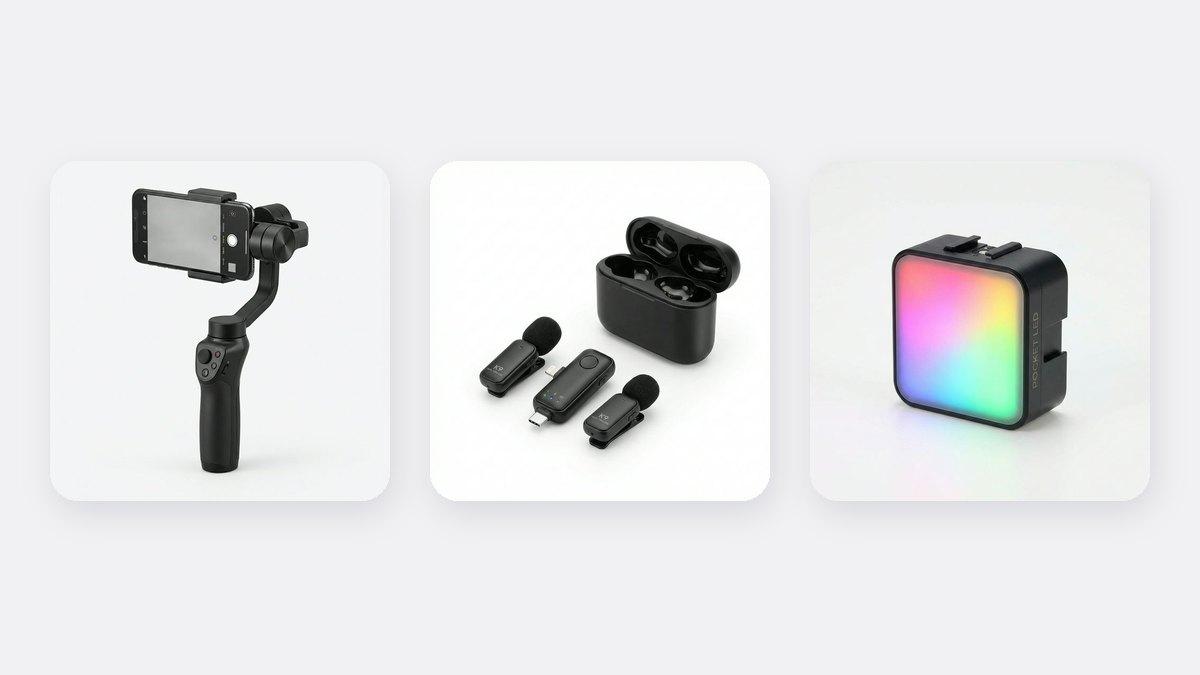
You can film a wedding, funeral, naming ceremony or party on a phone and get a video people will be proud to share. The secrets are simple: keep the phone steady, get close to the people who are talking, plan the key moments in advance, and carry enough battery and storage to last the whole day. A gimbal gives smooth walking shots, a wireless microphone captures speeches and vows clearly, and a power bank keeps you going through a long programme.
Updated November 2026. Prices are from our store at the time of writing.
What do you need to film an event on a phone?
| Item | Why | Price |
|---|---|---|
| A phone with plenty of free storage | A full day of video fills a phone fast | Clear 30GB or more before the event |
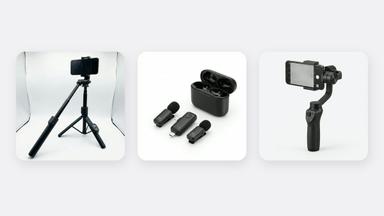
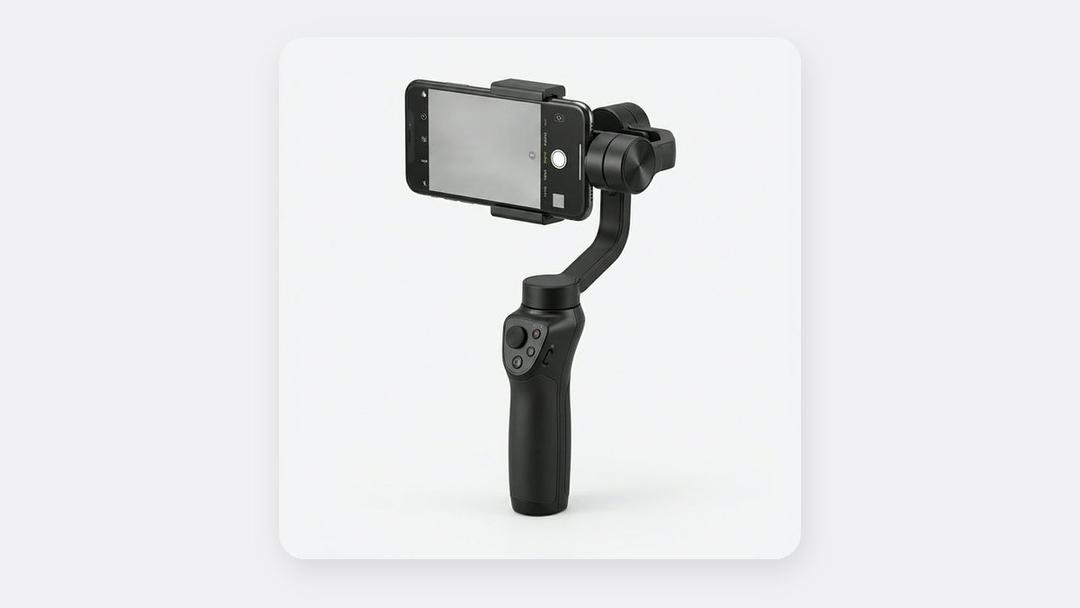
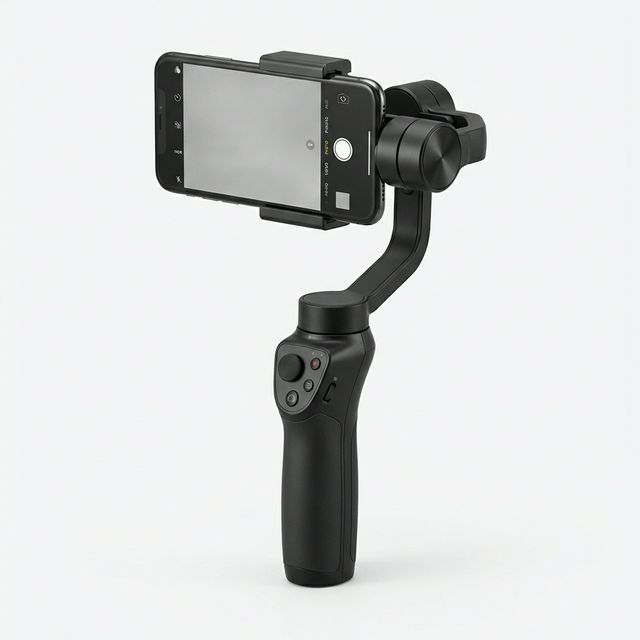
| Smartphone Gimbal | Smooth shots while walking: the entrance, the dancing, the procession | ₵460 |
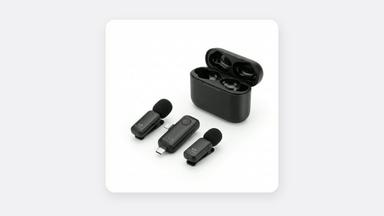
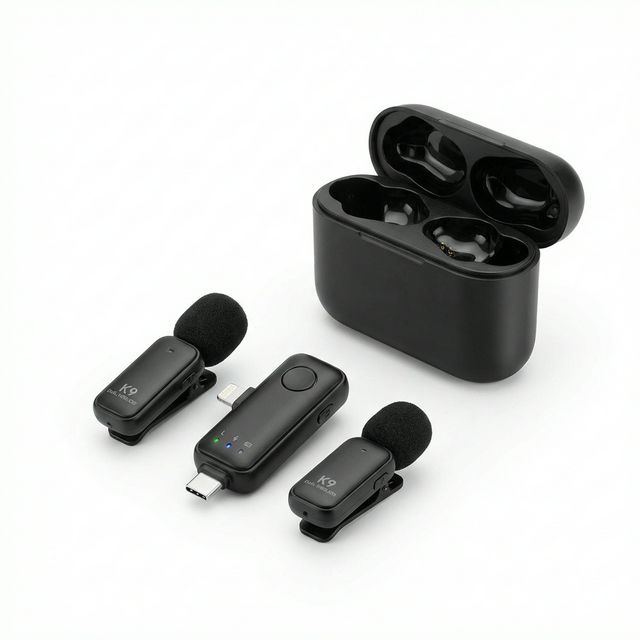
| K9 Wireless Microphone (Dual) | Clear vows, speeches, tributes and MC announcements | ₵150 |
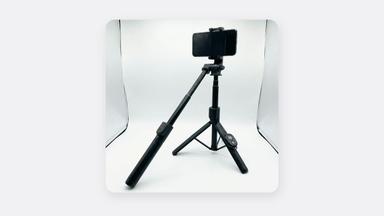
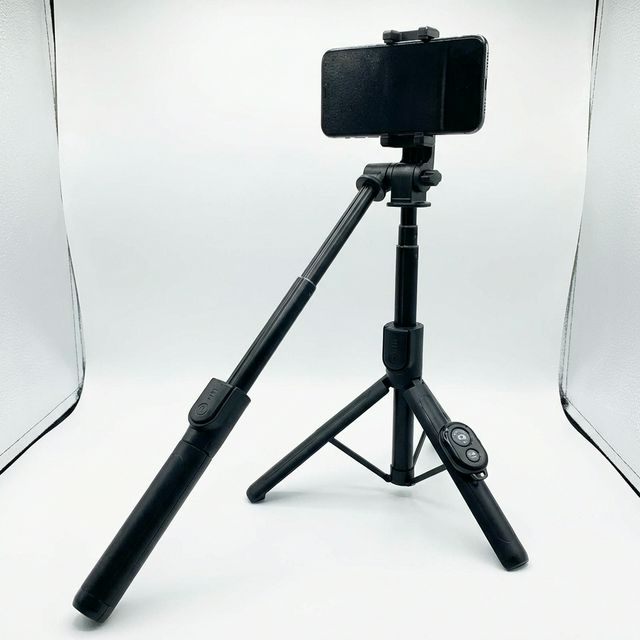
| Bluetooth Selfie Stick Tripod | Steady shots of long moments such as speeches and the sermon | ₵140 |
| Power bank | Events last hours; phones die | Any large power bank |
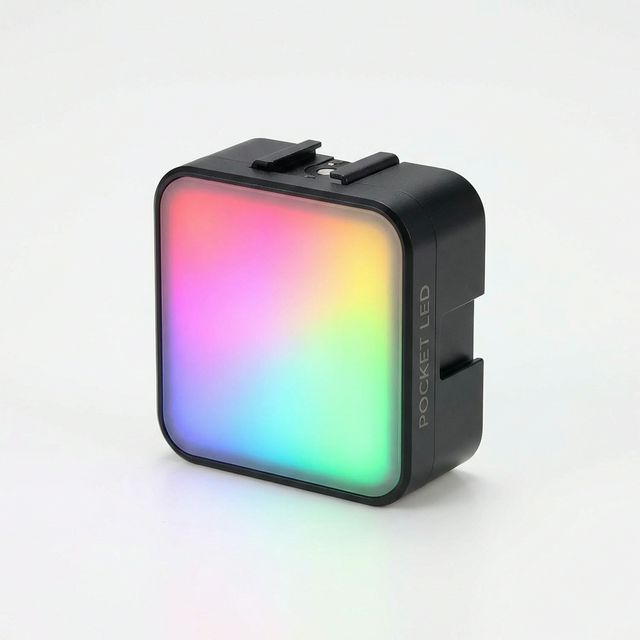
| RGB Mini LED Light | Lights faces at night-time receptions | ₵160 |
Plan before the day
- Get the programme from the family or the MC so you know when the key moments happen.
- List the must-have shots. For a wedding: arrival, entrance, vows, rings, the kiss, the first dance, cutting the cake, family photos. For a funeral: the procession, the tributes, the family, the burial.
- Visit the venue if you can, to see where the light comes from and where you can stand.
- Clear your phone storage and charge everything the night before.
How to get steady, smooth footage
- Use a gimbal for anything that moves. The couple walking in, the dancing, a procession. It makes your video look professional. Read is a gimbal worth it?
- Use a tripod for long, still moments. Speeches and sermons can last 30 minutes; your arms will shake long before then.
- Walk slowly with bent knees when filming on the move.
- Hold each shot for 5 to 10 seconds. Short, steady clips are much easier to edit than long, wandering ones.
How to get clear sound
At events, the loudspeakers, the band and the crowd drown out everything. The phone's own microphone will not capture vows or a tribute clearly from across the room.
- Clip a wireless mic on the groom or the speaker for vows and speeches. The K9 set has two mics, so the bride and groom can each wear one.
- Stand away from the speakers when recording people talking.
- Ask the sound engineer whether you can take a feed from the mixer for the main speeches.
See our wireless microphone guide for where to clip the mic.
How to film in difficult light
- Outdoor daytime events: keep the sun behind you, not behind the people you are filming. Find shade for close-ups.
- Indoor and night receptions: halls are often dim with coloured lights. A small LED light set to white lights faces for interviews and messages to the couple.
- Lock the brightness: tap and hold on a face before recording so the picture doesn't keep changing as lights flash.
Respect the occasion
- At funerals, be quiet and discreet. Ask the family which moments they want filmed and which they don't.
- Don't block guests or the official photographer. Agree with them where you will stand.
- Ask before filming people up close, especially at religious and traditional ceremonies.
After the event
- Back up all your clips to a laptop, Google Drive or an external drive the same day.
- Pick the best moments and make a short highlight video (2 to 4 minutes) for WhatsApp and Instagram.
- Make a longer full version for the family.
Editing on a laptop is faster for long videos. See our guide to laptops for video editing. For a better phone for events, read our guide to the best phones for content creation.
Frequently asked questions
Can I film a whole wedding on an iPhone?
Yes. Many event videographers in Ghana now use iPhones for social media videos. Add a gimbal and a wireless mic and clear plenty of storage.
How much storage do I need to film an event?
At least 30GB free for a half-day event, more for a full wedding. Move clips to a laptop or the cloud during breaks if you can.
What is the most important accessory for event videos?
A gimbal for smooth moving shots, then a wireless microphone for clear speeches and vows.
Event filming gear, in stock
Buying from MachineWura
An online electronics store in Accra selling brand new and UK-used phones, laptops, creator gear and appliances.
Pay on Delivery in Accra
Inspect it at your door, then pay.
Checked before it ships
UK-used devices pass a 30-point check with at least 85% battery.
Fast delivery
24 hours in Accra, 2 to 3 days elsewhere in Ghana.
7-day returns
If it arrives defective or not as described.
Published November 13, 2026 · 5 min read