Creators
How to Livestream a Church Service in Ghana With a Phone
A simple phone setup for church livestreams in Ghana: clear sound, a steady picture, reliable internet and backup power, from under ₵300.
MachineWura Team
November 13, 2026 · 5 min read
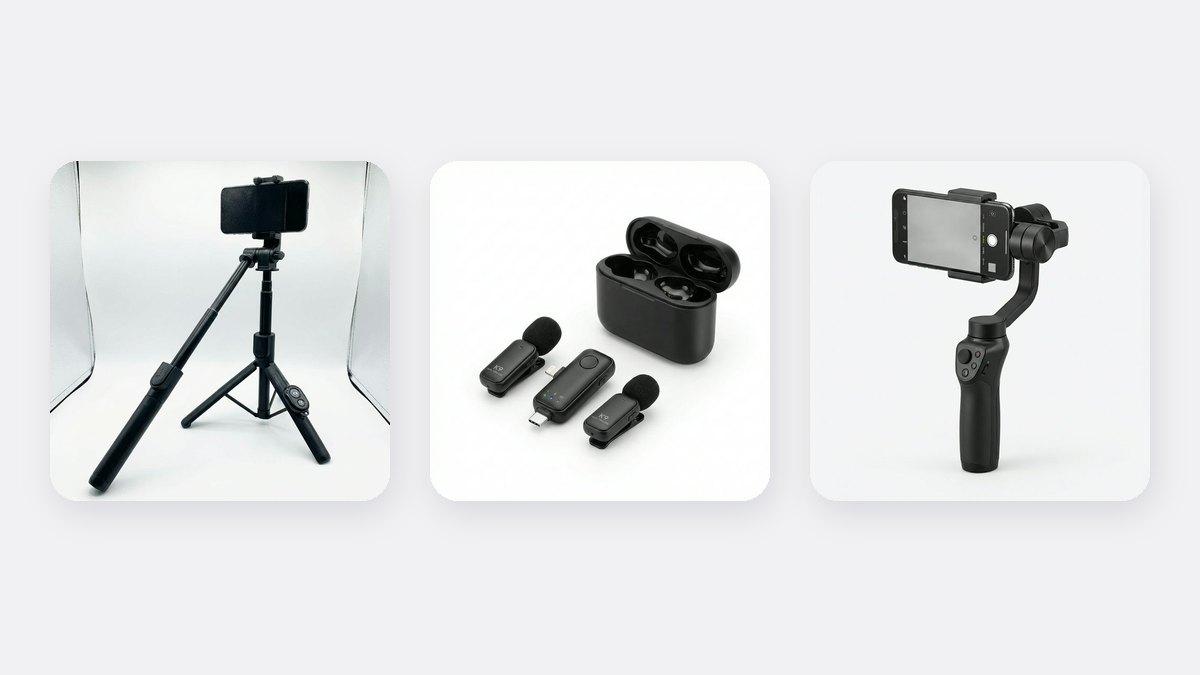
You can livestream a church service in Ghana with a smartphone, a tripod, a good microphone connection and steady internet. The two things that matter most are clear sound and a phone that doesn't move. Members watching online will forgive an average picture, but they will leave if they can't hear the sermon or the video keeps shaking. Start with a phone on a tripod at the back or side of the auditorium, take the sound from the church's mixer or a wireless clip-on mic on the preacher, and use reliable Wi-Fi or mobile data with backup power.
Updated November 2026. Prices are from our store at the time of writing.
What do you need to livestream a church service?
| Item | Why | Budget option |
|---|---|---|
| A smartphone | The camera and the streaming device in one | A recent phone with a good back camera |
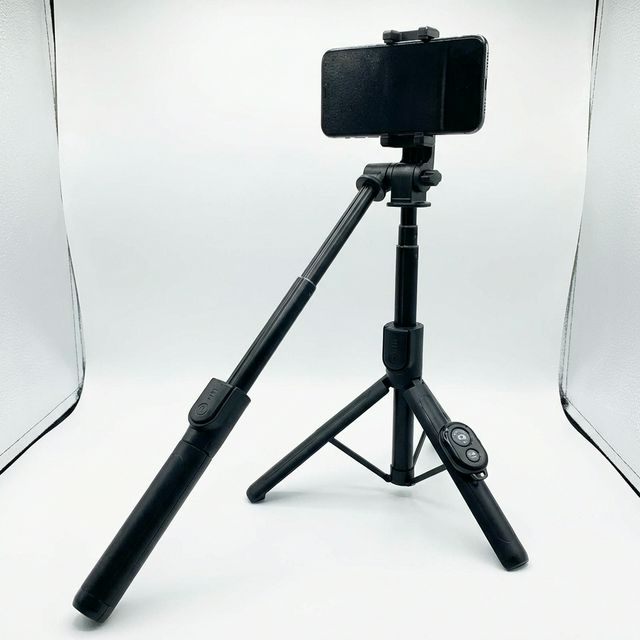
| A tripod | Keeps the picture steady for the whole service | Bluetooth Selfie Stick Tripod ₵140, or a full-height tripod for tall shots |
| Good sound | The most important part of any church stream | A wireless clip-on mic ₵150, or a cable from the church mixer |
| Steady internet | A dropping stream frustrates viewers | Church Wi-Fi, a MiFi, or strong mobile data |
| Backup power | Dumsor should not end the service online | Power bank for the phone; UPS for the router |
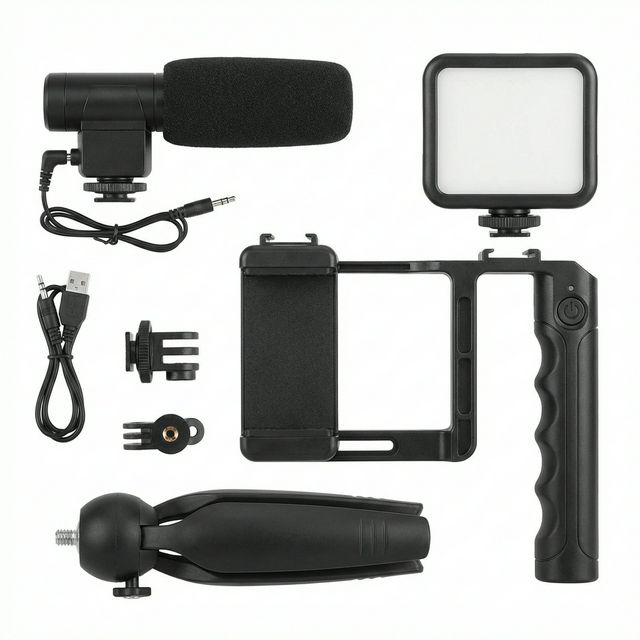
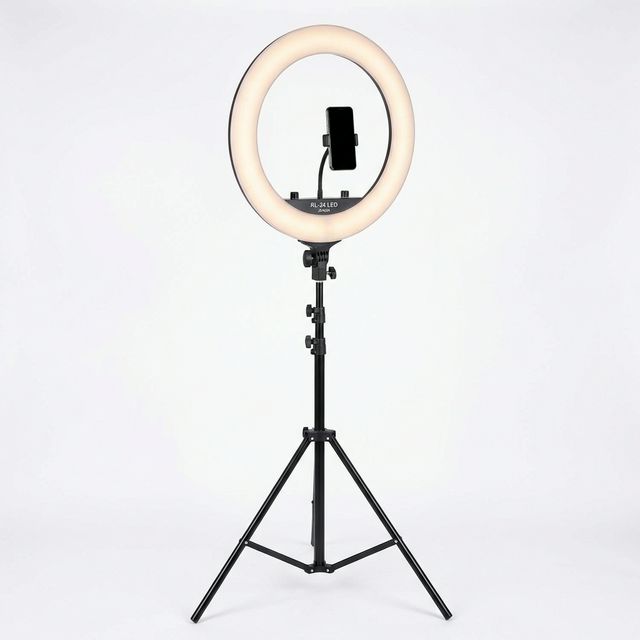
| Light (optional) | Helps if the auditorium is dim | A ring light ₵350 for the pulpit area |
How do you get clear sound?
Sound is where most church streams go wrong. The phone's own microphone, sitting at the back of a large hall, picks up echo, fans, generators and the congregation, while the preacher sounds far away. You have two good options:
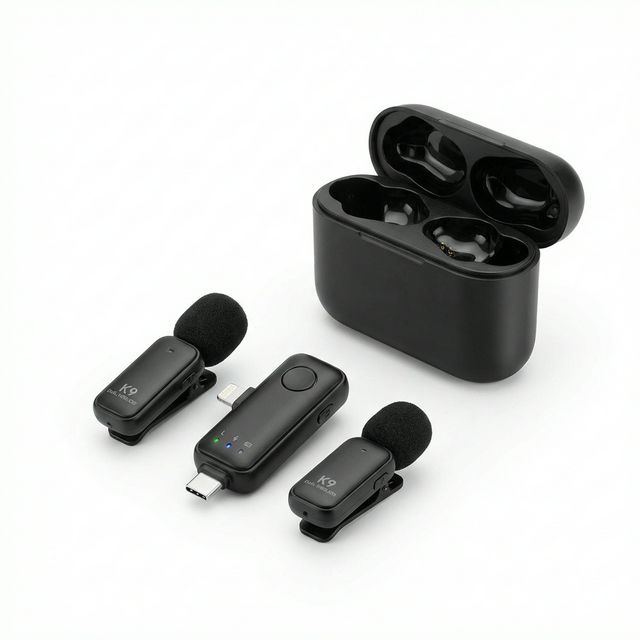
Option 1: a wireless clip-on microphone. Clip one mic to the preacher and plug the small receiver into the phone. The K9 Wireless Microphone (Dual) comes with two mics, so you can give the second one to the worship leader or an interpreter. This is the easiest option for small and medium churches. Read our wireless microphone guide.
Option 2: take sound from the church mixer. If your church already has a sound system, ask the sound engineer for a feed from the mixer. You will need the right adapter cable for your phone. This captures the pulpit mic, the choir and the instruments at the right balance. Test it before the service, because the mix for the room is not always right for the stream.
Whichever you use, put on earphones and listen to the stream before you go live.
Where should you place the phone?
- Centre aisle or back of the hall, raised high. This shows the pulpit and the choir and is above people's heads. A taller tripod helps here.
- Away from loudspeakers and walkways. People bumping the tripod is the most common cause of shaky streams.
- Not facing bright windows. A window behind the pulpit makes the preacher look dark.
- Horizontal (landscape) for YouTube and Facebook. Vertical works for TikTok and Instagram lives.
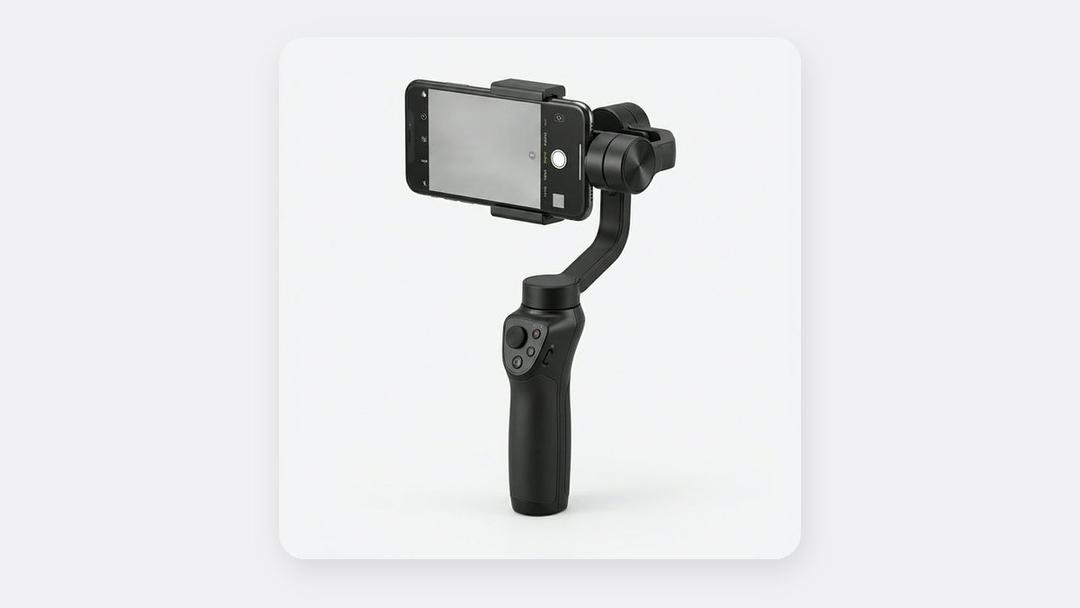
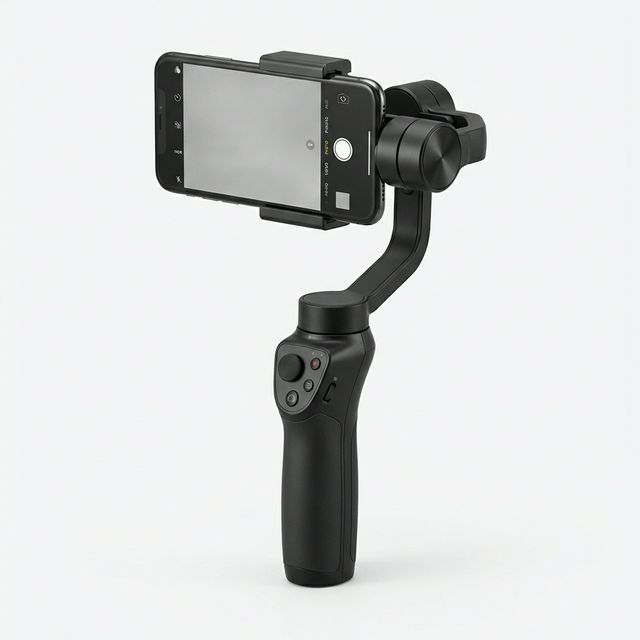
If you want smooth moving shots of processions, dances or baptisms for later videos, a smartphone gimbal helps. See is a gimbal worth it?.
Which platform should you stream on?
- Facebook Live: easy for church members to find and share; good for older members.
- YouTube Live: your services are saved and searchable, which helps new people find your church. Some phone features may require your channel to meet YouTube's requirements first.
- TikTok and Instagram Live: good for reaching young people with short sessions, Bible studies and prayer lines.
Many churches stream on one platform and post short clips from the sermon on the others during the week.
How do you keep the stream from dropping?
- Test the internet speed in the auditorium before the service, at the spot where the phone will be.
- Use Wi-Fi if it is strong. If not, a MiFi or a phone with strong mobile data placed near a window often works better. Our internet guide compares options, including Starlink.
- Put the phone on Do Not Disturb so calls don't interrupt the stream.
- Plug the phone into a power bank. A two-hour service will drain most phones.
- Keep the router on a UPS so the internet stays on during a power cut. See UPS vs inverter vs stabilizer.
A simple checklist for every Sunday
- Charge the phone, mic and power bank on Saturday night.
- Arrive early, set up the tripod and frame the pulpit.
- Test sound with earphones while the worship team rehearses.
- Test the internet speed and switch on Do Not Disturb.
- Go live a few minutes before the service starts with a welcome slide or the worship.
- After the service, save the video and cut short clips for the week.
Frequently asked questions
What is the cheapest way to livestream church services?
A smartphone on a tripod (₵140) with a wireless clip-on mic (₵150), streaming on Facebook or YouTube. That is under ₵300 if you already have a phone.
Can one phone stream and record at the same time?
The live video is usually saved on the platform afterwards, so you can download it later. Recording separately on a second phone gives you better quality for edited clips.
How do we stop echo on our church livestream?
Don't rely on the phone's own microphone. Use a clip-on mic on the preacher or a feed from the church mixer.
Livestream gear, in stock
Buying from MachineWura
An online electronics store in Accra selling brand new and UK-used phones, laptops, creator gear and appliances.
Pay on Delivery in Accra
Inspect it at your door, then pay.
Checked before it ships
UK-used devices pass a 30-point check with at least 85% battery.
Fast delivery
24 hours in Accra, 2 to 3 days elsewhere in Ghana.
7-day returns
If it arrives defective or not as described.
Published November 13, 2026 · 5 min read