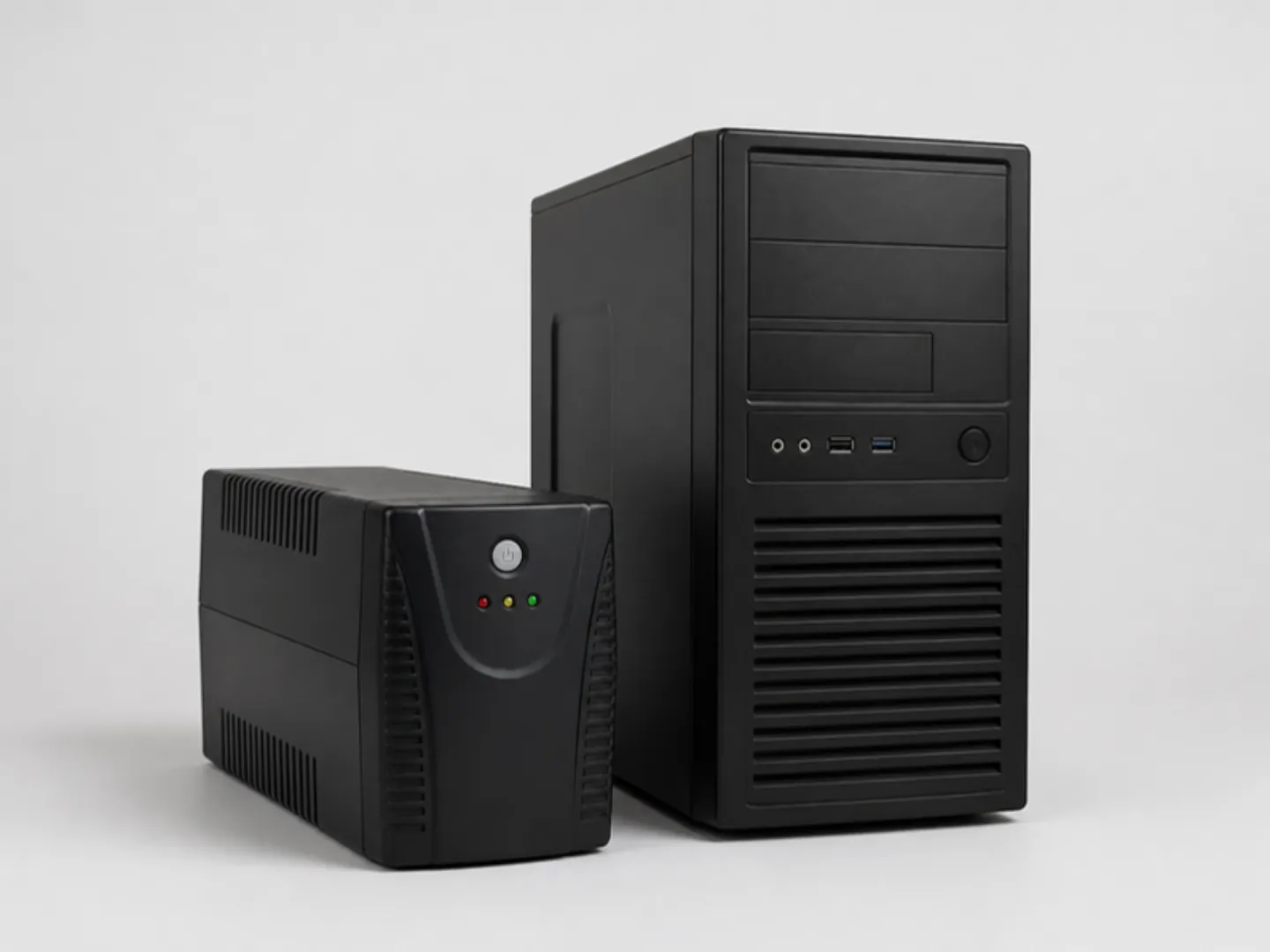
Backup power
MacBook Battery Health in Ghana: Cycle Count, Replacement and Getting Through Dumsor
How to read your MacBook's battery health and cycle count, when a battery needs replacing, how to spot a swollen battery, and how to charge a MacBook during power outages in Ghana.
MachineWura Team
November 15, 2026 · 6 min read

A MacBook battery is healthy if its condition says "Normal", its maximum capacity is above about 80%, and its cycle count is well below 1,000. You can check all three in under a minute. In Ghana, battery health matters more than almost any other spec because it decides whether your laptop survives dumsor. This guide shows how to check it, what the numbers mean when buying used, when replacement makes sense, and how to charge a MacBook from a power bank, inverter or power station.
Updated November 2026 for 2027 buyers. We update this guide whenever Apple releases new models or prices in Ghana shift.
How do I check my MacBook's battery health?
Cycle count and condition (any MacBook):
- Hold the Option key and click the Apple menu.
- Choose System Information.
- Click Power on the left.
- Under Battery Information, read Cycle Count and Condition.
Maximum capacity (newer macOS): open System Settings > Battery and click the small information button next to Battery Health.
What do the numbers mean?
Cycle count is how many full charges the battery has done. Using 50% today and 50% tomorrow counts as one cycle. MacBook batteries from 2010 onwards are designed for 1,000 cycles before they drop noticeably.
| Cycle count | What it means |
|---|---|
| Under 300 | Excellent; like new |
| 300 to 700 | Normal for a used MacBook |
| 700 to 1,000 | Ageing; expect shorter runtimes |
| Over 1,000 | Replacement due |
Maximum capacity is how much charge the battery holds compared with new. Above 85% is good; under 80% means noticeably shorter battery life.
Condition:
- Normal: working as expected.
- Service Recommended: holds much less charge or has a fault. Plan a replacement.
How do I spot a swollen battery?
Lithium batteries can swell with age, heat or damage. It is common in older Intel MacBooks. Warning signs:
- The trackpad sits higher than the palm rests, feels stiff or stops clicking.
- The laptop rocks on a flat table.
- The bottom case bulges or the lid will not close flat.
- Gaps appear along the edges.
A swollen battery is a fire risk. Stop charging it, keep it away from heat and soft furnishings, and get it replaced. Never buy a used MacBook with these signs.
Should I replace the battery or buy a new MacBook?
Replace the battery if the MacBook is an Apple-chip model (M1 or newer) in good condition otherwise. A new battery gives it years more life.
For Intel MacBooks, think twice. Their software support has ended (see should you buy an Intel MacBook in 2027?), so a battery replacement plus the laptop's value can approach the price of a used MacBook Air M1.
When replacing, use a reputable repairer with a warranty. Cheap batteries often have lower real capacity than claimed and may swell sooner. Ask whether it is a genuine Apple part or a quality third-party cell.
How do I make my MacBook battery last longer?
- Leave Optimised Battery Charging on (System Settings > Battery). It learns your routine and holds the charge at 80% until you need it, which slows wear.
- Avoid heat. Do not leave the laptop in a hot car or in direct sun, and do not use it on a bed or pillow. Heat ages batteries faster than anything.
- Do not keep it at 0% for long. Recharge soon after it runs flat.
- Store it half-charged if you will not use it for weeks.
- It is fine to leave it plugged in. Modern MacBooks manage this; just keep it cool.
How long will a MacBook last during dumsor?
On a healthy battery, for typical office and study work:
| MacBook | Rough real-world runtime |
|---|---|
| MacBook Air M1, M2, M3 | 10 to 14 hours |
| MacBook Air M4, M5 | 11 to 15 hours |
| MacBook Neo | 9 to 13 hours |
| 14-inch MacBook Pro (M4 to M6) | 12 to 18 hours |
| 16-inch MacBook Pro (M4 Pro, M5 Pro) | 14 to 20 hours |
| Intel MacBook Pro 2016 to 2020 | 3 to 7 hours |
Video editing, gaming and bright screens cut these figures sharply. Older batteries deliver less.
How do I charge a MacBook without electricity?
From a power bank. Every MacBook with USB-C charging (2016 onwards, plus the Neo) charges from a power bank with a USB-C Power Delivery output. For full speed choose a bank that outputs at least 30 W for a MacBook Air or Neo, and 65 W or more for a MacBook Pro. A 20,000 mAh bank holds about 74 Wh, roughly one full charge for a MacBook Air. See our power bank guide.
From a portable power station. A portable power station with a USB-C port charges a MacBook directly without using its plug socket, which wastes less energy.
From an inverter or UPS. MacBook chargers accept 100 to 240 volts, so they work on a home inverter, UPS or generator. Pure sine wave inverters are kinder to chargers. On generators and unstable mains, use a surge protector.
From solar. A solar panel feeding a power station or a power bank with solar input works well for laptops, which use little power.
A worked example: a four-hour outage
Efua has a MacBook Air M2 at 85% maximum capacity and a 20,000 mAh, 30 W USB-C power bank. Light goes off at 2 pm with her battery at 60%.
- Her Air uses roughly 6 to 8 watts for documents and browsing, so 60% of its 52.6 Wh battery (about 30 Wh, less at 85% health) lasts around four hours.
- When it gets low, the power bank adds roughly a full charge.
She works through the outage with plenty to spare. An Intel MacBook Pro using 15 to 25 watts would need the power bank much sooner.
Frequently asked questions
What battery health is acceptable on a used MacBook?
Condition "Normal", maximum capacity above 85% and a cycle count under 700 are good signs.
Is it bad to use my MacBook while charging?
No. It is designed for that. Just keep it cool.
Can I use a phone charger on a MacBook?
A USB-C phone charger will charge it slowly, or only slow the drain while you work. Use 30 W or more for an Air or Neo, and the original wattage for a Pro.
Why does my MacBook stop charging at 80%?
That is Optimised Battery Charging protecting the battery. It finishes charging before the time you usually unplug. You can turn it off in System Settings > Battery if you need 100% now.
Does MachineWura check batteries on used MacBooks?
Yes. Every pre-owned MacBook we sell is inspected, including battery health. Browse MacBooks in stock.
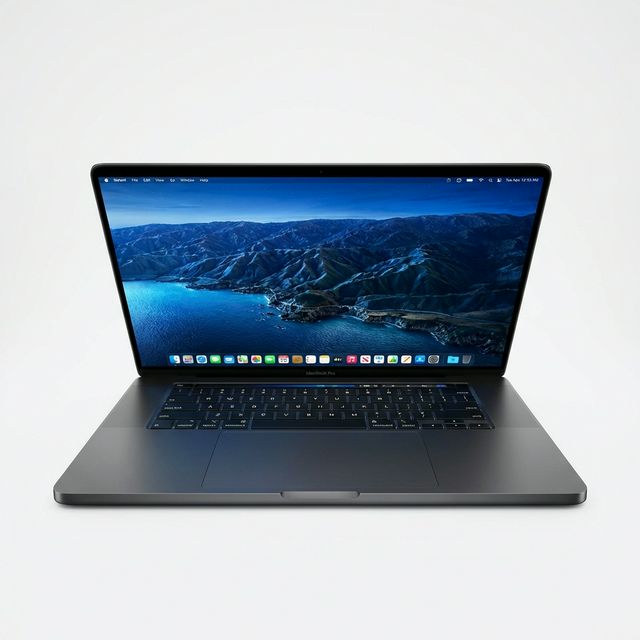
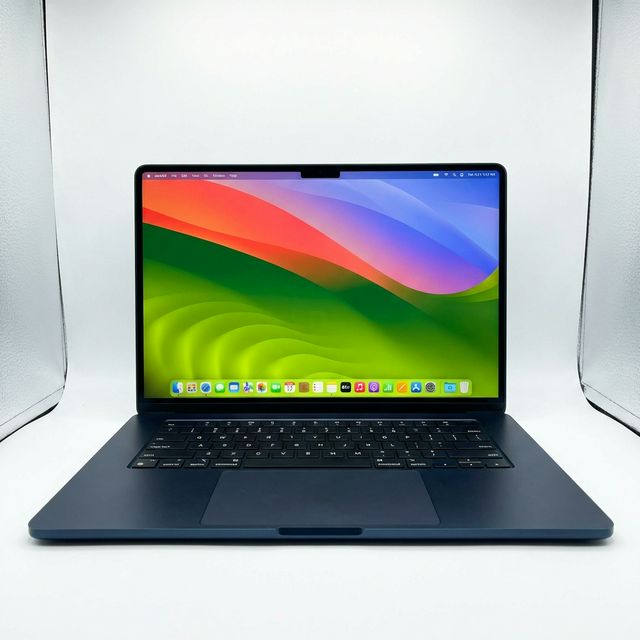
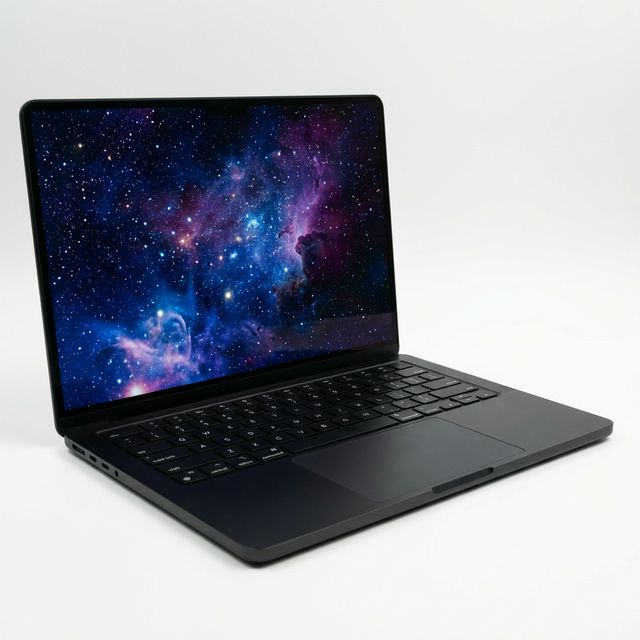
MacBooks in stock



Buying from MachineWura
An online electronics store in Accra selling brand new and UK-used phones, laptops, creator gear and appliances.
Pay on Delivery in Accra
Inspect it at your door, then pay.
Checked before it ships
UK-used devices pass a 30-point check with at least 85% battery.
Fast delivery
24 hours in Accra, 2 to 3 days elsewhere in Ghana.
7-day returns
If it arrives defective or not as described.
Published November 15, 2026 · 6 min read