Phones
Should You Upgrade Your Phone? How to Decide
Upgrade when your phone stops getting security updates or a repair costs over half its value. A weak battery, full storage or slowness can often be fixed first.
MachineWura Team
March 11, 2025 · 12 min read
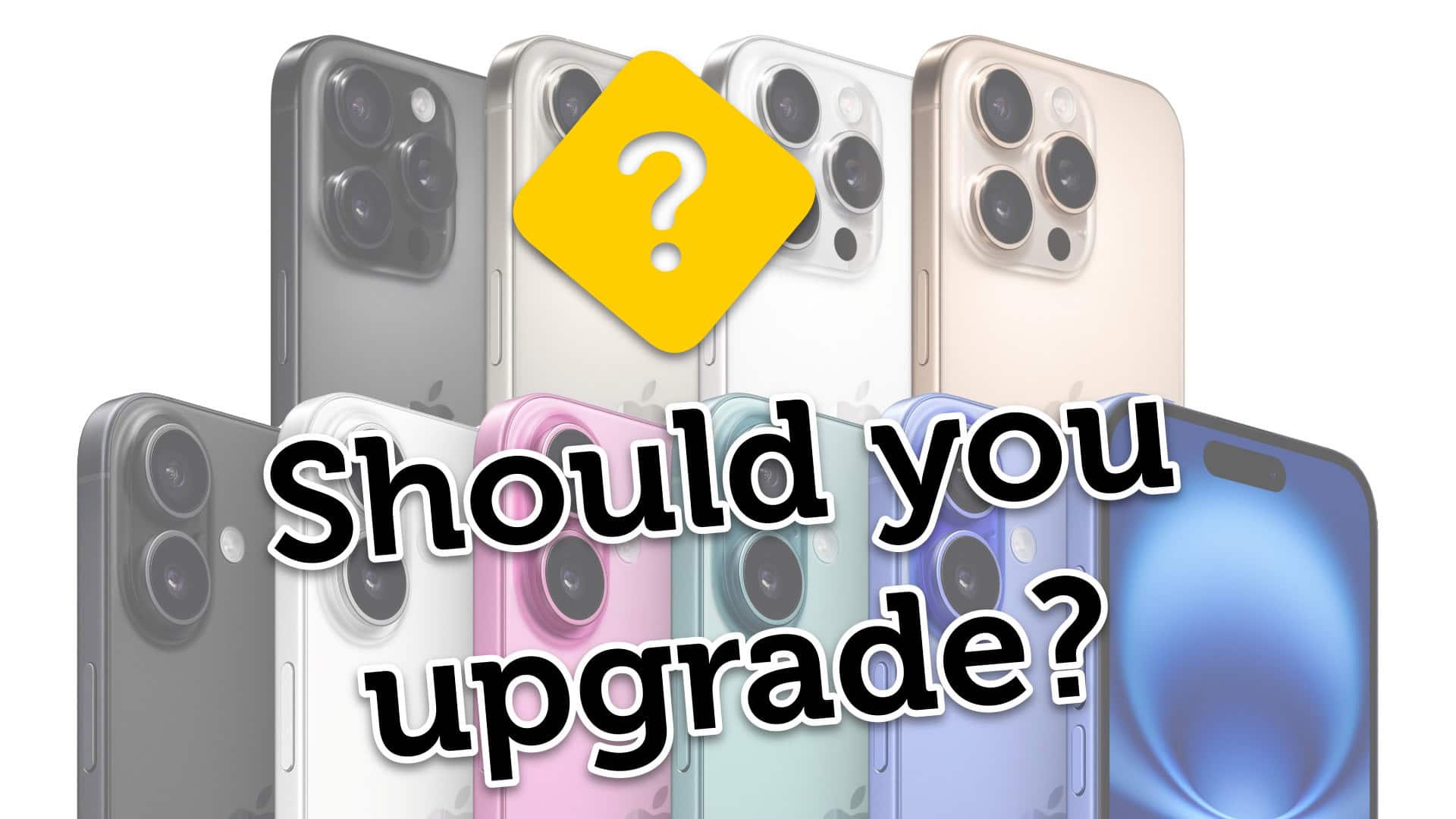
Upgrade your phone when it has stopped receiving security updates, when an essential app such as your banking or Mobile Money app no longer supports it, or when the repair it needs costs more than about half of what the phone is worth. A weak battery, full storage or a slow phone are usually fixable for much less, so try the fix first and upgrade only if the problem survives it.
Updated October 2026.
How do you know it is time to upgrade?
Look at four things: updates, battery, storage and speed. Updates are the only one you cannot fix; the other three usually have a cheaper remedy than a new phone.
| Symptom | Try this first | Upgrade if... |
|---|---|---|
| No more security updates | Nothing fixes this | Your banking, MoMo or work apps warn you, or the latest security patch is over a year old |
| Battery will not last the day | Replace the battery; check battery-draining apps | The phone also has under a year of updates left, or the battery fix costs more than half the phone's value |
| "Storage full" warnings | Clear WhatsApp media, move photos to cloud or a computer | You have cleared it and still fill it within weeks |
| Slow, freezing apps | Restart, free up storage, update apps, factory reset as a last step | It is still slow after a reset |
| Cracked screen | Replace the screen | Screen repair costs more than half the phone's value |
| Charging port loose or intermittent | Clean the port gently; replace the port | The board is damaged, not the port |
| Camera no longer good enough | Clean the lens, try a better camera app | You rely on the camera for work or content |
| You simply want something new | Wait for the next launch cycle | Your budget is comfortable and your old phone has a buyer |
If two or more rows in the "Upgrade if" column apply to you, upgrade. If only one applies and it is fixable, fix it.
Is your phone still getting security updates?
This is the most important check. A phone without security updates becomes easier to attack, and apps that handle money gradually stop supporting old software versions.
- iPhone: go to Settings > General > Software Update. If you cannot install the current iOS version, your phone has dropped out of major updates. iOS 26 (released in 2025) supports the iPhone 11 and later, so an iPhone XS, XS Max or XR no longer gets new iOS versions. Apple sometimes releases security fixes for older iOS versions for a while, but you should plan to replace these phones.
- Android: go to Settings > About phone (or Settings > Security) and look at the "Android security patch level" date. If it is more than a year old and no update is offered, the phone is out of support.
- Check the maker's promise: Samsung publishes update commitments for its phones; for example, seven years for the Galaxy S24 series and later. Other brands vary by model.
Is the battery the real problem?
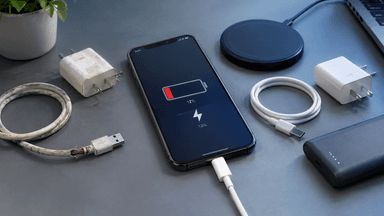
Often, yes. A worn battery causes short battery life, unexpected shutdowns and, on iPhones, slower performance, because the phone reduces peak speed to avoid shutting down. A new battery fixes all three.
Check battery health:
- iPhone: Settings > Battery > Battery Health. Below 80%, Apple recommends a service.
- Samsung: open the Samsung Members app and run the battery test in Diagnostics.
- Other Android phones: some show battery health under Settings > Battery; otherwise watch how quickly it drops from full.
Worked example: how long a battery lasts in cycles
Apple rates the batteries of the iPhone 14 and earlier to keep 80% of their original capacity after 500 full charge cycles, and the iPhone 15 and later after 1,000 cycles. A charge cycle is 100% of capacity used, which can be spread over several partial charges (50% today and 50% tomorrow make one cycle).
- If you use about one full battery a day, an iPhone 13 reaches about 500 cycles in roughly 16 to 17 months (500 / 30 = 16.7).
- The same use on an iPhone 15 reaches 1,000 cycles in about 33 months.
- Heavy use with two charges a day during long outage weeks halves those times.
- Heat speeds the wear up. A phone that charges on a hot car dashboard or under a pillow will reach 80% sooner.
So an iPhone 13 bought new in 2022 and used heavily is very likely to need a battery now, not a new phone. A battery replacement plus a few more years of updates is often the best value you can get. For iPhone-specific detail, read iPhone battery health explained, and for habits that slow the wear, see ways to make your phone battery last longer.
A caution on iPhones: a battery that is not a genuine Apple part, or not installed with Apple's tools, shows a "Unknown Part" or similar message in Settings on recent models. It still works, but it can lower resale value.
Is full storage slowing you down?
Very full storage slows any phone and stops updates installing. Keep at least 10 to 15% of storage free.
The usual cause in Ghana is WhatsApp media: every photo, video and voice note from every group is saved. To clear it:
- In WhatsApp, open Settings > Storage and data > Manage storage. Delete large files and forwarded videos.
- Turn off automatic media download for groups, or for mobile data.
- Back up photos to Google Photos, iCloud or a computer, then delete them from the phone.
- Remove apps you have not opened in months.
If you still run out within weeks after doing this, the phone's storage is too small for how you use it. A 64 GB phone is tight for most people today; choose 128 GB or more when you upgrade.
Is the phone slow, or just cluttered?
Try these steps in order before deciding the phone is too slow:
- Restart the phone. Many people go weeks without one.
- Free up storage as above.
- Update the operating system and all apps.
- Remove apps that run in the background constantly (some cleaners, "battery boosters" and duplicate social apps make phones slower, not faster).
- Back up everything, then factory reset and set up as new.
If the phone is still slow after a factory reset, the hardware cannot keep up with current apps, and upgrading is justified. This is common on phones with 3 GB of RAM or less.
Repair or replace: how do you decide?
Use a simple ratio instead of a gut feeling. Get a repair quote, then compare it with what your phone would sell for in working order, and with how much update time it has left.
- Repair if the repair costs less than about half of the phone's working value and it has at least two years of updates left.
- Replace if the repair costs more than half its working value, or it has less than a year of updates left.
- Grey zone (between these): repair if you are happy with the phone otherwise, replace if you were already close to upgrading.
To find the working value, search the classifieds or marketplace you use for the same model, storage size and condition, and note the typical asking price.
Worked example: a Galaxy phone with a cracked screen has three years of updates left. The screen repair quote is about a third of what that model sells for in working order. Repair it. The same crack on a phone with six months of updates left is a reason to upgrade instead.
When is the best time to upgrade?
Upgrade just after new models launch, if you do not need the newest one. New iPhones are usually announced in September, and Samsung usually launches its Galaxy S flagships early in the year, with Galaxy A models following. When new models arrive, the previous generation and UK-used stock of older models often become better value.
Two more timing rules:
- Sell or trade in first. Know what your old phone will bring in before you choose the new one, so you know your real budget. See the trade-in page for how trading in works.
- Do not upgrade under pressure. If your phone works, a planned upgrade three months from now is better than a rushed one today.
What should you upgrade to?
Choose the phone that gives you the most years of updates for your budget, not the newest model you can just afford. A recent flagship from a previous year often has more support left and a better camera than a brand-new budget phone.
| Your situation | Sensible move | Example |
|---|---|---|
| iPhone that no longer gets iOS updates | Move to a recent iPhone with years of support left | iPhone 16 |
| iPhone 13 or 14 with a worn battery | Replace the battery, keep it longer | Your current phone |
| Older Galaxy S out of support | Move to a Galaxy S model from 2024 or later, with seven years of promised updates | Galaxy S25 Ultra for zoom and the S Pen |
| Budget Android with 3 GB RAM or less | Step up to a model with at least 6 to 8 GB real RAM | See Tecno vs Infinix |
| Unsure which system to choose | Compare ecosystems first | iPhone vs Samsung |
If you are choosing between two close generations, read iPhone 14 vs iPhone 15: is the upgrade worth it.
Upgrade score: a quick self-test
Give yourself points for each statement that is true, then add them up.
| Statement | Points |
|---|---|
| My phone no longer receives security updates | 4 |
| An app I need (bank, MoMo, work) has warned me or stopped working | 4 |
| Battery health is below 80% and I have already replaced the battery once | 2 |
| The phone is still slow after a factory reset | 2 |
| A needed repair costs more than half the phone's working value | 3 |
| Storage is full again within weeks after clearing | 1 |
| I want a better camera for work or content | 1 |
0 to 3: keep it and fix what is wrong. 4 to 6: plan an upgrade in the next few months, ideally after a launch. 7 or more: upgrade now.
Example: an iPhone XR that no longer gets iOS updates (4) and whose banking app shows an update warning (4) scores 8: upgrade now. An iPhone 13 with 76% battery health and nothing else wrong scores 0: replace the battery.
How do you prepare your old phone before selling it?
Remove your accounts properly, or the next owner cannot use the phone and you remain exposed.
- Back up your phone (iCloud or computer for iPhone; Google or Samsung account for Android) and your WhatsApp chats.
- Move your Mobile Money and bank apps to the new phone and confirm they work before you wipe the old one.
- On iPhone, sign out of your Apple Account (this turns off Find My and Activation Lock), then erase all content and settings.
- On Android, remove your Google account and Samsung account in Settings > Accounts, then factory reset. Skipping this triggers the factory reset protection lock for the next owner.
- Remove your SIM and any memory card.
Common mistakes when deciding to upgrade
- Replacing a phone that needed only a battery. Check battery health first.
- Upgrading to a newer but weaker phone. A new budget phone can have fewer updates left than a two-year-old flagship.
- Ignoring update support. It decides how long banking and MoMo apps will keep working.
- Buying too little storage again. Choose 128 GB or more.
- Selling the old phone still signed in. It blocks the buyer and can expose your data.
- Paying for a UK-used phone without checks. Check battery health, account lock, IMEI and screen. Every pre-owned device MachineWura lists passes a 30-point inspection with at least 85% battery health.
Frequently asked questions
How often should I upgrade my phone?
There is no fixed interval. Upgrade when the phone stops getting security updates, an essential app no longer supports it, or a repair costs more than about half its value. For many people that is every three to five years.
Is it worth replacing my phone battery instead of upgrading?
Usually, yes, if the phone still gets updates for at least another year or two. A new battery restores battery life and, on iPhones, full performance, for much less than a new phone.
How do I know if my phone still gets updates?
On iPhone, check Settings > General > Software Update for the current iOS version. On Android, check the security patch date in Settings > About phone; more than a year old with no update offered means the phone is out of support.
Which iPhones no longer get iOS updates?
iOS 26 supports the iPhone 11 and later, so the iPhone XS, XS Max, XR and older no longer get new iOS versions. Apple may release some security fixes for older versions for a period, but you should plan to replace them.
Why is my phone slow even with a new battery?
The most common causes are full storage, too many background apps, or hardware that cannot keep up with current apps. Free up storage, update, and try a factory reset after backing up. If it is still slow, upgrade.
When is the best time of year to buy a new phone?
Shortly after new models launch: Apple usually announces new iPhones in September, and Samsung launches Galaxy S flagships early in the year. The previous generation often becomes better value then.
What should I do with my old phone?
Sell it, trade it in, or keep it as a backup or a phone for a family member. Before you hand it over, back up, move your MoMo and banking apps, sign out of all accounts and factory reset it.
Not sure whether to repair or upgrade? Send your phone model and the problem to MachineWura on WhatsApp on 0550 314 351, or browse phones.
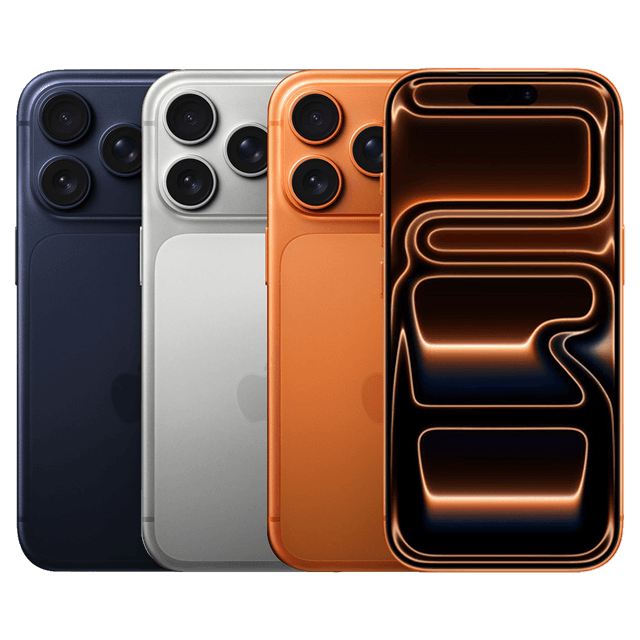
Phones in stock
Buying from MachineWura
An online electronics store in Accra selling brand new and UK-used phones, laptops, creator gear and appliances.
Pay on Delivery in Accra
Inspect it at your door, then pay.
Checked before it ships
UK-used devices pass a 30-point check with at least 85% battery.
Fast delivery
24 hours in Accra, 2 to 3 days elsewhere in Ghana.
7-day returns
If it arrives defective or not as described.
Published March 11, 2025 · 12 min read