In this article
- Why do some laptops last much longer than others?
- How do you estimate runtime before buying?
- A worked example: comparing two laptops for a three-hour outage
- How do you read battery health on your own laptop?
- How do you charge a laptop during a long outage?
- USB-C power banks
- A UPS at your desk
- An inverter or solar system
- How do you make your laptop's battery last longer?
- When should you replace a laptop battery?
- Common mistakes
- Frequently asked questions
- Which laptop has the longest battery life?
- How many hours should a laptop battery last?
- Can a power bank charge a laptop?
- Is it bad to leave a laptop plugged in all the time?
- Can I run my laptop on an inverter?
- What battery health is good on a used laptop?
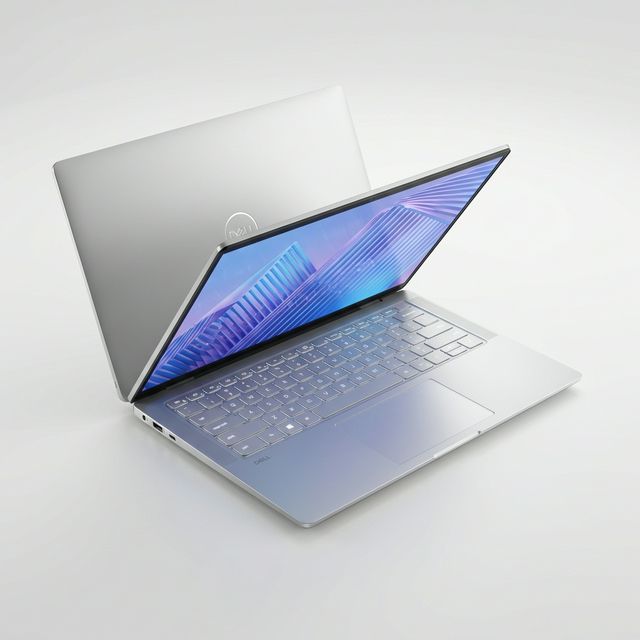
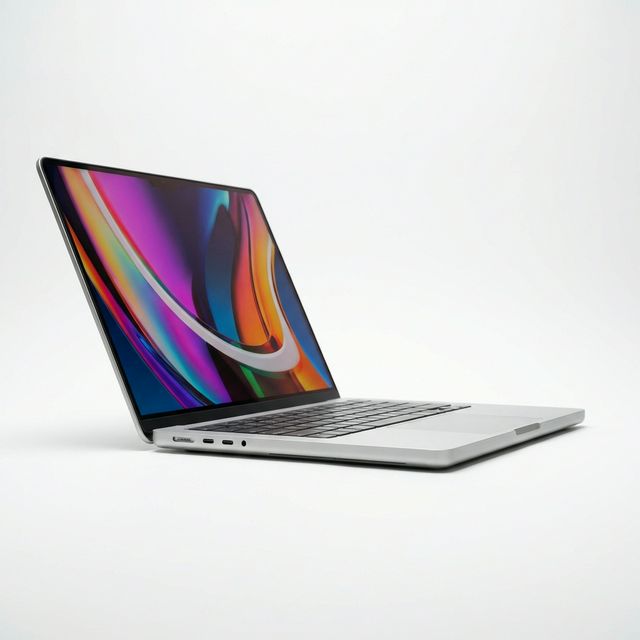
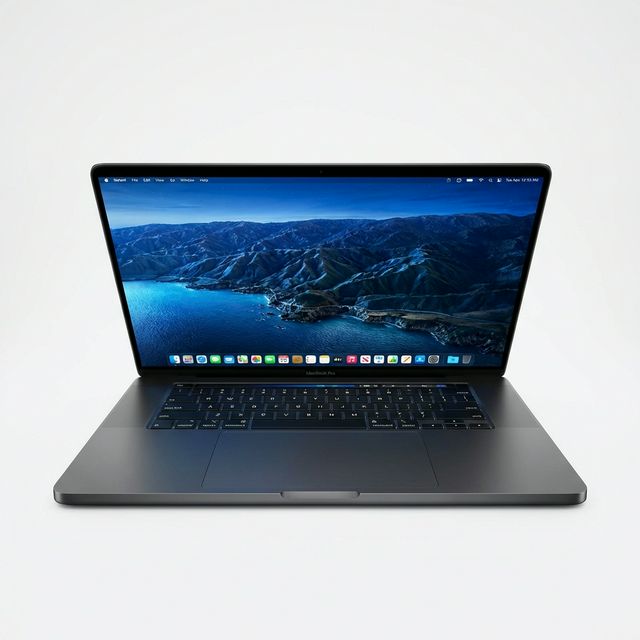
The laptops that last longest through power cuts in Ghana are those with efficient processors and large batteries: Apple's MacBook Air and MacBook Pro with M-series chips lead, followed by recent business laptops with efficient Intel or AMD chips. How long any laptop lasts depends on three numbers you can check: the battery's capacity in watt-hours, its health as a percentage of the original, and how much power your work draws. This guide explains how to read those numbers, how to estimate runtime before you buy, and how to keep charging during long outages with a power bank, UPS or inverter.
Updated October 2026.
Why do some laptops last much longer than others?
Battery life is a simple sum: the energy stored in the battery divided by the power the laptop uses. Two things make the difference.
Efficiency. Apple silicon chips use very little power for everyday work, which is why a MacBook Air can last through a full day of documents and browsing. Recent Intel Core Ultra, AMD Ryzen and Qualcomm Snapdragon X laptops have narrowed the gap. Older Intel laptops, and anything with a powerful gaming graphics card, use much more.
Battery size. Laptop batteries are measured in watt-hours (Wh). A thin 13-inch laptop might have 40 to 55Wh; many business and premium laptops have 50 to 75Wh; large 16-inch laptops can reach close to 100Wh, the limit airlines allow without special approval.
The screen also matters a great deal. Brightness at full can double a laptop's power draw compared with a moderate setting.
How do you estimate runtime before buying?
You need three numbers:
- Design capacity in watt-hours. Listed in the manufacturer's specifications.
- Battery health. For a used laptop, the current full-charge capacity as a percentage of design capacity. At MachineWura every pre-owned device passes a 30-point inspection with at least 85% battery health before it is listed.
- Average power draw for your work. Roughly:
| Activity | Efficient laptop (Apple silicon, recent business models) | Older or high-performance laptop |
|---|---|---|
| Typing, reading, light browsing | 4 to 8 watts | 8 to 15 watts |
| Video calls | 8 to 15 watts | 15 to 25 watts |
| Streaming video | 5 to 10 watts | 10 to 18 watts |
| Photo editing, coding builds | 15 to 30 watts | 25 to 50 watts |
| Video export, gaming | 30 to 60 watts or more | 60 to 150 watts or more |
These are typical ranges, not exact figures for any model. Use them for planning.
A worked example: comparing two laptops for a three-hour outage
Laptop A is a used business laptop with a 53Wh battery at 88% health, so it holds about 47Wh. On video calls at around 15 watts, it lasts roughly three hours (47 / 15).
Laptop B is a MacBook Air with a battery around 53Wh at 100% health. On video calls at around 10 watts, it lasts roughly five hours (53 / 10).
Both cover a three-hour outage of video calls, but only just in the case of Laptop A, and only with the screen at a moderate brightness. If your outages often last four hours or more, Laptop B, or a power bank for Laptop A, makes the difference.
How do you read battery health on your own laptop?
Windows. Open Command Prompt and type powercfg /batteryreport. Open the report it creates. Compare "Full charge capacity" with "Design capacity". 85% or more is healthy.
Mac. Open System Settings, Battery, and click the information button next to Battery Health. For the cycle count and full charge capacity, open System Information, Power.
Apple designs its laptop batteries to keep about 80% of their original capacity at 1,000 full charge cycles. Most Windows laptop batteries are rated for fewer cycles before reaching the same point, though it varies by maker.
How do you charge a laptop during a long outage?
USB-C power banks
Many modern laptops charge over USB-C. A power bank with USB Power Delivery (PD) output of 45W, 65W or 100W can charge them. Check two things: your laptop must charge over USB-C, and the power bank's PD output must be high enough. A 65W power bank charges most 13 and 14-inch laptops; larger laptops may need 100W. See our power bank guide.
A 20,000mAh power bank holds about 74Wh (20Ah x 3.7V), and after conversion losses delivers roughly 55 to 60Wh, which is about one full charge for a typical 13-inch laptop.
A UPS at your desk
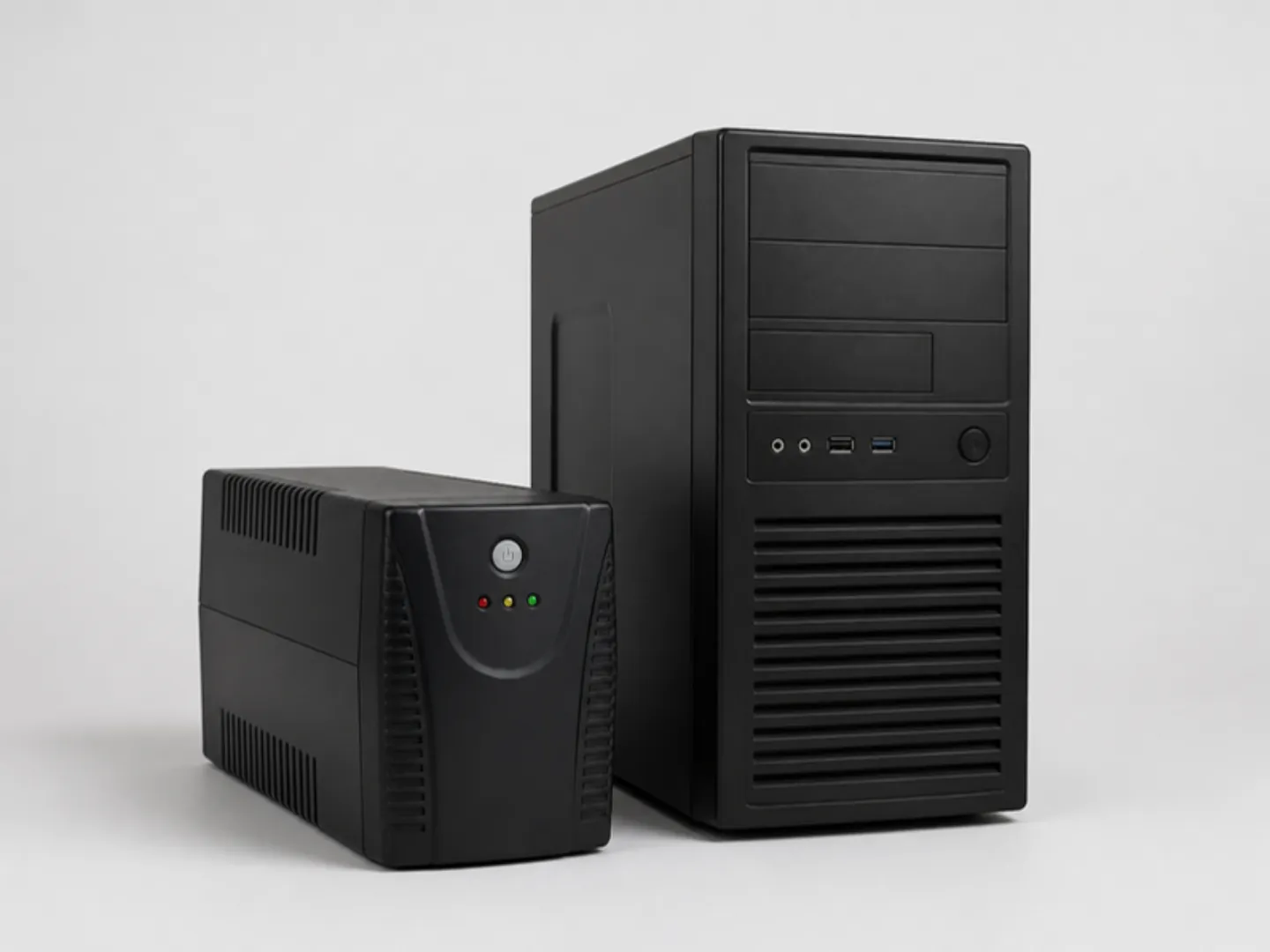
A UPS bridges short outages and gives you time to save and shut down. It is better used for your router and modem than for the laptop, because the laptop already has its own battery. A small UPS can run a router for several hours. See laptops for remote work for that maths.
An inverter or solar system
For homes and offices with long daily outages, an inverter with batteries, or a solar system, runs laptops along with lights, fans and the router. Laptop chargers work best on inverters with a pure sine wave output; modified sine wave inverters can make chargers hot or noisy. Read UPS vs inverter vs stabiliser and our solar inverter guide.
How do you make your laptop's battery last longer?
During an outage:
- Lower the screen brightness; it is often the single biggest power draw.
- Turn on Battery Saver (Windows) or Low Power Mode (Mac).
- Close apps you are not using, especially browsers with many tabs and video.
- Turn off keyboard backlighting unless you need it.
- Turn off Bluetooth if you are not using it.
Over the years:
- Avoid heat. Heat is the main enemy of lithium-ion batteries. Do not leave the laptop in a hot car or charging on a bed or cushion where air cannot circulate.
- Use charge limits. Many business laptops let you cap charging at 80% in the manufacturer's software (HP, Dell and Lenovo all offer this), and macOS has optimised charging. If your laptop sits plugged in most of the day, a cap reduces battery wear.
- Do not drain it to zero often. Occasional full discharges are fine, but living near empty wears the battery faster.
- Use the correct charger. An underpowered charger may not keep up, and a poor-quality one can damage the charging port.
- Plug into a surge protector. When power returns after an outage, voltage can spike. A surge protector protects your charger and laptop.
When should you replace a laptop battery?
Consider a replacement when:
- Battery health falls below about 70 to 80%, and runtime no longer covers your outages.
- The battery is swelling. A lifted trackpad, a gap in the case or a laptop that no longer sits flat are warning signs. Stop using it and have the battery replaced promptly; swollen lithium batteries are a fire risk.
- The laptop shuts down suddenly at 20 or 30% charge.
On many business laptops, replacing the battery is a straightforward repair that gives the laptop years more life.
Common mistakes
- Comparing battery claims instead of watt-hours. Manufacturer battery-life claims are measured under light test conditions. Watt-hours and efficiency tell you more.
- Buying a gaming laptop for long outages. Powerful graphics cards drain batteries quickly, and many gaming laptops slow sharply on battery.
- Keeping the laptop at 100% and hot all day. That combination wears batteries fastest.
- Running a laptop charger from a cheap modified sine wave inverter for years. Use a pure sine wave inverter where possible.
- Ignoring a swollen battery. It is a safety issue, not just a performance one.
Frequently asked questions
Which laptop has the longest battery life?
MacBooks with Apple silicon lead for most everyday work; Apple quotes up to 18 hours of video playback for the MacBook Air with M4. Recent business laptops with efficient chips and large batteries come next.
How many hours should a laptop battery last?
A healthy modern laptop should cover a morning or afternoon of office work. Efficient laptops last a full day. Older or high-performance laptops may manage two to four hours.
Can a power bank charge a laptop?
Yes, if the laptop charges over USB-C and the power bank supports USB Power Delivery at 45W to 100W, depending on the laptop.
Is it bad to leave a laptop plugged in all the time?
It wears the battery faster, especially when the laptop is warm. Use the charge limit setting in your manufacturer's software or macOS to reduce wear.
Can I run my laptop on an inverter?
Yes. A pure sine wave inverter is best for laptop chargers. Size the inverter and batteries for everything else you run at the same time.
What battery health is good on a used laptop?
85% or more of the original capacity is healthy. Below 80%, expect shorter runtimes and plan for a replacement.
Need a laptop that lasts through outages? Ask us on WhatsApp on 0550 314 351, or browse laptops on MachineWura.
Thanks for reading!
Published October 23, 2026 · 8 min read