In this article
- What does a remote worker need from a laptop?
- Which laptops suit which kind of remote work?
- How do you keep the internet running when the power goes off?
- A worked example: how long will a UPS keep your router up?
- How do you sound and look professional on calls?
- How do you protect your work and your income?
- Should you choose new or UK used for remote work?
- Common mistakes
- Frequently asked questions
- What is the best laptop for remote work in Ghana?
- How do I work remotely during power outages?
- Is a MacBook good for freelancers?
- How much RAM do I need for Zoom and Teams?
- Do I need a separate webcam?
- Can I get a laptop delivered outside Accra?
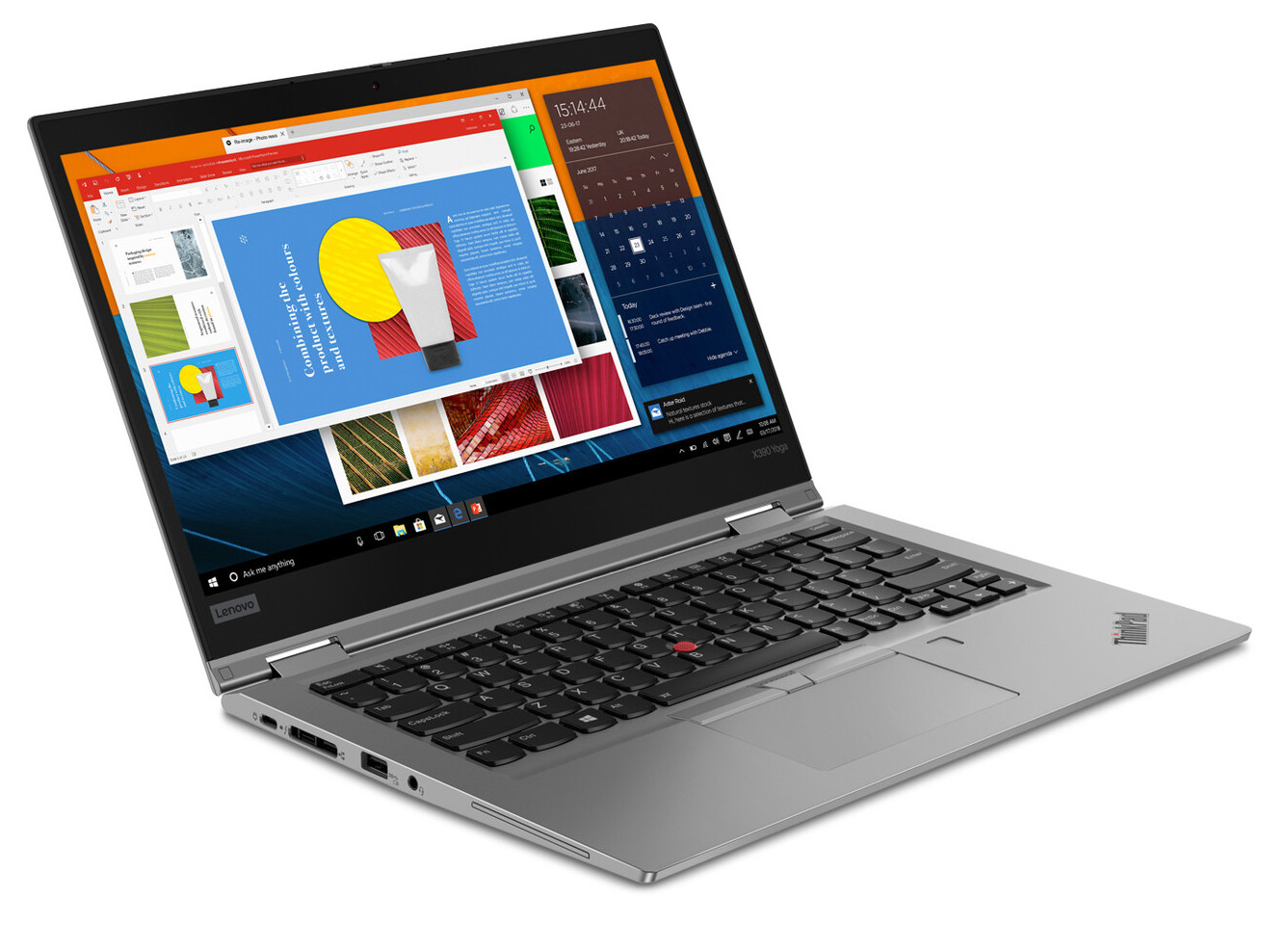
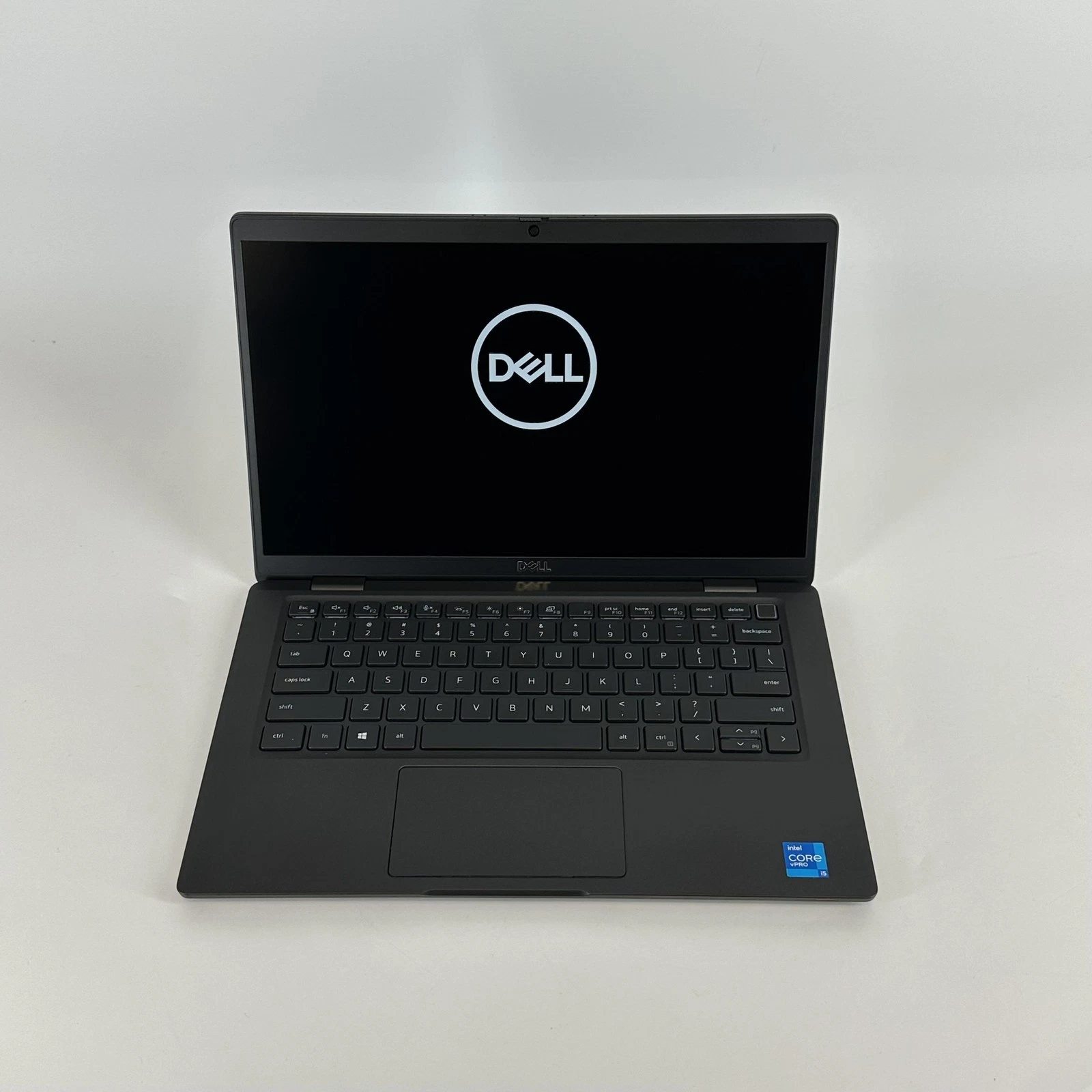
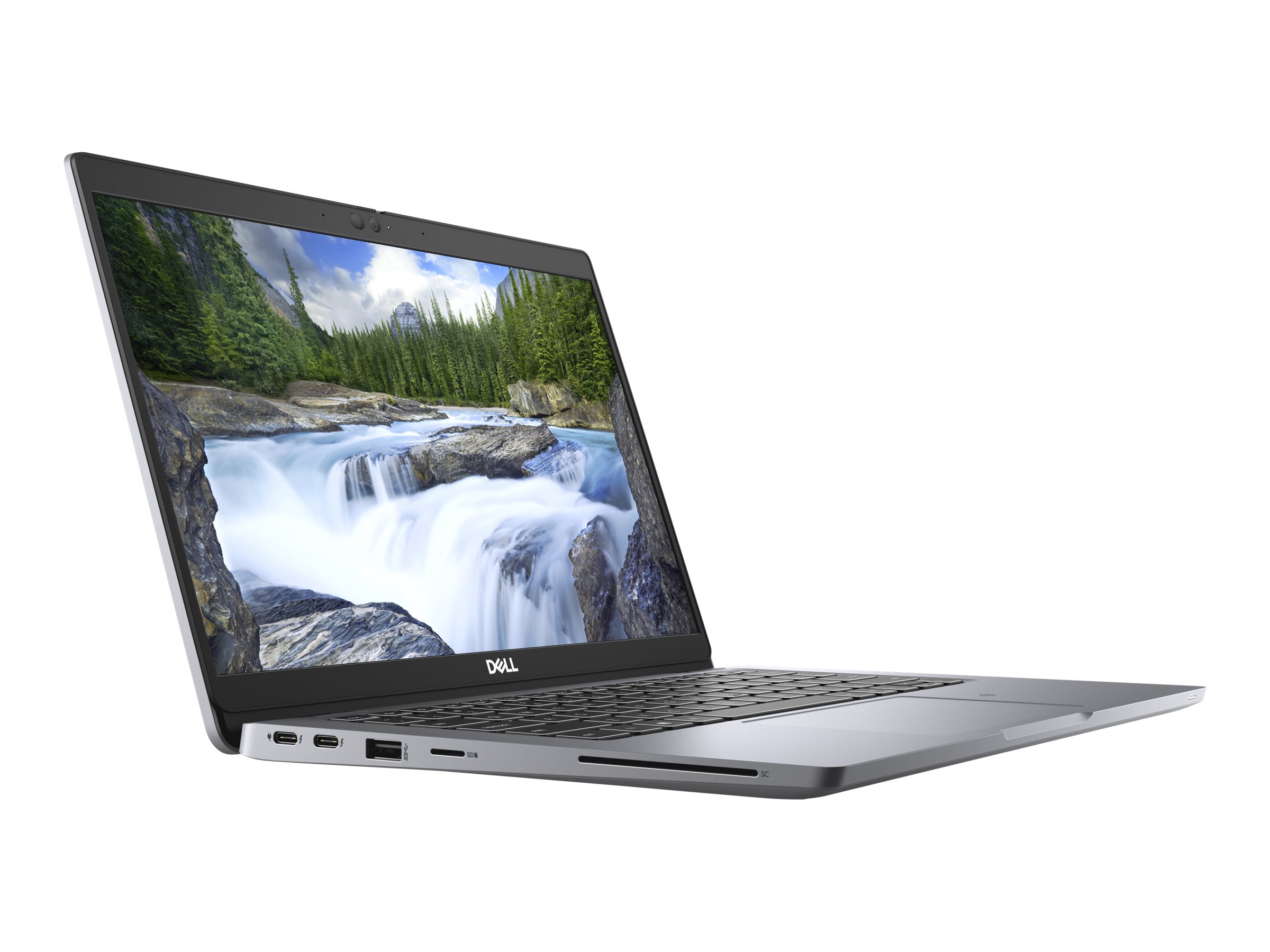
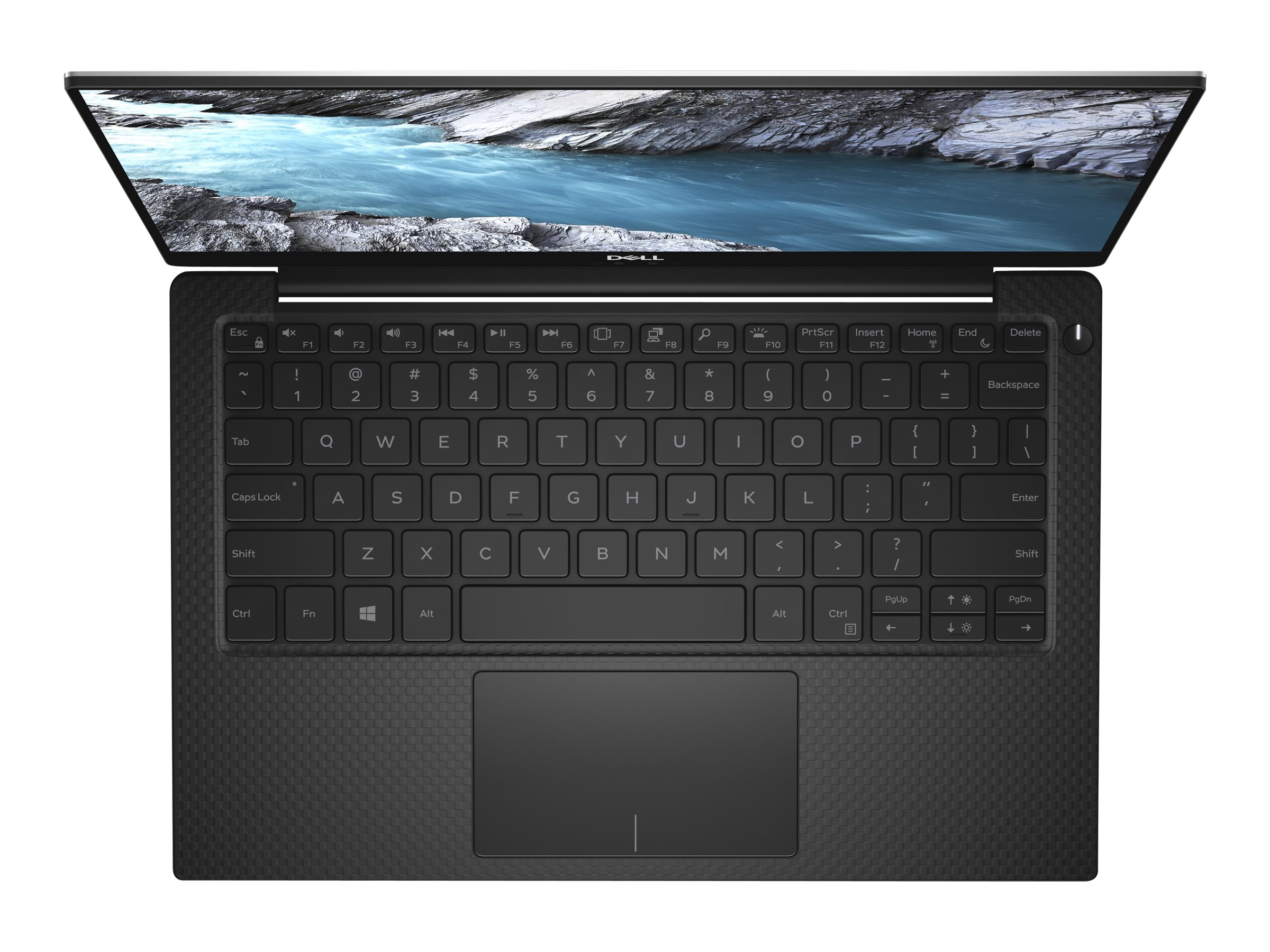
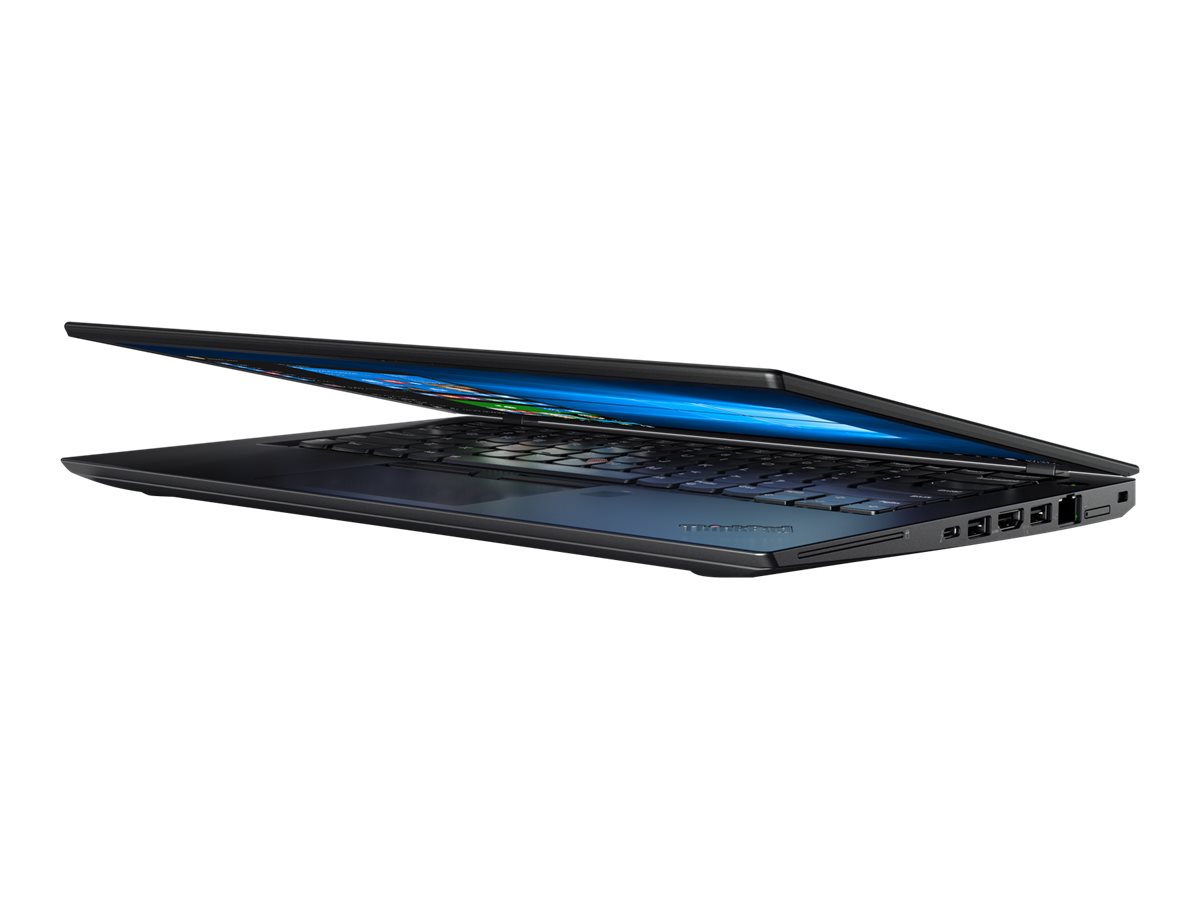
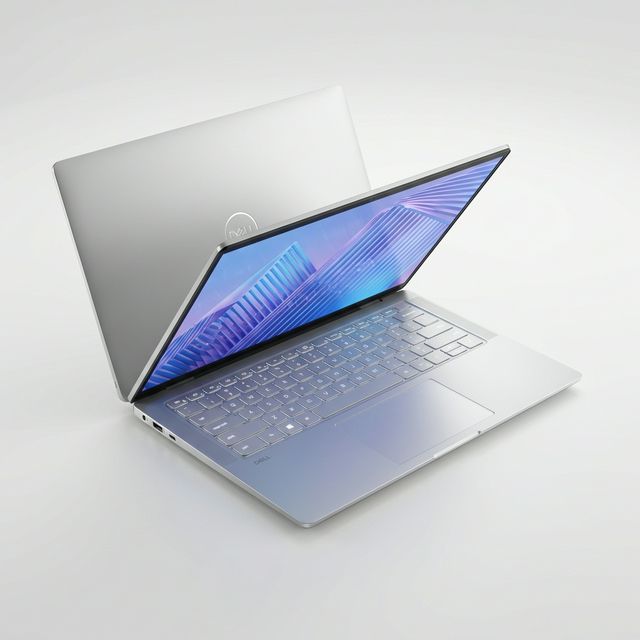
If you work remotely or freelance from Ghana, your laptop has to do three things well: last through power cuts, handle video calls without lag, and run your work tools smoothly for eight hours or more a day. That points to a laptop with long battery life, 16GB of memory, a 1080p webcam with good microphones, and Wi-Fi 6. A MacBook Air is a strong choice for most remote workers because of its battery life; a modern business laptop such as an EliteBook, Latitude or ThinkPad is the Windows equivalent. The laptop is only half of the setup, though. A remote worker in Ghana also needs a backup internet connection and a way to keep the router running when the lights go off. This guide covers both.
Updated October 2026.
What does a remote worker need from a laptop?
| Need | What to look for | Why it matters in Ghana |
|---|---|---|
| Battery life | A full working morning on battery at minimum; a MacBook Air or recent business laptop | Outages often last hours; you cannot miss a client call |
| Memory | 16GB | Video calls, a browser full of tabs, Slack and work apps together |
| Webcam | 1080p or better | Clients and employers judge you partly on how you look on camera |
| Microphones | Noise-cancelling, dual or more | Generators, traffic, neighbours and roosters are real background noise |
| Wi-Fi | Wi-Fi 6 or newer | Better speeds and stability on modern routers, especially in crowded areas |
| Charging | USB-C Power Delivery | Charge from a power bank or any USB-C charger during outages |
| Keyboard | Comfortable for long sessions, backlit | Typing all day, sometimes in the dark during outages |
| Weight | 1.2 to 1.5kg | Working from cafés, co-working spaces and client offices |
Which laptops suit which kind of remote work?
| Kind of work | Good fit |
|---|---|
| Customer support, virtual assistance, writing, admin | MacBook Air 13-inch, or a 13 or 14-inch business laptop with 16GB |
| Software development | MacBook Air or Pro with 16GB or more, or a ThinkPad or XPS with 16 to 32GB; see laptops for coding |
| Design and video for clients abroad | See laptops for graphic designers and laptops for video editing |
| Data, finance and analysis | 14 or 15-inch Windows business laptop with 16GB, especially if you use advanced Excel features |
| Sales and account management | Light business laptop with a strong webcam and microphones; a SIM slot helps |
If you lean towards a MacBook, read which MacBook to buy. For Windows business laptops by profession, see laptops for working professionals.
How do you keep the internet running when the power goes off?
Many remote workers in Ghana have a laptop that lasts through an outage but lose the internet because the router switches off. Fix this first.
- Put the router on a small UPS. Routers and fibre boxes use very little power, often 10 to 20 watts together, so even a small UPS keeps them running for hours. See our UPS guide.
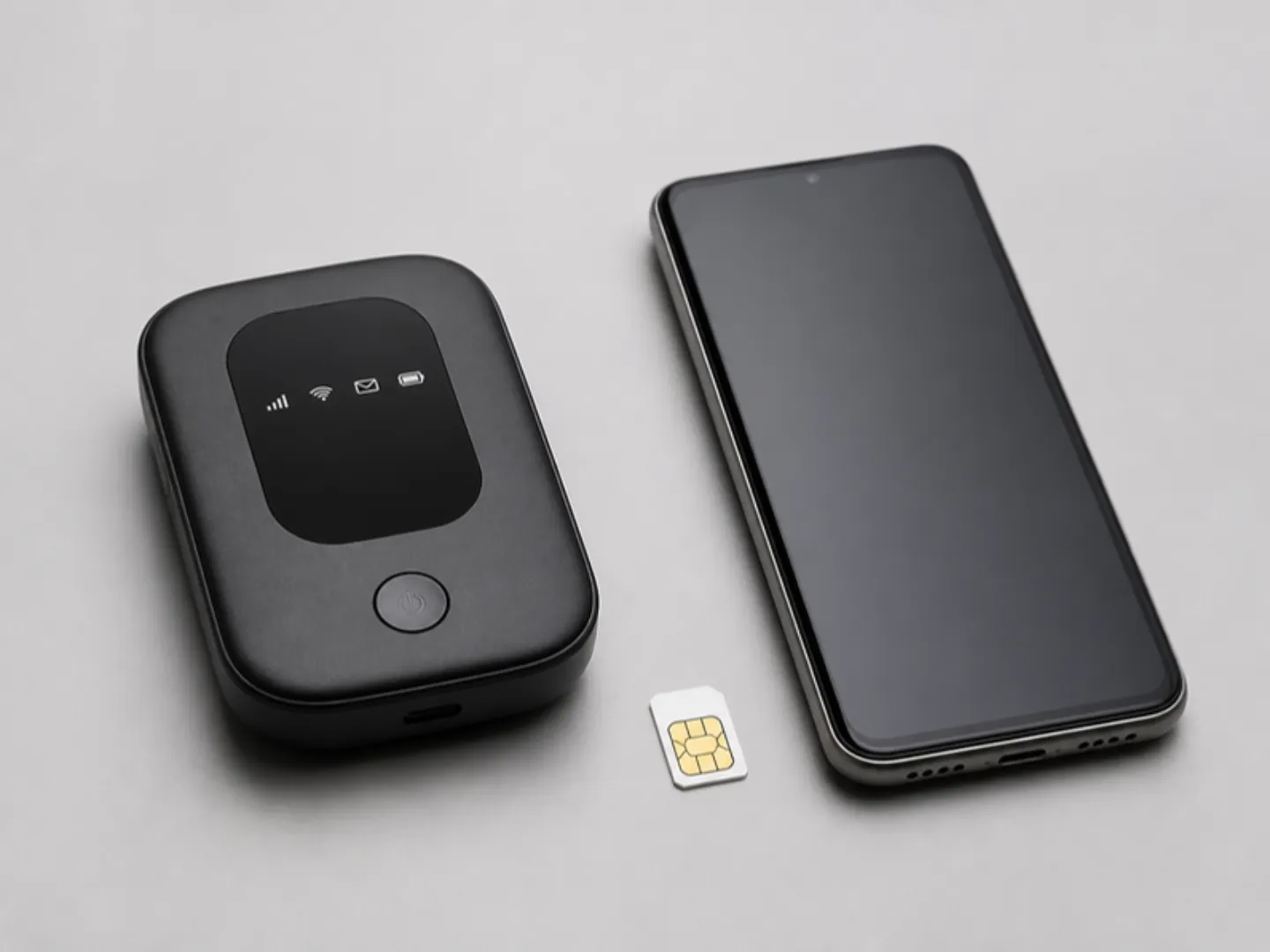
- Keep a mobile backup. A MiFi or 4G/5G router with a data bundle from a different network than your home broadband gives you a second route to the internet. If one network has problems, the other often does not.
- Consider satellite if you live outside good coverage. In areas with weak mobile and no fibre, a Starlink kit is an option. It draws more power than a router, so plan backup power accordingly.
- Use your phone as a last resort. Phone hotspots work, but they drain your phone and may get hot during long calls.
A worked example: how long will a UPS keep your router up?
A typical home router and fibre ONT together draw about 15 watts. A small 650VA UPS with one 12V 7Ah battery stores about 84 watt-hours (12V x 7Ah). After conversion losses and battery ageing, you might get 50 to 60 watt-hours in practice. Divide by 15 watts and the router stays on for roughly three to four hours. That covers most evening outages. If you also plug your laptop into the same UPS at 30 watts, the total becomes 45 watts and the runtime drops to just over an hour, which is why it is better to let the laptop run on its own battery and keep the UPS for the router.
How do you sound and look professional on calls?
- Face a window or a lamp, not away from it. Light in front of you makes any webcam look better.
- Use earphones with a microphone if your laptop's microphones pick up background noise. See wireless earbuds.
- Raise the laptop to eye level with a stand or a few books, so the camera looks at your face rather than up your nose.
- Close heavy apps before important calls to keep video smooth.
- Test your call software before a client meeting; updates sometimes reset your camera and microphone settings.
How do you protect your work and your income?
Freelancers and remote workers depend on one machine. A few habits protect your income:
- Back up automatically to OneDrive, Google Drive, iCloud or Dropbox, and keep a second copy of important client files on an external drive.
- Use two-factor authentication on email, payment platforms and freelance marketplaces.
- Plug into a surge protector at your desk. Power returning after an outage can arrive with a spike that damages chargers and laptops.
- Keep the laptop updated. Security updates protect your client data.
- Have a plan for repairs. Know where you would get the laptop fixed, and ideally have an old laptop or tablet that can keep you working for a few days.
Should you choose new or UK used for remote work?
Both work. A brand new laptop gives you the longest life and a full battery, which matters if you work through long outages. A UK used business laptop gives you a stronger model for your budget. If you go used, battery health is the figure that matters most for remote work; at MachineWura every pre-owned device passes a 30-point inspection with at least 85% battery health before it is listed. Read UK used laptops explained for what else to check.
Common mistakes
- Planning for laptop battery but not router power. A laptop on battery with no internet cannot join a call.
- Using one internet provider only. When it goes down, so does your workday.
- Buying 8GB to save money. Video calls plus a browser plus work apps will slow it down.
- Relying on a poor webcam. Upgrading to a laptop with a 1080p camera, or adding a USB webcam, is cheaper than losing a client's confidence.
- Working from a bed or sofa. Laptops overheat on soft surfaces, and your back will complain. A table and a stand help both.
Frequently asked questions
What is the best laptop for remote work in Ghana?
A laptop with long battery life, 16GB of memory, a 1080p webcam and Wi-Fi 6. A MacBook Air suits most remote workers; an EliteBook, Latitude or ThinkPad is a strong Windows option.
How do I work remotely during power outages?
Run your router on a small UPS, keep a MiFi with a second network as backup, and use a laptop with a healthy battery. A USB-C power bank with 65W output can top up many laptops.
Is a MacBook good for freelancers?
Yes, for most freelance work: writing, design, development, video and virtual assistance. Its battery life is a big advantage during outages. Check that any client software you need runs on macOS.
How much RAM do I need for Zoom and Teams?
8GB runs calls, but 16GB keeps them smooth while you also use a browser, documents and work apps.
Do I need a separate webcam?
Not if your laptop has a 1080p camera. Older laptops with 720p cameras look grainy; a USB webcam improves them.
Can I get a laptop delivered outside Accra?
Yes. MachineWura delivers in 2 to 3 days elsewhere in Ghana, with payment before dispatch by Mobile Money, card or bank transfer. In Accra, delivery is within 24 hours and you can pay on delivery.
Setting up to work from home? Ask us about laptops, routers and backup power on WhatsApp on 0550 314 351, or browse laptops on MachineWura.
Thanks for reading!
Published October 23, 2026 · 8 min read