
Accessories
Charging Cable buying guide
A charging cable carries power from a charger to your phone, tablet or laptop, and the wrong or a poor cable is a common reason for slow charging. Match the plugs to your devices, choose a cable rated for fast charging, and buy from a brand you can trust.
Updated · 3 min read
Quick answer
- Check both ends: one must fit your charger or power bank, the other your device.
- iPhone 15 and newer and most Android phones use USB-C. iPhone 14 and older use Lightning.
- For fast charging you need a fast-charging cable and a fast charger together. One without the other charges slowly.
- Braided cables last longer where the cable bends.
- Avoid the cheapest unbranded cables. They fail early and can harm your phone's port.
Which plug is which
| Plug | Looks like | Used by |
|---|---|---|
| USB-C | Small oval; fits either way up | iPhone 15 and newer, most Android phones, new laptops, tablets, earbuds |
| Lightning | Small flat plug; fits either way up | iPhone 14 and older, older iPads, AirPods cases |
| Micro USB | Small, wider on one side; fits one way | Older Android phones, power banks, speakers |
| USB-A | Larger rectangle | Older chargers, car chargers, computers, power banks |
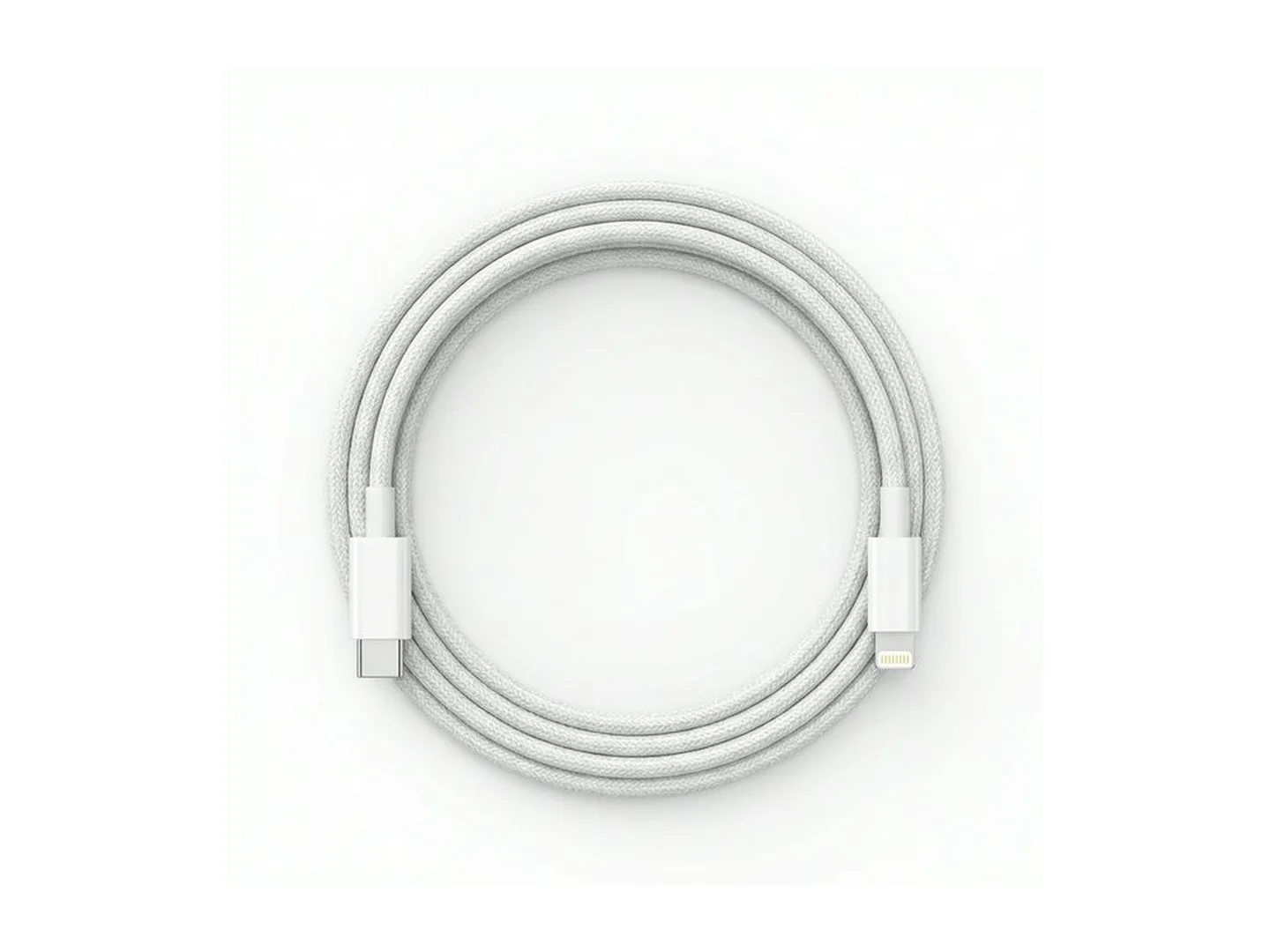
Cables are named by both ends. "USB-C to Lightning" has a USB-C plug for the charger and a Lightning plug for the iPhone. "USB-A to USB-C" suits an older charger and a newer phone.
Common pairings
| Your device | Your charger has | Cable to buy |
|---|---|---|
| iPhone 15 or newer | USB-C port | USB-C to USB-C |
| iPhone 14 or older | USB-C port (fast) | USB-C to Lightning |
| iPhone 14 or older | USB-A port | USB-A to Lightning |
| Android phone | USB-C port | USB-C to USB-C |
| Android phone | USB-A port | USB-A to USB-C |
| Laptop charging by USB-C | USB-C laptop charger | USB-C to USB-C rated 60 or 100 watts |
What to look for
Fast charging support. The cable should state the power it carries, in watts. Phones need a cable matched to a fast charger; laptops need 60 or 100 watt cables. See our fast charger guide.
Certification for iPhone. Lightning cables approved by Apple carry an "MFi" mark (Made for iPhone). Unapproved ones may show a "not supported" message and stop working after an iPhone update.
Build. Braided nylon covers and reinforced ends resist fraying where the cable bends at the plug, which is where most cables die.
Length. One metre for the car, a desk or a power bank. Two metres for the bedside.
File transfer. Most cables also move photos and files. A few very cheap ones only charge.
Signs a cable needs replacing
- The phone connects and disconnects when the cable moves.
- Charging has become much slower.
- The plug feels loose or gets hot.
- The outer cover is split or the wires show. Stop using it.
Common mistakes
- Buying the right phone end and the wrong charger end.
- A fast charger with a slow cable. The cable limits the speed.
- Pulling the cable out by the wire. Hold the plug.
- Bending it sharply at the plug while using the phone in bed.
Care
Coil cables loosely; do not wrap them tightly round a charger. Keep plugs dry. If charging stops, check the phone's port for lint before blaming the cable.
For power away from a socket, read our power bank guide.
Send us your phone and charger and we will tell you the exact cable: WhatsApp MachineWura on 0550 314 351.
Typical charging cable specifications
| Plug types | |
|---|---|
| USB-C | iPhone 15 and newer, most Android phones, newer laptops and tablets |
| Lightning | iPhone 14 and older, older iPads and AirPods |
| Micro USB | Older Android phones, power banks, small gadgets |
| USB-A | The older, larger rectangular plug on chargers and computers |
| Length | |
| 1 metre | Desk, car and power bank use |
| 2 metres | Bedside and sofa |
Questions people ask
Which cable does my iPhone use?
iPhone 15 and newer use USB-C. iPhone 14 and older use Lightning. For fast charging an older iPhone, use a USB-C to Lightning cable with a USB-C charger of 20 watts or more.
Why is my phone charging slowly?
The cable, the charger or both may not support fast charging, or the cable is worn. Try the cable with a known fast charger. Also clean dust out of the phone's port gently; packed lint stops the plug seating fully.
Are cheap cables safe?
Very cheap unbranded cables often charge slowly, break quickly and in the worst cases overheat or damage the charging port. A good cable costs a little more and lasts far longer.
Does cable length affect charging speed?
A little. Very long, thin cables lose some power on the way. A good-quality 2 metre cable is fine; a poor 3 metre one can be noticeably slow.
Can one USB-C cable charge my phone and my laptop?
Often, but not always. Laptops need much more power than phones, so the cable must be rated for it, usually marked 60 watts or 100 watts. A basic phone cable may charge a laptop slowly or not at all.
Still deciding?
Tell us your budget and how you'll use it, and we'll tell you what's in stock and what we can source. WhatsApp 0550 314 351, or shop accessories.