
Accessories
Wireless Keyboard and Mouse buying guide
A wireless keyboard and mouse make a laptop more comfortable to use for long hours and keep a desk free of cables. For office and school work, choose a quiet full-size keyboard and a mouse that fits your hand; pick Bluetooth if your laptop is short of USB ports.
Updated · 2 min read
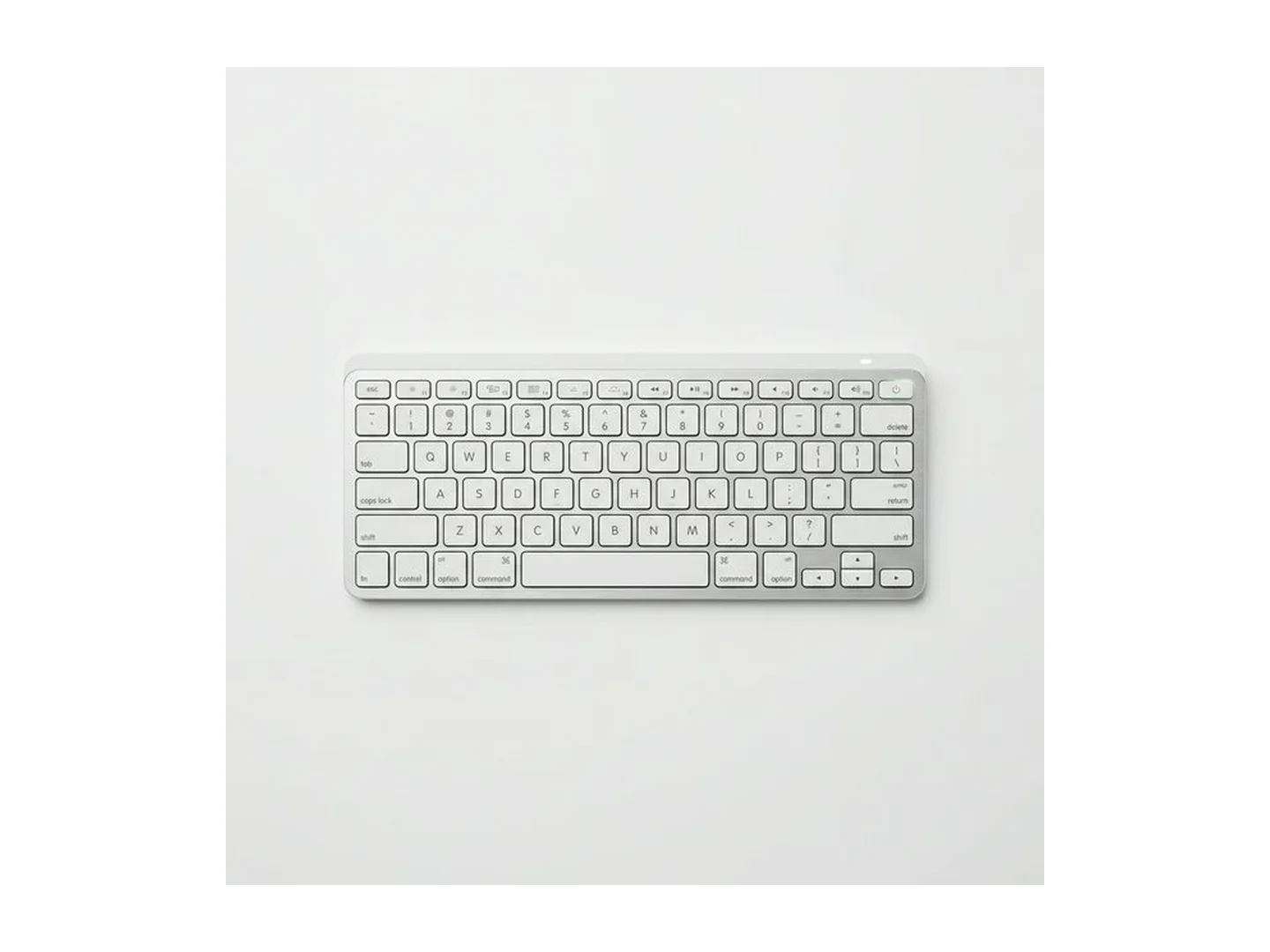
At MachineWura today
GH₵ 150 to GH₵ 350 · 2 in stock
Quick answer
- A separate keyboard and mouse are the cheapest way to make long laptop work more comfortable.
- USB receiver sets are plug-and-play. Bluetooth frees a USB port and also works with tablets.
- For office work choose a quiet, full-size keyboard if you type numbers, or a slim compact one to carry.
- Pick a mouse that fits your hand. An ergonomic shape helps if your wrist aches.
- Pair them with a laptop stand so the screen sits at eye level.
How they connect
| USB receiver | Bluetooth | |
|---|---|---|
| Setup | Plug in the small receiver | Pair once in settings |
| Uses a USB port | Yes | No |
| Works with tablets and phones | Rarely | Yes |
| Best for | Desktops, laptops with spare ports | Thin laptops, MacBooks, iPads |
Many laptops now have only USB-C ports. A receiver with the older, larger USB plug then needs an adapter, so Bluetooth is the tidier choice.
Choosing a keyboard
Size. A full-size keyboard has a number pad, useful for accounts and data entry. A compact keyboard takes less space and fits a laptop bag.
Key feel. Slim keyboards have short, quiet keys like a laptop's. Taller keys travel further and many people find them more comfortable for long typing.
Noise. For offices, libraries and shared rooms, pick quiet keys.
Angle. Fold-out feet tilt the keyboard. A flatter keyboard is kinder to your wrists.
Works with your device. Windows and Mac differ in a few keys. Keyboards marked for both have both sets of labels.
Switching between devices. Some keyboards pair with two or three devices and switch with one key, handy if you use a laptop and a tablet.
Choosing a mouse
Fit. Your hand should rest on it comfortably. A tiny travel mouse is easy to carry and tiring over a full day.
Quiet clicks. Useful in meetings and shared rooms.
Shape. An ergonomic mouse supports the palm. A vertical mouse turns your hand to a handshake position, which eases wrist strain for some people.
Surface. Most mice struggle on glass and glossy tables. A mousepad fixes it.
Battery. One AA battery often lasts months. Rechargeable mice suit daily heavy use.
A comfortable desk in three steps
- Raise the laptop so the top of the screen is about eye level. See our laptop stand guide.
- Put the keyboard so your elbows bend at about a right angle and your wrists stay straight.
- Keep the mouse close beside the keyboard, so you do not reach.
Common mistakes
- A receiver set for a laptop with only USB-C ports.
- A very small mouse for all-day work.
- No spare batteries.
- Leaving the receiver in the box. Many mice have a slot underneath to store it.
Care
Switch them off when travelling. Wipe keys with a slightly damp cloth. Remove batteries if you will not use them for months.
For gaming, see our gaming keyboard and gaming mouse guides.
Tell us your laptop model and we will confirm what connects: WhatsApp MachineWura on 0550 314 351.
Wireless Keyboard and Mouse in stock at MachineWura
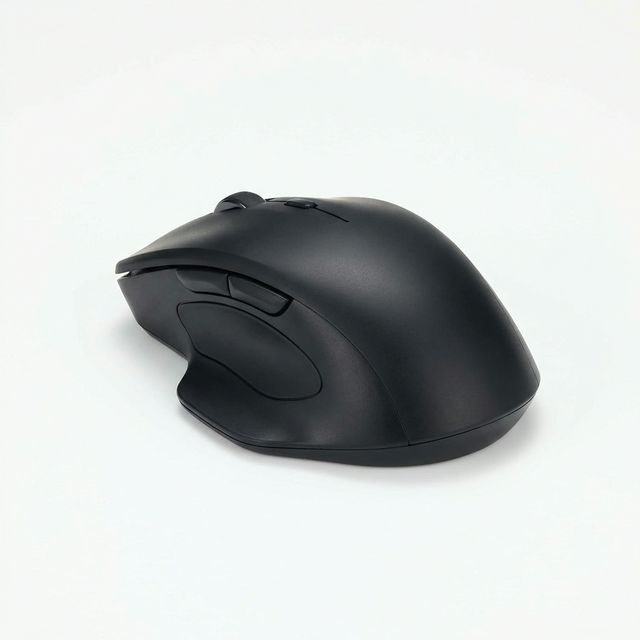
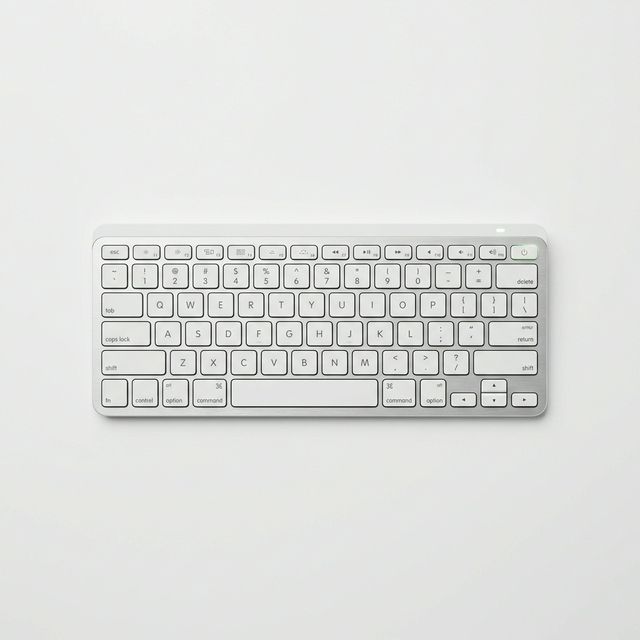
Typical wireless keyboard and mouse specifications
| Connection | |
|---|---|
| USB receiver | Plug in and it works; uses one USB port |
| Bluetooth | No receiver needed; also pairs with tablets and phones |
| Both | Switch between devices |
| Power | |
| AA or AAA batteries | Last for months |
| Rechargeable | Charge by USB every few weeks |
Questions people ask
Bluetooth or USB receiver?
A USB receiver is the simplest: plug it in and it works. Bluetooth needs no receiver, which helps on thin laptops with few ports, and it also connects to tablets and phones. Some sets offer both.
Will a wireless keyboard work with my MacBook, iPad or tablet?
Bluetooth keyboards work with MacBooks, iPads and most Android tablets. A few keys differ between Windows and Mac, so look for a keyboard marked for both if you use a Mac.
How long do the batteries last?
Keyboards and mice that use AA or AAA batteries usually last many months. Rechargeable ones need charging every few weeks, depending on use and whether they have lights.
Why is my wireless mouse jumpy or slow?
Usually a low battery, a glossy or glass surface, or the receiver being far away or behind the computer. Try new batteries, a mousepad, and a USB port at the front.
Is an ergonomic mouse worth it?
If your wrist aches after long days, it can help. An ergonomic or vertical mouse keeps your hand in a more natural handshake position. It takes a few days to get used to.
Still deciding?
Tell us your budget and how you'll use it, and we'll tell you what's in stock and what we can source. WhatsApp 0550 314 351, or shop accessories.