
Gaming
Gaming Keyboard buying guide
A gaming keyboard is built for fast, accurate key presses and long hours, usually with lights under the keys. Choose a mechanical keyboard if you want keys that last and feel precise, and pick the size by how much desk space you have and whether you use the number pad.
Updated · 2 min read
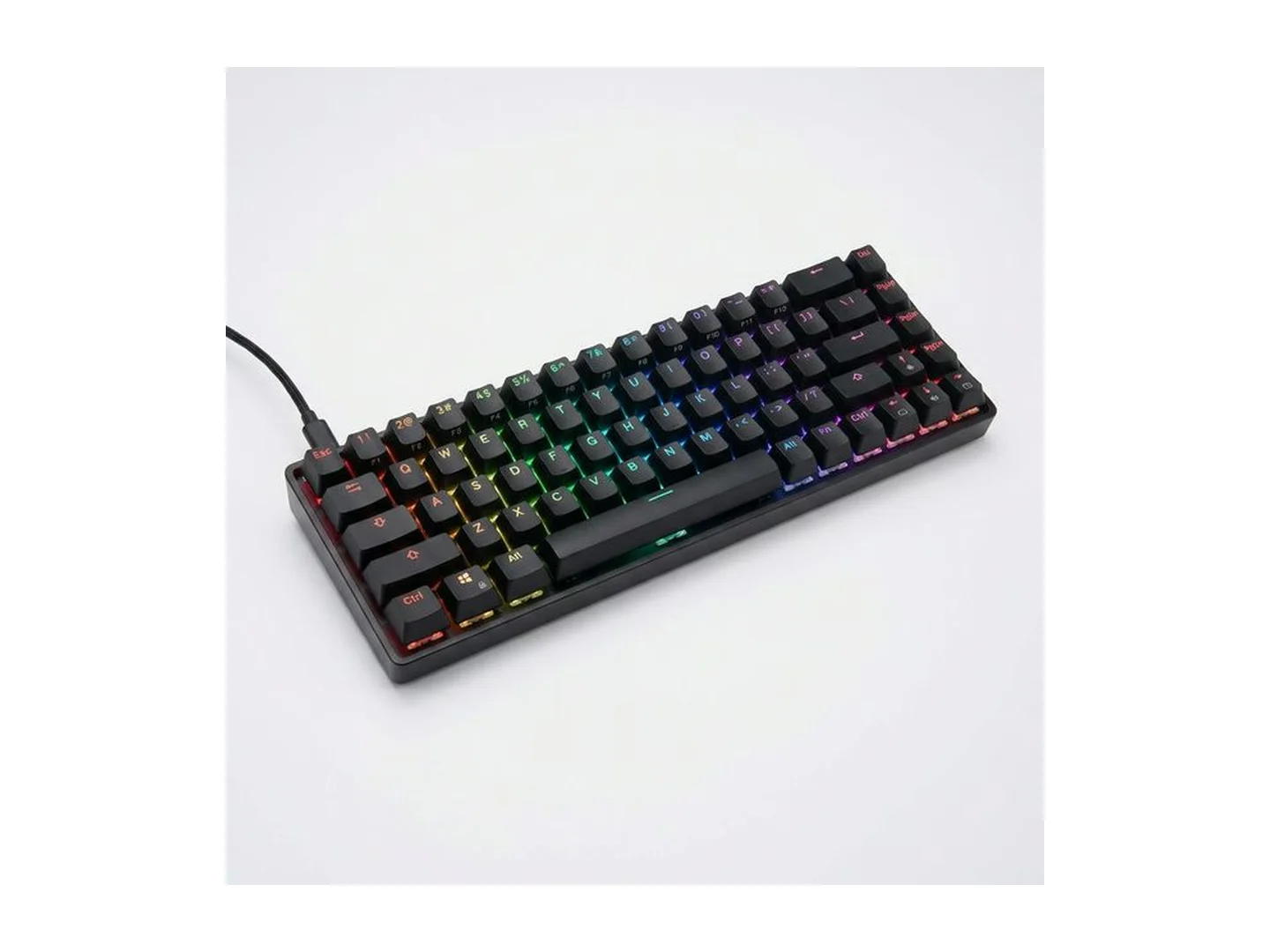
At MachineWura today
GH₵ 450 · 1 in stock
Quick answer
- The main choice is mechanical or membrane. Mechanical keys feel clearer and last longer. Membrane keys are quieter and cost less.
- Pick the size by your desk. Dropping the number pad gives your mouse more room.
- If you share a room, choose quiet (red or brown) switches, not clicky blue ones.
- Wired is simplest for gaming. Wireless keeps the desk tidy.
- The lights are for looks and for seeing keys at night.
Mechanical or membrane
| Mechanical | Membrane | |
|---|---|---|
| Feel | Each press is clear and the same every time | Softer, a little mushy |
| Noise | Quiet to loud, depending on the switch | Quiet |
| Lifespan | Many years of heavy use | Wears sooner |
| Price | Higher | Lower |
| Repairs | Single keys can often be replaced | Usually replace the whole keyboard |
Switch colours in plain words
| Switch | Feel | Sound | Suits |
|---|---|---|---|
| Red | Smooth, light | Quiet | Gaming |
| Brown | A small bump you can feel | Fairly quiet | Gaming and typing |
| Blue | A bump and a click | Loud | Typing, if you are alone |
Sizes
| Size | What you lose | Why choose it |
|---|---|---|
| Full size | Nothing | You type numbers a lot |
| Tenkeyless | The number pad | More room to move the mouse |
| 75 percent | Number pad, some spacing | Compact with arrow keys kept |
| 60 to 65 percent | Number pad, function row, sometimes arrows | Smallest; easiest to carry |
On the smallest keyboards, some keys are reached by holding a second key. That takes getting used to.
What to look for
Several keys at once. Good gaming keyboards register many keys pressed together, so running, jumping and reloading at the same moment all count. On the box this is called anti-ghosting or n-key rollover.
Build. A heavier keyboard with a metal top plate stays put on the desk.
Keycaps. The plastic tops of the keys. Thicker ones feel better and the letters wear off more slowly.
Backlight. One colour is enough to see by. Multi-colour (RGB) lets you set effects and colours.
Wired or wireless. Wired never needs charging. Wireless with a USB receiver is as quick as wired for almost everyone.
Wrist rest. Makes long sessions more comfortable.
Common mistakes
- Buying loud blue switches for a shared room.
- Going too small. If you use arrow keys or the number pad daily, keep them.
- Paying for lights instead of build quality.
- Eating over it. Crumbs under keys are the commonest fault.
Care
Turn it upside down and shake gently to clear crumbs. Wipe keys with a slightly damp cloth, with the keyboard unplugged. On mechanical keyboards, keycaps pull off for a proper clean.
Complete the setup with our gaming mouse guide and gaming monitor guide. For everyday office keyboards, see the wireless keyboard and mouse guide.
Not sure which size or switch? WhatsApp MachineWura on 0550 314 351.
Gaming Keyboard in stock at MachineWura
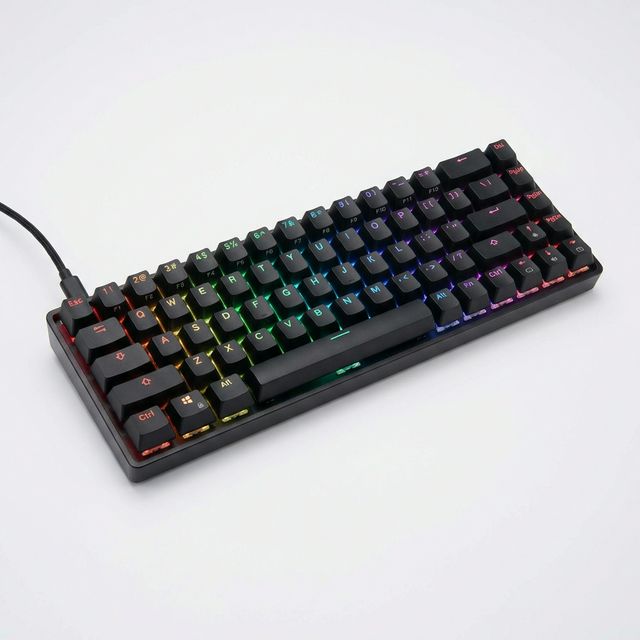
Typical gaming keyboard specifications
| Key type | |
|---|---|
| Mechanical | A separate spring switch under every key; precise and long lasting |
| Membrane | A soft rubber sheet under the keys; quiet and cheaper |
| Size | |
| Full size | Includes number pad |
| Tenkeyless | No number pad; more room for the mouse |
| Compact (60 to 65 percent) | Smallest; some keys need a second press |
Questions people ask
Is a mechanical keyboard really better?
For gaming and heavy typing, yes for most people. Each key has its own switch, so presses feel clear and consistent and the keyboard lasts for years. Membrane keyboards are quieter and cheaper and are fine for light use.
What do red, blue and brown switches mean?
They describe how the keys feel. Red is smooth and quiet, good for gaming. Blue clicks loudly with each press, which some typists love and housemates do not. Brown is in between: a small bump you can feel, without the loud click.
Can I use a gaming keyboard for office work and school?
Yes. It is a normal keyboard with better keys. If you enter many numbers, choose a full-size one with a number pad. If you share a room, avoid loud blue switches.
Does a gaming keyboard work with a laptop?
Yes. Plug it into a USB port, or pair it by Bluetooth if it is wireless. No software is needed for basic use.
Do the RGB lights do anything?
They help you see keys in the dark and they look good. They do not make you play better. You can dim or switch them off.
Still deciding?
Tell us your budget and how you'll use it, and we'll tell you what's in stock and what we can source. WhatsApp 0550 314 351, or shop gaming.