
Gaming
Gaming Mouse buying guide
A gaming mouse tracks your hand movement more accurately than an ordinary mouse and adds extra buttons under your thumb. Choose one that fits your hand size and how you hold a mouse; a comfortable shape and a light weight matter more than the highest numbers on the box.
Updated · 2 min read
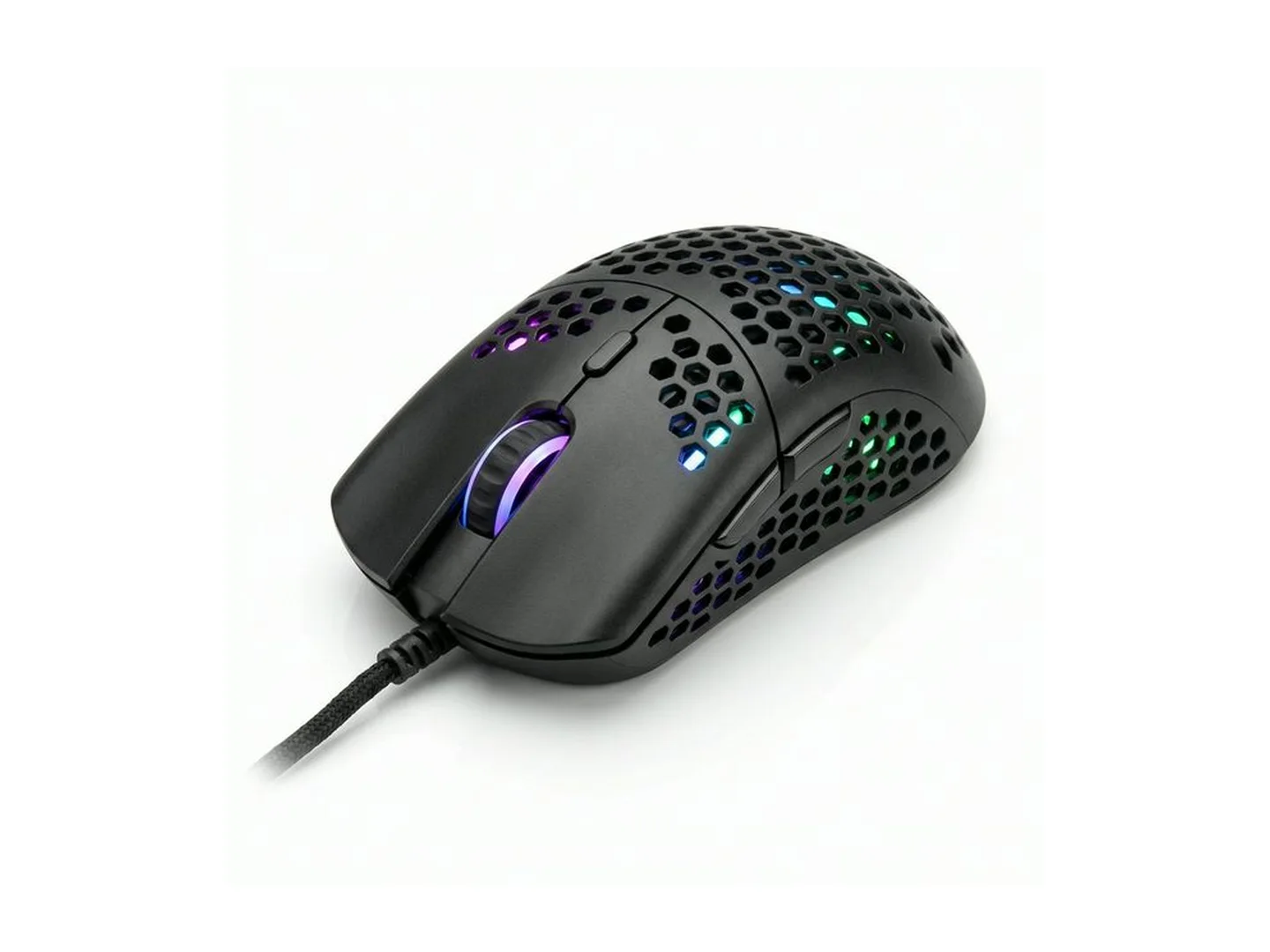
At MachineWura today
GH₵ 180 · 1 in stock
Quick answer
- Fit comes first. A mouse that suits your hand size and grip beats one with bigger numbers on the box.
- Lighter mice are easier to move quickly and tire your wrist less.
- Two thumb buttons are enough for most games.
- Wired is cheapest and never runs flat. For wireless, choose one with a USB receiver.
- Use a mousepad. It improves any mouse.
Find your fit
Rest your hand on a mouse the way you normally would.
| How you hold it | What it looks like | Shape that suits |
|---|---|---|
| Palm | Whole hand rests on the mouse | Larger, taller mouse |
| Claw | Palm touches the back, fingers arched | Medium mouse with a raised back |
| Fingertip | Only fingertips touch | Small, light mouse |
Hand size matters as much. A large mouse in a small hand is tiring, and a small mouse cramps a large hand.
Left-handed? Choose a mouse with the same shape on both sides.
What to look for
Shape and size. Covered above, and the most important choice.
Weight. Light mice suit fast shooting games. Some players of slower games like a heavier, steadier feel.
Buttons. Two thumb buttons cover most needs. Mice with many side buttons suit games with lots of abilities, and they are harder to use by feel.
Speed button. A button behind the wheel changes pointer speed (DPI) in steps. Useful for switching between slow, careful aiming and fast turning.
Tracking. A good mouse follows your hand exactly, with no skipping or jumping, even when you move fast.
Cable. On wired mice, a soft, flexible cable drags less than a stiff one.
Lights. For looks. On wireless mice they shorten battery life.
The numbers on the box
Mouse boxes show very high DPI numbers. Most people play at a fraction of the maximum, so a higher maximum does not make a mouse better. Comfort, weight and smooth tracking are what you will notice.
Mousepads
| Type | Feel | Suits |
|---|---|---|
| Cloth | Soft, with some grip | Control and comfort; most players |
| Hard surface | Slick and fast | Very quick movement |
| Extended desk pad | Covers keyboard and mouse area | Large movements and a tidy desk |
Common mistakes
- Buying by the DPI number.
- Ignoring hand size.
- Using a glass or glossy table with no pad. The pointer skips.
- Bluetooth-only for fast games. It can lag.
Care
Wipe the feet and the sensor opening underneath with a dry cloth; dust there causes skipping. Wash a cloth mousepad with mild soap and dry it flat.
Pair it with a gaming keyboard and a gaming headset. For office mice, see the wireless keyboard and mouse guide.
Tell us your hand size and the games you play: WhatsApp MachineWura on 0550 314 351.
Gaming Mouse in stock at MachineWura
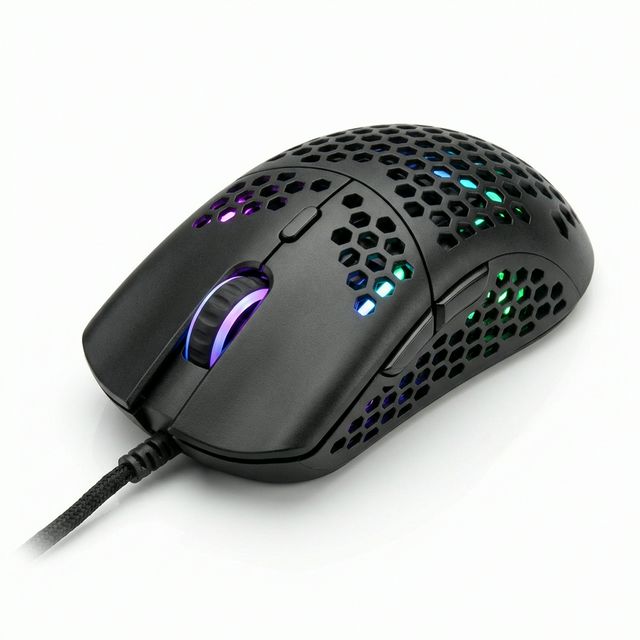
Typical gaming mouse specifications
| Connection | |
|---|---|
| Wired | No battery; lowest price |
| Wireless | USB receiver; no cable drag; needs charging |
| What matters | |
| Shape and size | Should fit your hand |
| Weight | Lighter is easier to move quickly |
| Side buttons | Two thumb buttons suit most games |
Questions people ask
What is DPI on a mouse?
It is how far the pointer moves when you move the mouse. Higher means the pointer travels further for the same hand movement. Most players use a low to middle setting for control. Very high numbers on the box are not a sign of a better mouse.
Is a gaming mouse good for normal work?
Yes. It is comfortable for long hours, and the side buttons can go back and forward in a browser. Many office workers prefer one.
Do I need a mousepad?
It helps a lot. A mousepad gives smooth, even movement and protects the mouse's feet. Large desk pads also keep the keyboard from sliding.
Wired or wireless gaming mouse?
A wired mouse is cheaper and never needs charging. A wireless one with its own USB receiver feels just as quick and has no cable to drag. Avoid Bluetooth-only mice for fast games.
What is a honeycomb mouse?
It has holes in the shell to make it lighter, so it is easier to move quickly and your palm stays cooler. Keep it away from spills and dust.
Still deciding?
Tell us your budget and how you'll use it, and we'll tell you what's in stock and what we can source. WhatsApp 0550 314 351, or shop gaming.