In this article
- What should you ask your child before buying?
- Which kind of laptop suits which course?
- What specifications matter, in plain words?
- Brand new or UK used?
- How long should a student laptop last?
- A worked example: planning for four years
- What should you check when the laptop arrives?
- How do you set it up before it goes to campus?
- Common mistakes parents make
- Frequently asked questions
- What laptop should I buy for my child going to university?
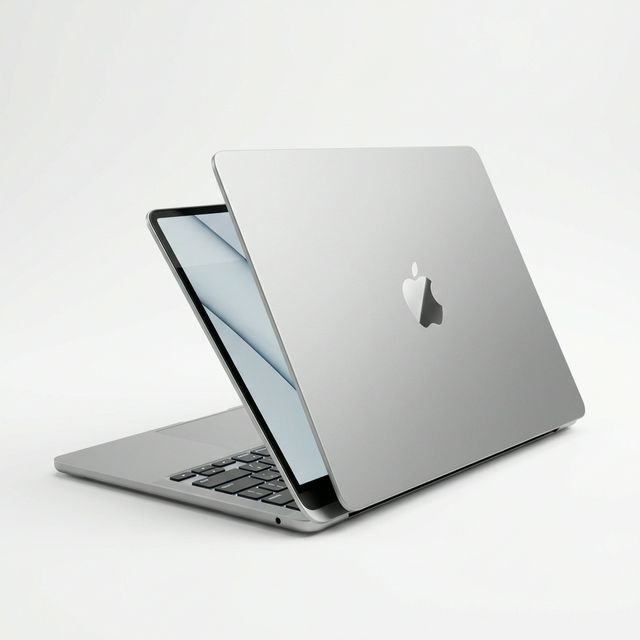
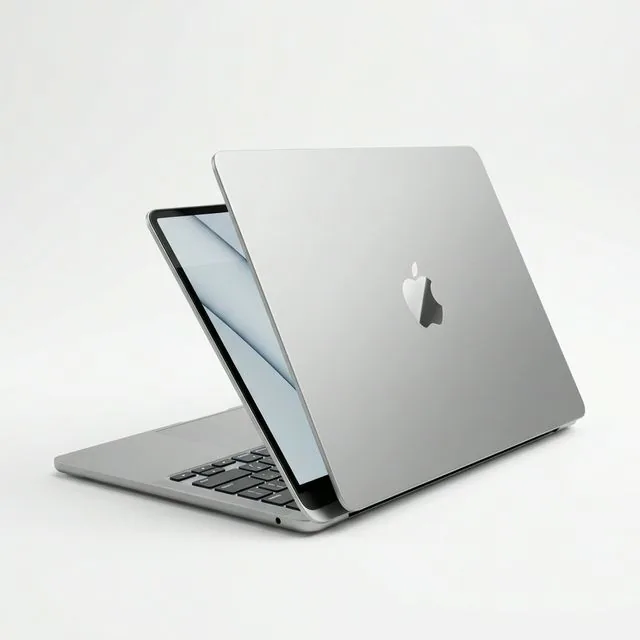
- Is a MacBook worth it for a university student?
- Should I buy a brand new or UK used laptop for my child?
- Can I buy online and have it delivered to my child's campus?
- What if the laptop arrives faulty?
- How do I protect the laptop from theft on campus?
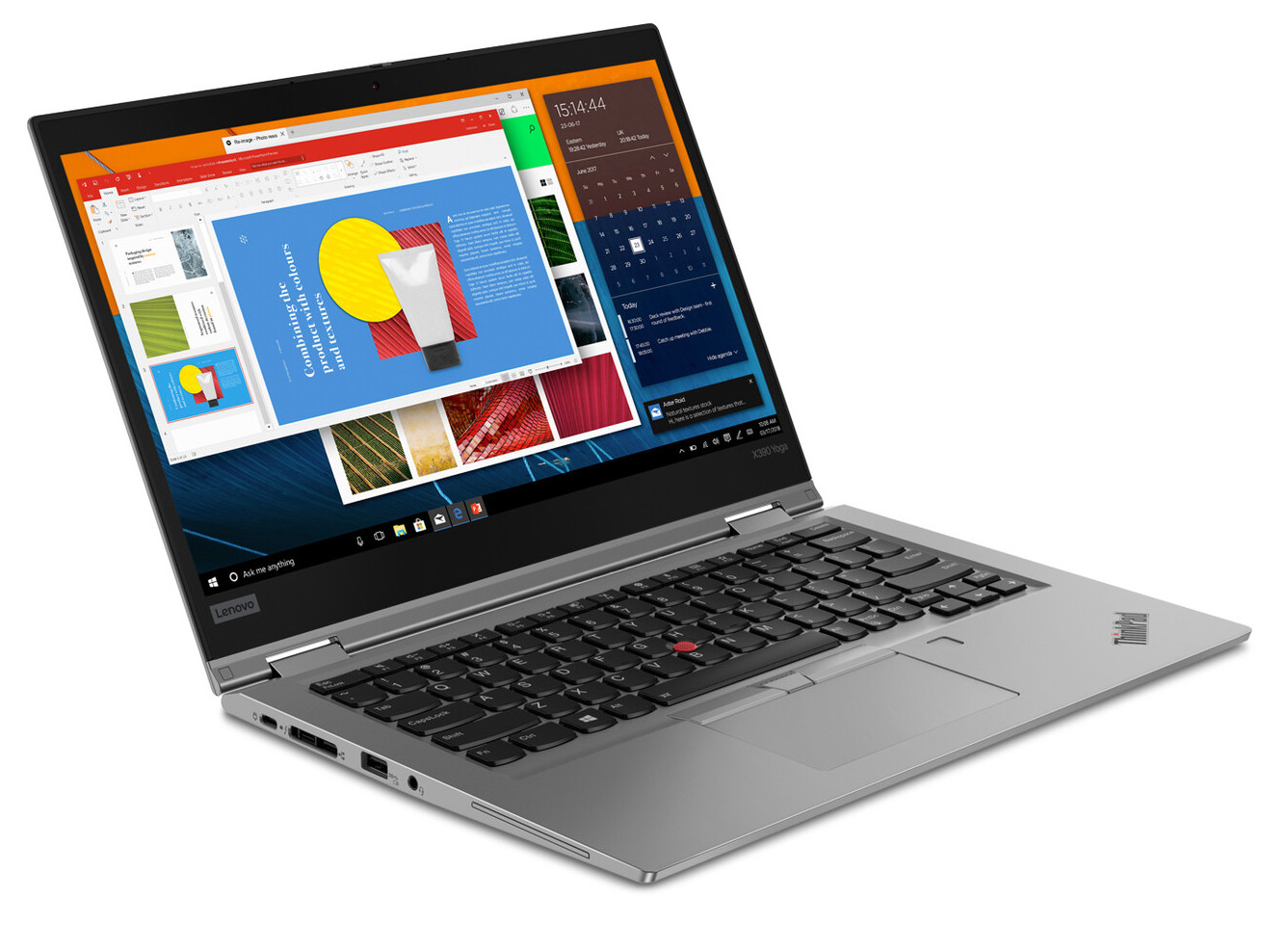
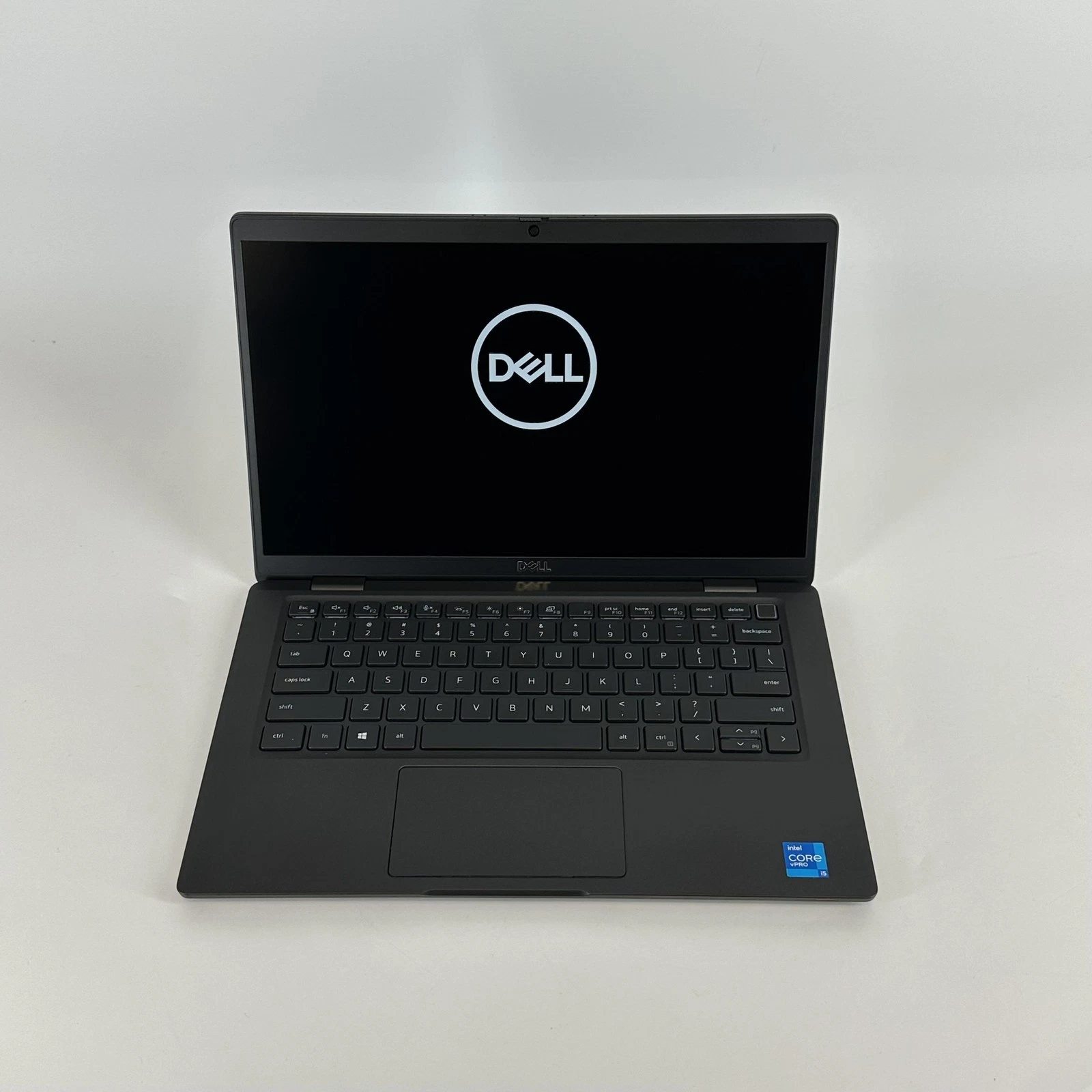
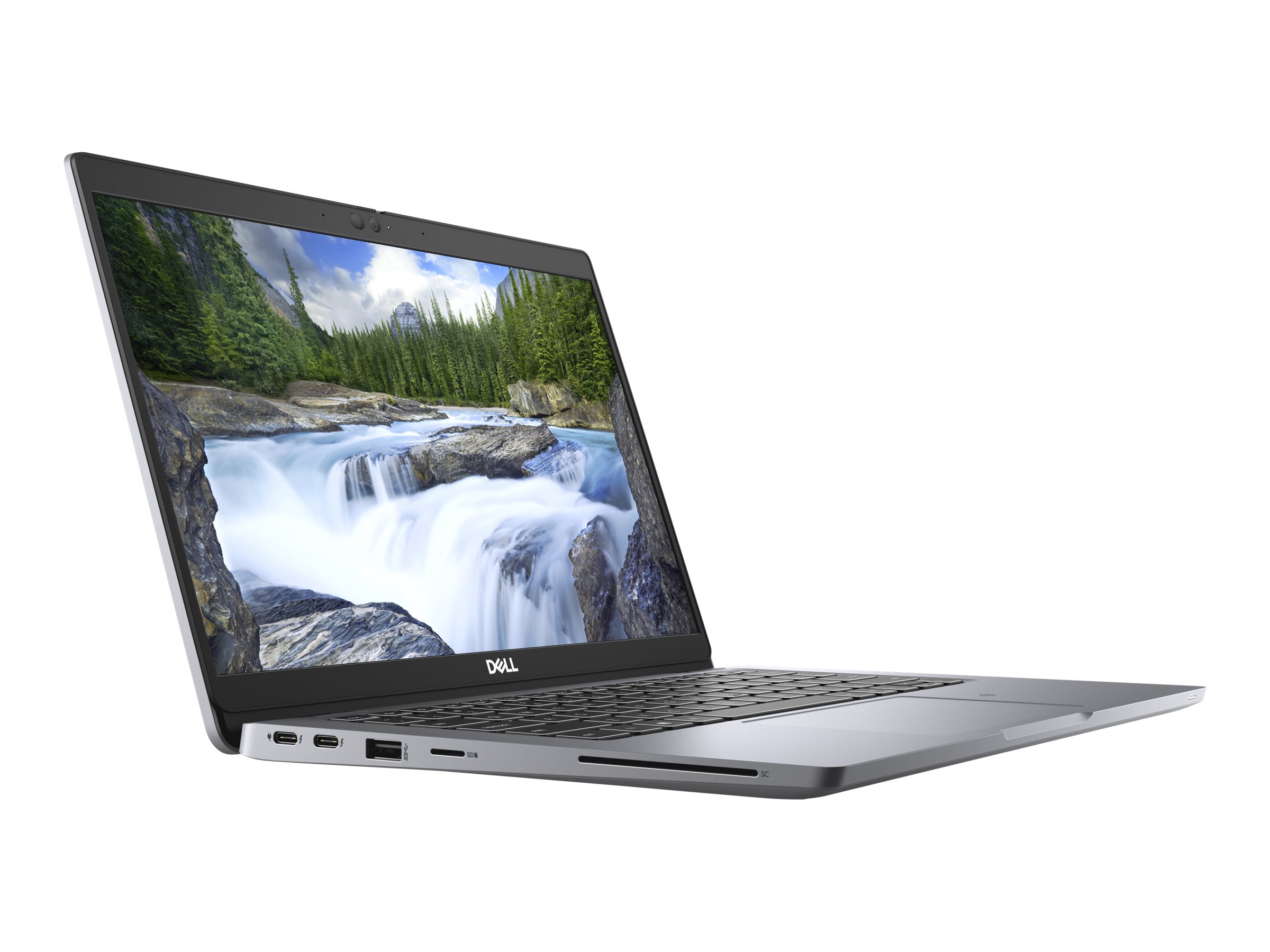
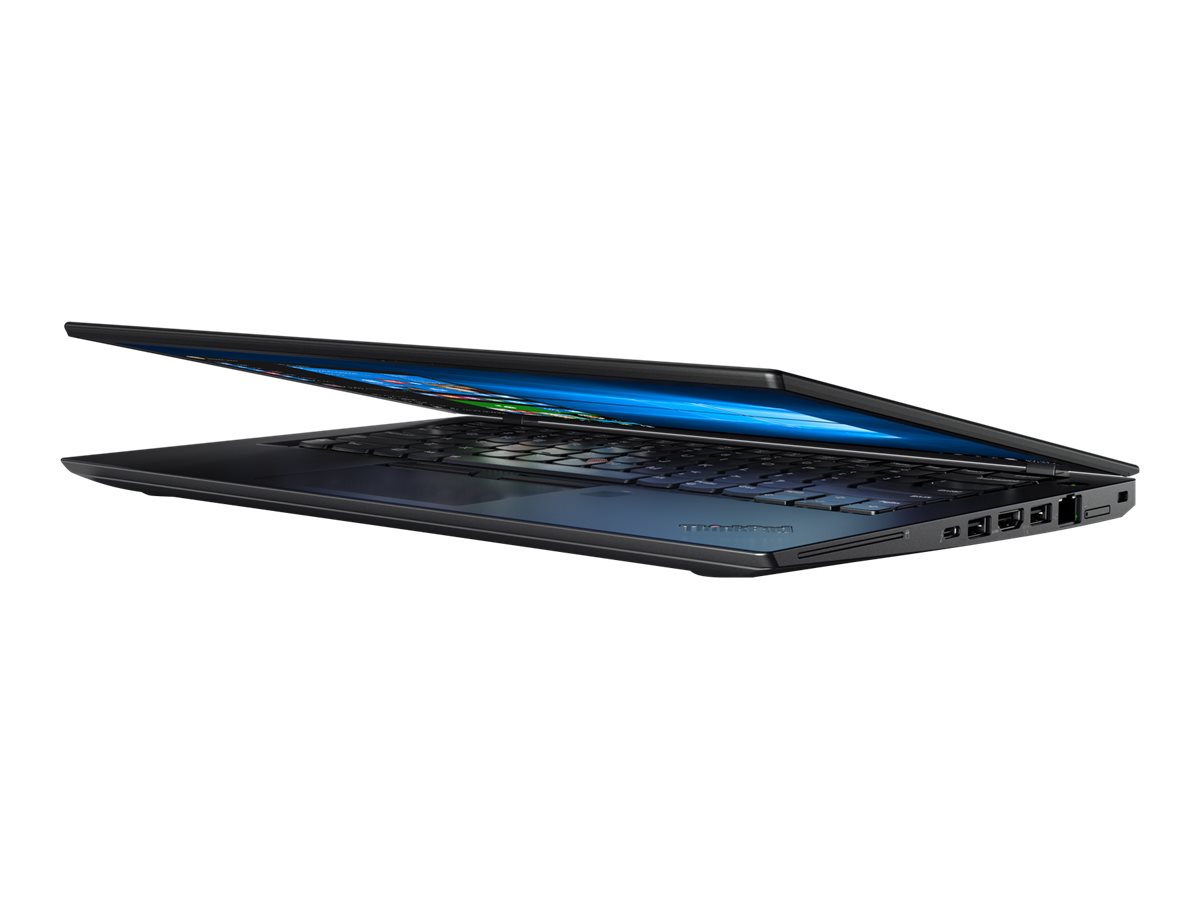
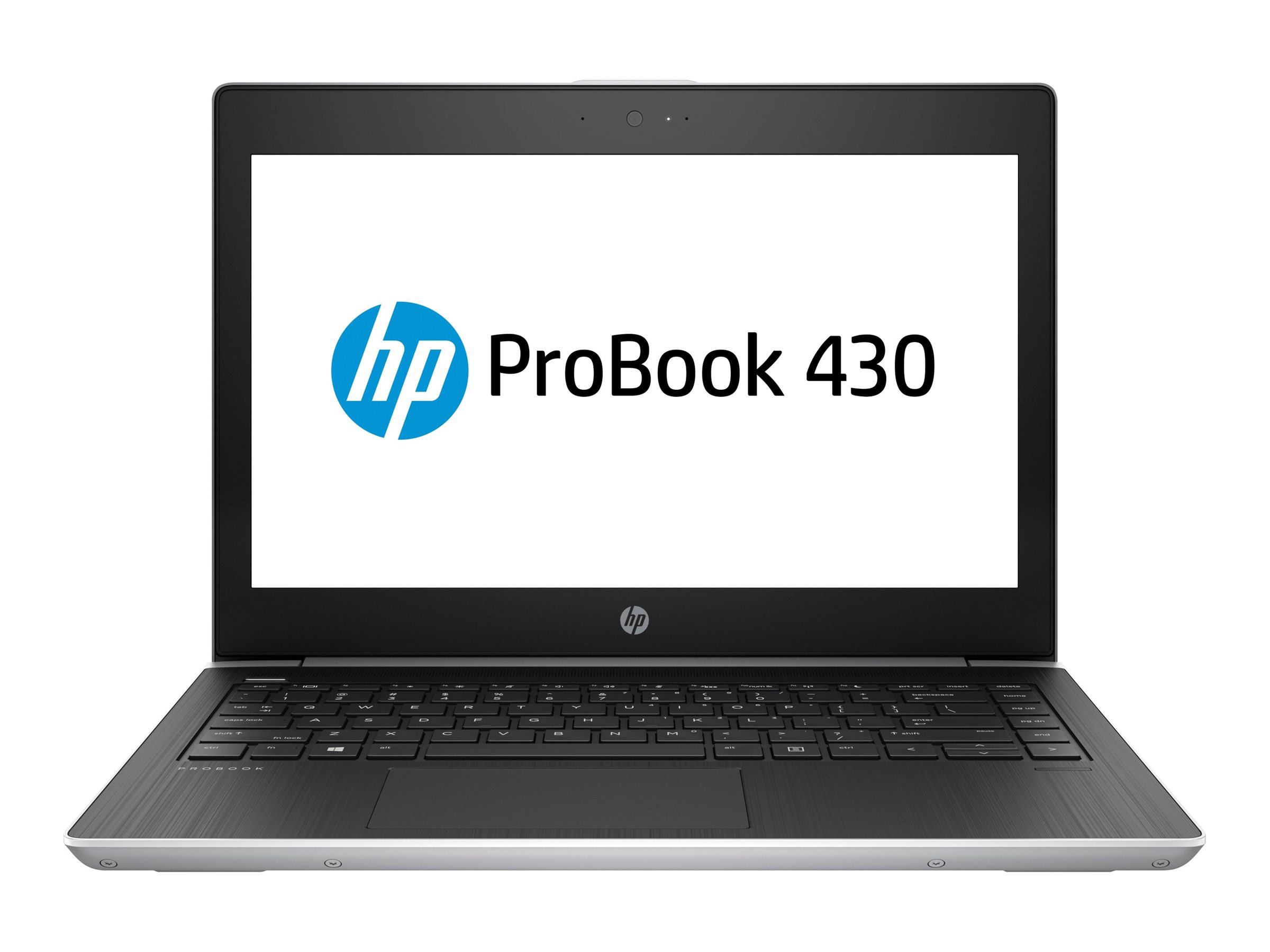
When you buy a laptop for a son or daughter starting university, the aim is a machine that runs their course software and lasts all four years: that usually means at least 8GB of memory (16GB is better), an SSD rather than a hard disk, a battery that lasts through lectures and outages, and a sturdy build. A MacBook Air or a business laptop such as an HP EliteBook, Dell Latitude or Lenovo ThinkPad fits most courses. Engineering and architecture students often need Windows with stronger graphics. This guide is written for parents and guardians: what to ask your child before buying, how to compare brand new and UK used, what to check at delivery, and how to set the laptop up so it is safe on campus.
Updated October 2026.
What should you ask your child before buying?
A laptop that suits one course can be wrong for another. Before you choose, ask these five questions. If your child does not know yet, their department's admission documents or students in their year can usually answer.
- What course are they studying, and does it require any particular software? Engineering and architecture programmes often use Windows-only software such as SolidWorks or Revit.
- Will they carry it every day? If yes, a light 13 or 14-inch laptop is kinder on the shoulders than a heavy 15 or 16-inch one.
- Where will they live? Hostels and halls with frequent power cuts make battery life more important.
- What phone do they use? An iPhone user often enjoys the way a MacBook works with it (shared photos, messages, AirDrop). An Android user may prefer Windows, though either works.
- Will they do creative work? Design, media and film students need more memory and a better screen.
Which kind of laptop suits which course?
| Course | Good choice | Notes |
|---|---|---|
| Business, economics, law, arts, social sciences | MacBook Air, or a 13 or 14-inch business laptop | Long battery and light weight matter most |
| Medicine, nursing, pharmacy, sciences | Light laptop with a long battery | Some students add a tablet for reading and notes |
| Computer science, IT | 16GB memory and 512GB SSD, Mac or Windows | See laptops for coding |
| Engineering, architecture, surveying | Windows laptop with 16GB or more and dedicated graphics | See laptops for engineering students |
| Graphic design, art | Colour-accurate screen, 16GB | See laptops for graphic designers |
| Film, media, communication | 16GB or more, strong graphics | See laptops for video editing |
For a fuller list of what freshers need besides the laptop, such as a power bank and backup storage, see our university tech checklist.
What specifications matter, in plain words?
You do not need to understand every number on a product page. These are the five that matter for a student laptop.
- Memory (RAM): how many things it can do at once. 8GB is the minimum for a smooth experience. 16GB keeps the laptop feeling fast in fourth year as software grows heavier. On MacBooks and many thin Windows laptops, memory cannot be added later.
- Storage (SSD): how much it can hold, and how fast it starts. Always choose an SSD, never an old-style hard disk (HDD). 256GB is the minimum; 512GB is more comfortable.
- Processor: how fast it thinks. Any Apple M-series chip, or an Intel Core i5 or AMD Ryzen 5 from the last few generations, is fine for most courses.
- Battery: how long it lasts unplugged. Look for a laptop that lasts at least a morning of lectures. For used laptops, ask for the battery health figure; 85% or higher is good.
- Weight and size: how easy it is to carry. Around 1.2 to 1.5kg is comfortable for daily carrying.
Brand new or UK used?
Both are good choices, for different families.
Brand new means a sealed laptop that has never been used. It has the longest life ahead of it, comes with a warranty that varies by device, and has no history to check. A new MacBook Air, for example, can comfortably last a four-year degree.
UK used means a pre-owned laptop, often a business model from a company in the UK that replaced its computers on a schedule. You can usually get a higher-quality model for the same budget, such as a durable business EliteBook or ThinkPad instead of a basic consumer laptop. The key is that it has been checked properly. At MachineWura every pre-owned device passes a 30-point inspection with at least 85% battery health before it is listed. Our article on UK used laptops in Ghana explains what to look for.
A practical way to decide: if the course needs a powerful machine (engineering, design, media), a UK used workstation or business laptop stretches the budget further. If the course is light and you want the simplest four years possible, a brand new MacBook Air or entry business laptop is hard to beat.
How long should a student laptop last?
A well-chosen laptop should last a four-year degree, and often longer. What shortens a laptop's life is rarely the processor; it is usually:
- Too little memory, which makes it feel slow by second or third year.
- A worn battery, which turns it into a desktop.
- Physical damage from drops, pressure in bags and liquid.
- Power surges when electricity returns after an outage.
A worked example: planning for four years
Take a student who uses a laptop five hours a day, five days a week, for about 35 weeks a year. That is around 875 hours a year, or 3,500 hours over a degree. If the battery goes through one full charge cycle a day of use, that is about 700 to 900 cycles in four years. MacBook batteries are rated by Apple to keep about 80% of their capacity at 1,000 cycles, so a new MacBook should finish the degree with a usable battery. A used laptop with a battery at 85% health may need a battery replacement in the third or fourth year, which on business laptops is a routine, affordable repair. Either way, plan for it rather than being surprised.
What should you check when the laptop arrives?
Whether you buy from us or elsewhere, spend ten minutes on these checks before the laptop goes to campus.
- It turns on and starts quickly. A modern laptop with an SSD should reach the login screen in under a minute.
- The configuration matches what you paid for. On Windows, open Settings, System, About. On a Mac, open the Apple menu, About This Mac. Check memory, storage and processor.
- The screen has no marks, lines or bright spots. Open a plain white page to look.
- Every key on the keyboard works. Open a blank document and type each key.
- Charging works. Plug in the charger and check that the battery icon shows it is charging.
- Wi-Fi, camera and microphone work. Make a short video call.
- On a used laptop, there is no company login or password. Windows should not ask you to sign in to a company during setup, and a MacBook should not ask for someone else's Apple ID.
In Accra, MachineWura's Pay on Delivery lets you do these checks at your door before you pay. Outside Accra, payment is made before dispatch by Mobile Money, card or bank transfer, and delivery takes 2 to 3 days.
How do you set it up before it goes to campus?
A few minutes of setup protects the laptop and your child's work.
- Create the account with your child, using a strong password or PIN they will remember.
- Turn on Find My (Mac) or Find My Device (Windows) so a lost or stolen laptop can be located, locked or erased.
- Turn on cloud backup, such as OneDrive (often free with a student email) or iCloud, so assignments are never only on the laptop.
- Write down the serial number and keep it with the receipt. Police and the university will ask for it if the laptop is stolen.
- Buy a padded sleeve or bag and a surge-protected extension board.
- Add a power bank that can charge a phone, and ideally the laptop, during outages.
Common mistakes parents make
- Buying the cheapest laptop available. Laptops with 4GB of memory and hard disks frustrate students quickly and often need replacing within two years.
- Buying a powerful gaming laptop for a light course. It is heavy, loud and has short battery life, which is the opposite of what most students need.
- Not checking course software. Engineering students with a laptop that cannot run their software end up in the computer lab every night.
- Buying used from strangers without checks. Read how to buy electronics online without scams and how to check a used laptop.
- Forgetting the accessories. A bag, a surge-protected extension board and a power bank protect a much larger investment.
Frequently asked questions
What laptop should I buy for my child going to university?
For most courses, a MacBook Air or a 13 or 14-inch business laptop such as an EliteBook, Latitude or ThinkPad, with at least 8GB of memory (16GB is better) and an SSD. Engineering and architecture students usually need a Windows laptop with dedicated graphics.
Is a MacBook worth it for a university student?
Often, yes. It is light, has very long battery life, stays fast for years and suits most courses. Check that the course does not require Windows-only software.
Should I buy a brand new or UK used laptop for my child?
Brand new gives the longest life with no history. A checked UK used business laptop gets you a more durable model for the same budget. Both are good choices if the laptop is inspected.
Can I buy online and have it delivered to my child's campus?
Yes. MachineWura delivers within 24 hours in Accra and in 2 to 3 days elsewhere in Ghana. In Accra you can pay on delivery after inspecting the laptop.
What if the laptop arrives faulty?
At MachineWura, items that arrive defective or not as described can be returned within 7 days. Warranty varies by device, so ask for the terms before you order.
How do I protect the laptop from theft on campus?
Turn on Find My or Find My Device, use a strong password, keep the serial number with the receipt, and remind your child never to leave it charging unattended in shared spaces.
Buying for a fresher? Tell us their course on WhatsApp on 0550 314 351 and we will suggest suitable options, or browse laptops on MachineWura.
Thanks for reading!
Published October 23, 2026 · 9 min read