Laptops
Laptop Stands in Ghana: How to Stop Neck and Back Pain
Why laptops cause neck pain and how a stand, keyboard and mouse fix it. The right setup for students and office workers, with prices.
MachineWura Team
November 13, 2026 · 4 min read
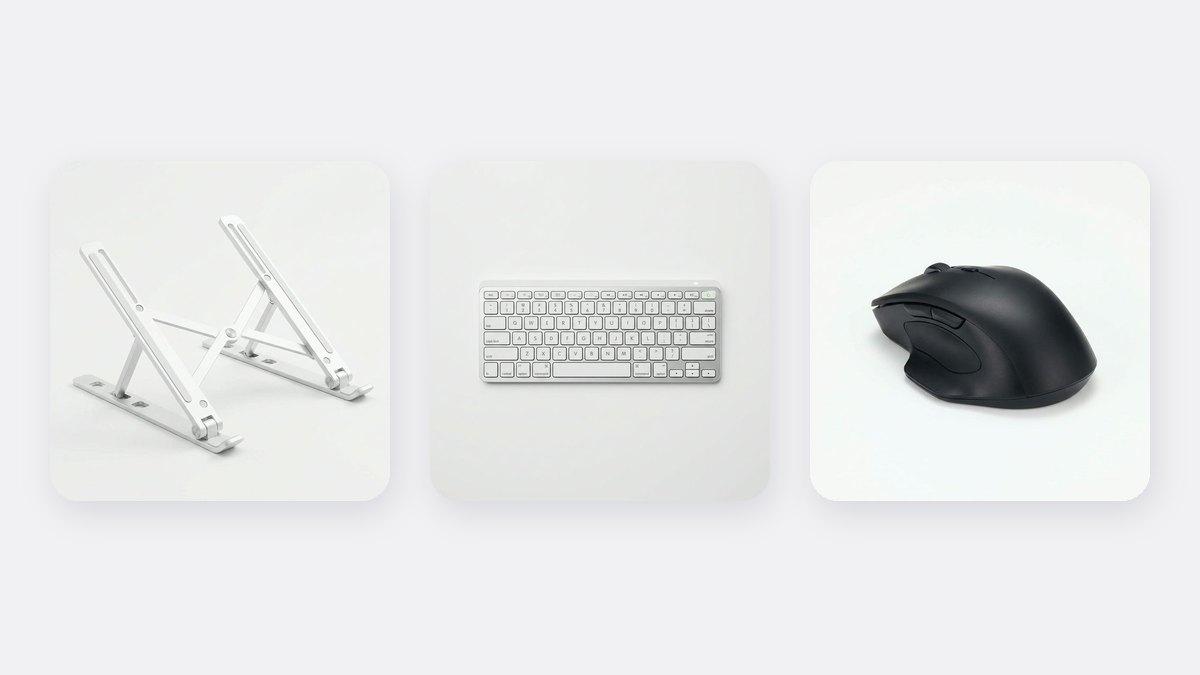
If working on a laptop gives you neck, shoulder or back pain, the fix is usually simple: raise the screen to eye level with a laptop stand and use a separate keyboard and mouse, so you are not bending over the laptop all day. A laptop stand costs ₵200 and a wireless mouse ₵150 in our store, and together they change how you sit more than an expensive chair does. A stand also lets air flow under the laptop, which helps it stay cool in Ghana's heat.
Updated November 2026. Prices are from our store at the time of writing.
Why do laptops cause neck pain?
A laptop's screen and keyboard are joined together. When the keyboard is at a comfortable height for your hands, the screen is too low for your eyes, so you bend your head forward and down. Your head is heavy, and holding it forward for hours strains your neck, shoulders and upper back.
Students who study for long hours, office workers, remote workers, bankers and call centre staff often feel this by the end of the day.
What is the right laptop setup?
| Body part | Where it should be |
|---|---|
| Eyes | Level with the top part of the screen |
| Screen | About an arm's length away |
| Elbows | Bent at about 90 degrees, close to your body |
| Wrists | Straight, not bent up or down |
| Feet | Flat on the floor, or on a box or stool |
| Back | Against the chair, with support for your lower back |
You can only reach this with a laptop if you raise the screen and use a separate keyboard and mouse.
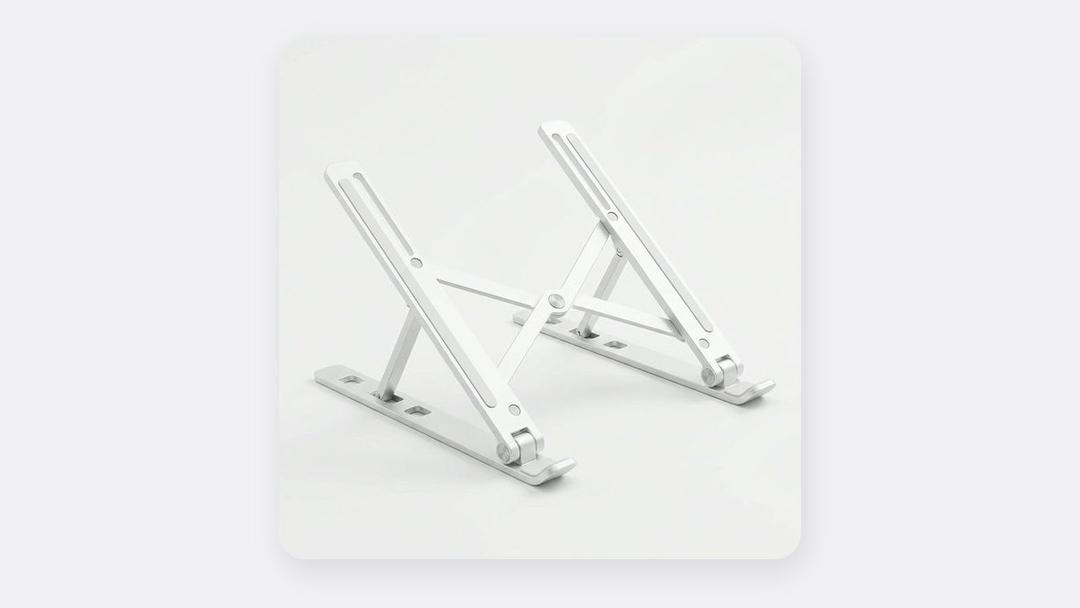
What you need
| Item | What it does | Price |
|---|---|---|
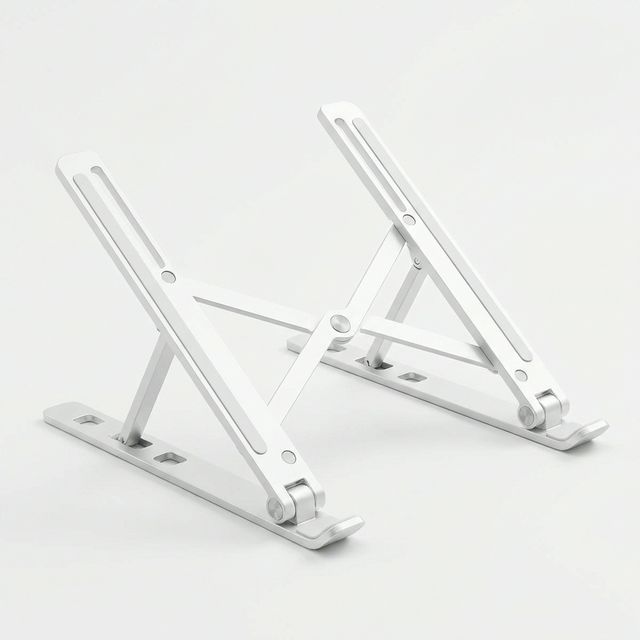
| Aluminium Laptop Stand | Raises the screen towards eye level; lets air cool the laptop | ₵200 |
| Wireless Keyboard (Slim) | Lets you type at a comfortable height with the laptop raised | ₵350 |
| Wireless Mouse | Easier on your wrist than the touchpad for long hours | ₵150 |
| Total | ₵700 |
If you can only buy one thing, buy the stand and a mouse first, then add the keyboard.
How to set it up
- Put the laptop on the stand and adjust the height until the top of the screen is at, or just below, your eye level.
- Put the keyboard and mouse on the desk in front of you, close to the edge so your elbows stay by your sides.
- Sit back in your chair. If the chair has no lower back support, roll a small towel and place it behind your lower back.
- Check your feet. If they don't reach the floor, rest them on a box or a stack of books.
- Reduce glare. Position the desk so windows are to your side, not behind the screen or behind you.
Other habits that help
- Take short breaks. Every 30 to 60 minutes, stand up, stretch your neck and shoulders and walk for a minute.
- Rest your eyes. Every 20 minutes, look at something far away for 20 seconds.
- Don't work from the bed. It forces your neck and back into bad positions and blocks the laptop's vents.
- Consider a monitor. If you work at the same desk every day, a separate screen at eye level is even better. See our work-from-home monitor guide.
If pain continues even after improving your setup, see a doctor or physiotherapist.
A stand also keeps your laptop cooler
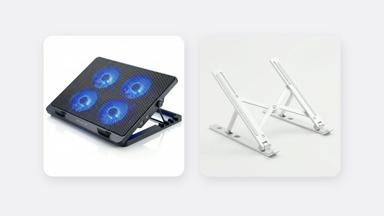
A raised laptop has space under it for air to flow, so it runs cooler and stays faster, which matters in Ghana's heat. For gaming or heavy work, a cooling pad adds fans. Read how to stop your laptop overheating.
Frequently asked questions
Do laptop stands really help neck pain?
Yes, when used with a separate keyboard and mouse. Raising the screen stops you bending your head down for hours.
Can I use a laptop stand without a keyboard?
You can for watching videos or video calls, but typing on a raised laptop strains your wrists and shoulders. Add a keyboard for typing.
Is a laptop stand good for students?
Yes. Students studying for long hours benefit a lot. The stand folds flat, so it fits in a bag for the library or lecture hall.
Desk setup, in stock
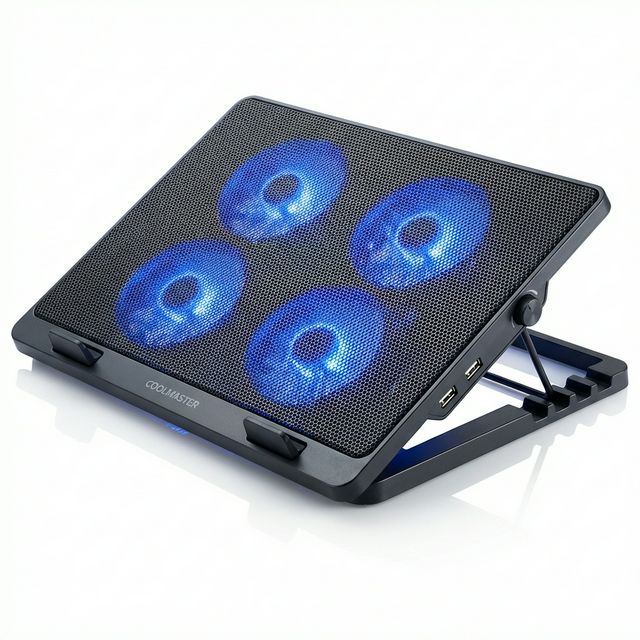
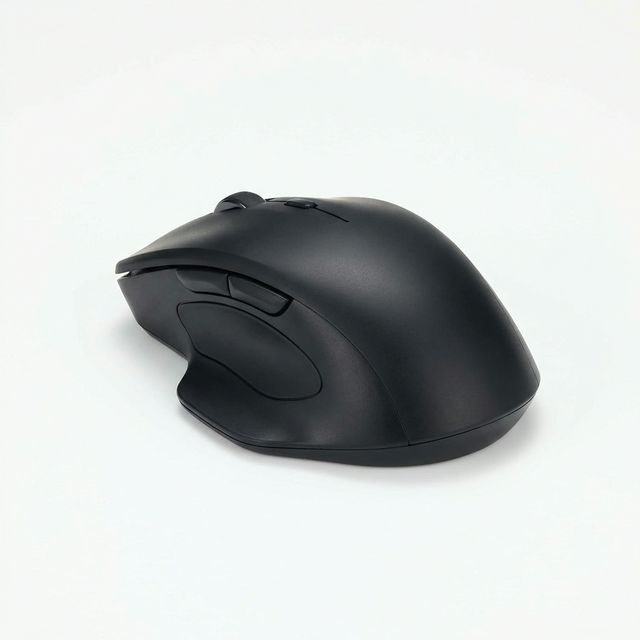
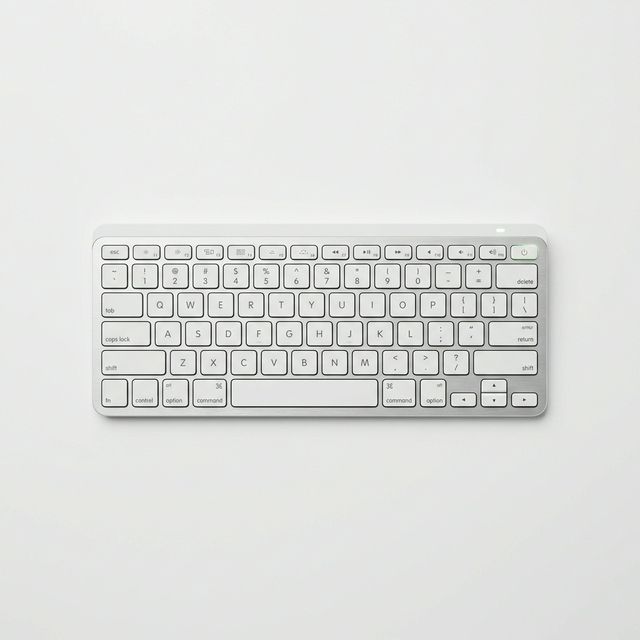
Buying from MachineWura
An online electronics store in Accra selling brand new and UK-used phones, laptops, creator gear and appliances.
Pay on Delivery in Accra
Inspect it at your door, then pay.
Checked before it ships
UK-used devices pass a 30-point check with at least 85% battery.
Fast delivery
24 hours in Accra, 2 to 3 days elsewhere in Ghana.
7-day returns
If it arrives defective or not as described.
Published November 13, 2026 · 4 min read