Laptops
How to Stop Your Laptop Overheating in Ghana's Heat
Signs your laptop is too hot and 8 simple ways to cool it in Ghana: hard surfaces, stands, cooling pads, cleaning out harmattan dust.
MachineWura Team
November 13, 2026 · 5 min read
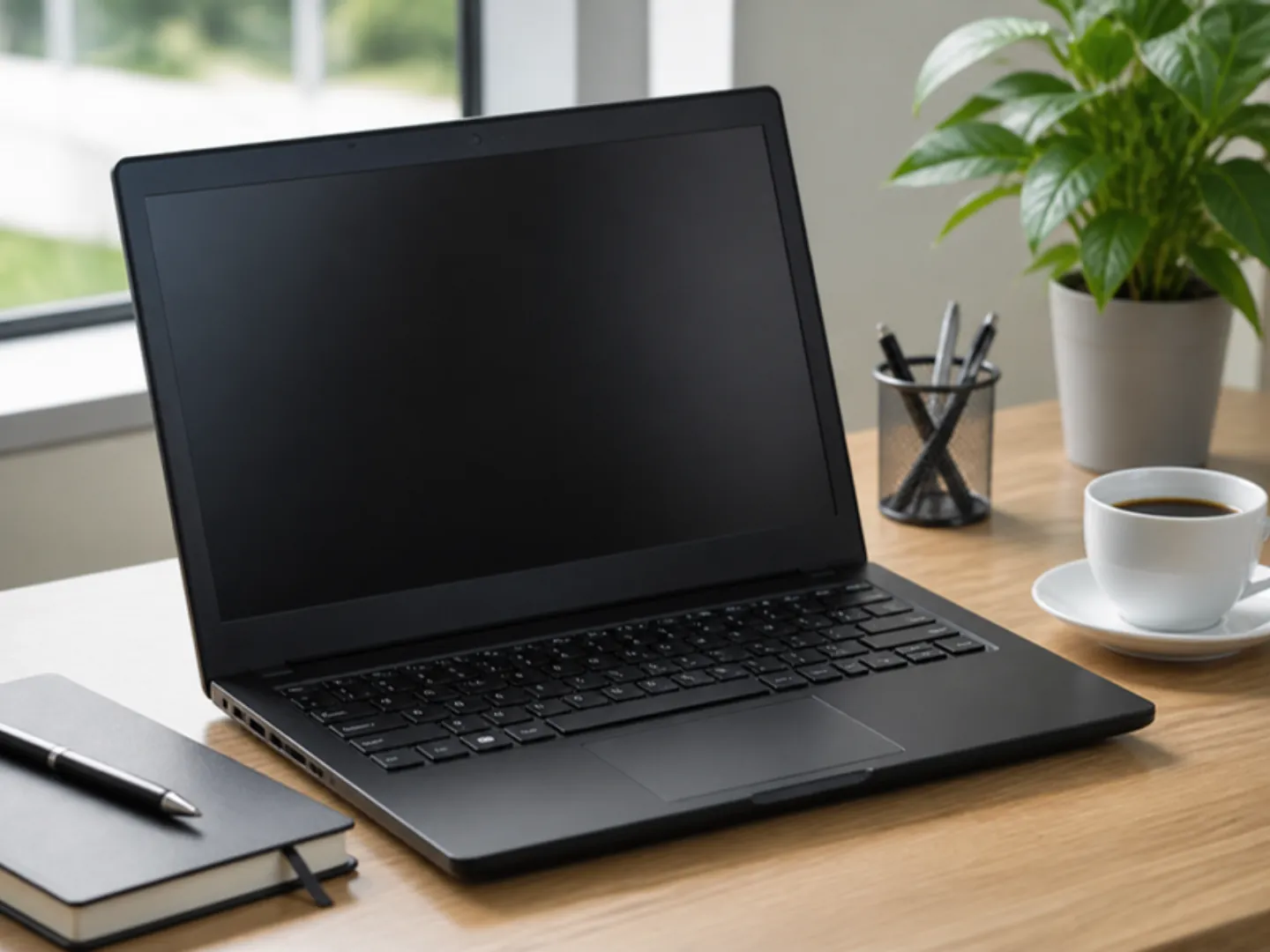
To stop your laptop overheating in Ghana's heat, give it room to breathe: use it on a hard, flat surface (never a bed or your lap), raise the back so air can get underneath, clean the dust out of the vents every few months, and run heavy work in the cooler parts of the day. A cooling pad or a laptop stand helps a lot for gaming, video editing and long working days. A laptop that runs too hot slows down, freezes, shuts off without warning and wears out its battery faster.
Updated November 2026. Prices are from our store at the time of writing.
How do you know your laptop is overheating?
- The bottom or the area above the keyboard is too hot to touch comfortably
- The fan is loud all the time, even for simple tasks
- The laptop becomes slow or freezes after you have been using it for a while
- Games or videos stutter after a few minutes
- It switches off by itself, especially during heavy work
- The battery drains faster than it used to
Why do laptops overheat more in Ghana?
A laptop cools itself by pulling in room air with a small fan and pushing hot air out. When the room is already hot, the air the fan pulls in is warm, so it cools less. Add harmattan dust clogging the vents and laptops used on beds and laps, and many laptops in Ghana run hotter than they were designed to.
When a laptop gets too hot, it slows itself down to protect its parts. That is why a laptop that feels fast in the morning can feel slow on a hot afternoon.
8 ways to keep your laptop cool
- Use it on a hard, flat surface. Beds, pillows, blankets and laps block the air vents underneath. A table, a tray or a book is better than nothing.
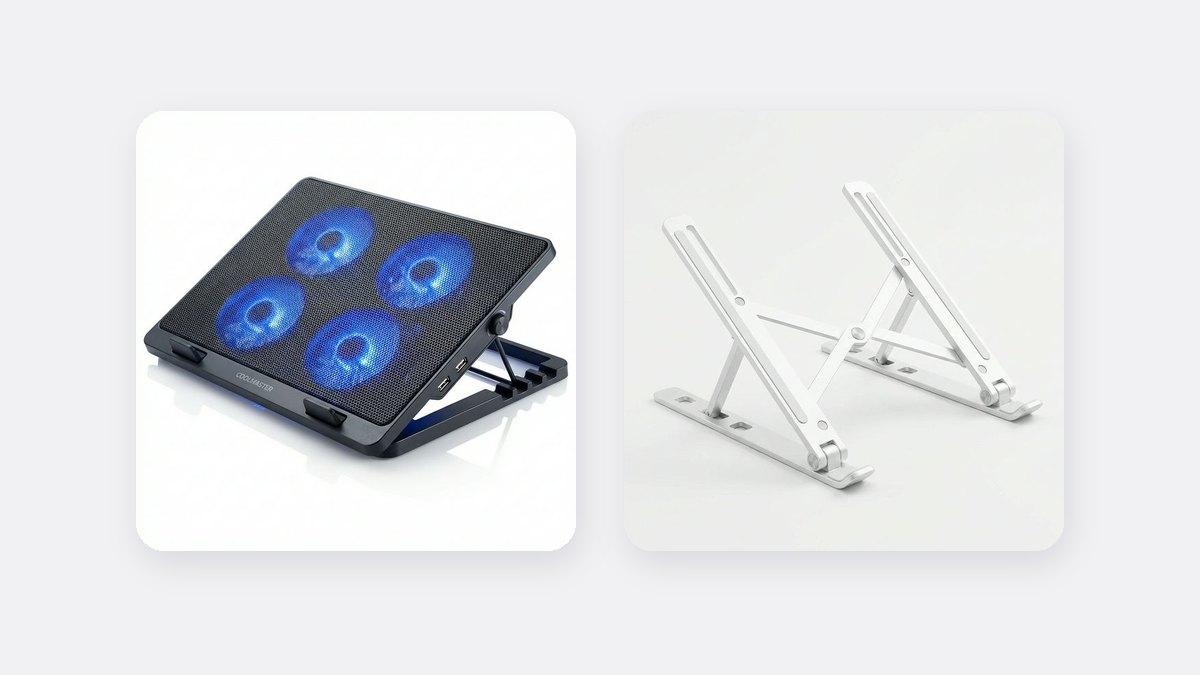
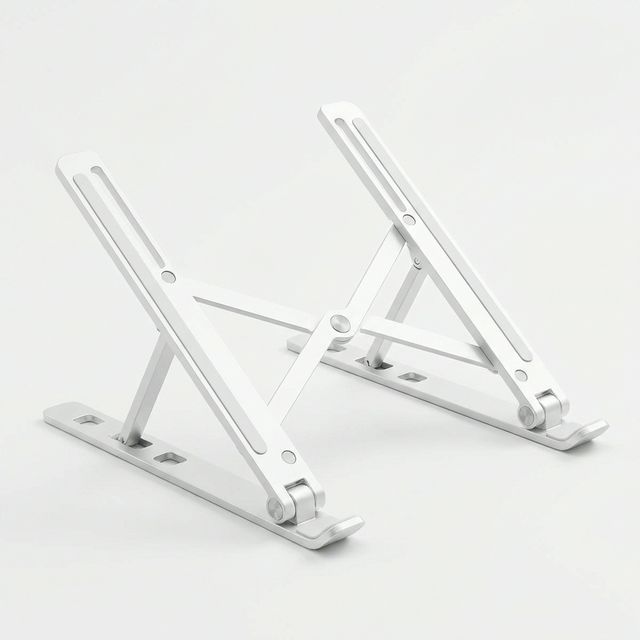
- Raise the back. A laptop stand (₵200) lifts the laptop so air flows underneath, and puts the screen at a better height for your neck. See our laptop stand guide.
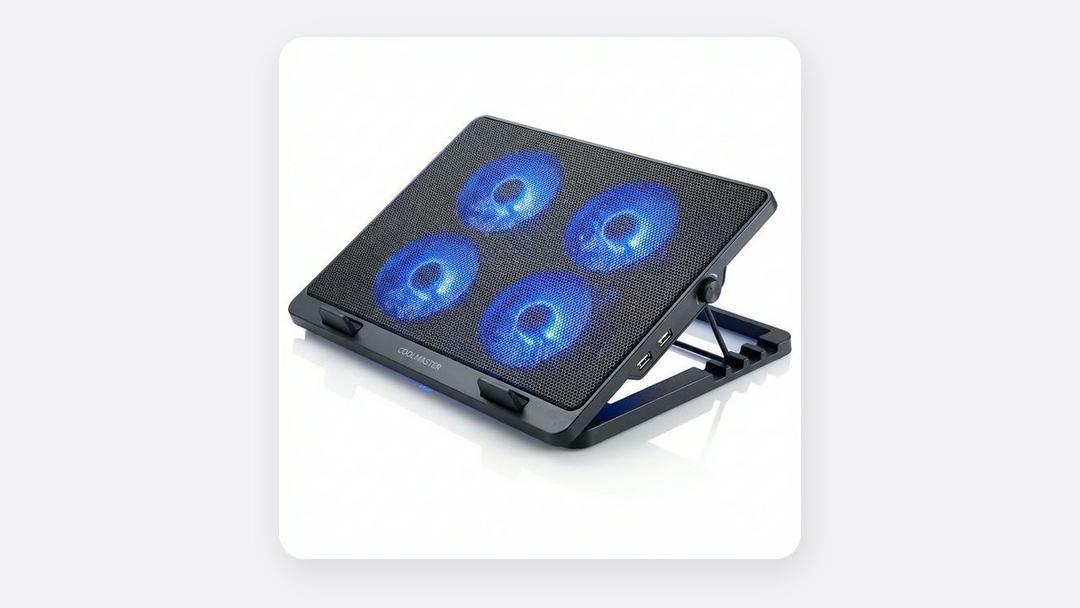
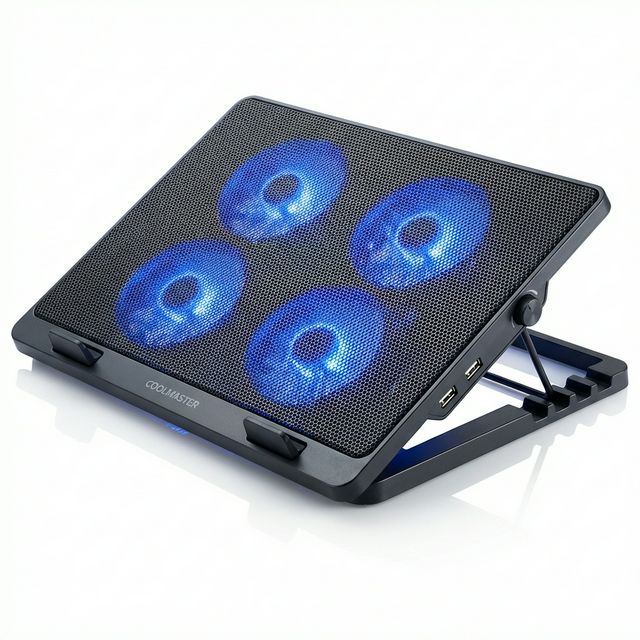
- Use a cooling pad for heavy work. A laptop cooling pad (₵150) has fans that blow extra air under the laptop. It helps most for gaming, video editing and engineering software.
- Clean the vents. Harmattan dust builds up inside the fan. Blow it out gently with short bursts of compressed air every few months. If the laptop is a few years old and still runs hot, ask a technician to open it and clean it properly.
- Keep the room cooler. Use the laptop in a room with a fan or air conditioning, and keep it out of direct sunlight.
- Close programs you aren't using. Many browser tabs and background apps make the laptop work harder and run hotter.
- Do heavy work at cooler times. Start long video exports, game downloads or big updates in the evening or early morning.
- Never put a running laptop in a bag. The heat gets trapped and can damage the battery.
Cooling pad or laptop stand?
| Cooling pad | Laptop stand | |
|---|---|---|
| Price | ₵150 | ₵200 |
| How it cools | Fans push extra air under the laptop | Lifts the laptop so air flows freely |
| Best for | Gaming, video editing, heavy software | Office work, studying, long hours at a desk |
| Helps your neck and back | A little | Yes, raises the screen closer to eye level |
| Needs power | Yes, from a USB port | No |
| Portable | Fairly | Yes, folds flat |
Gamers and video editors get the most from a cooling pad. Office workers and students usually benefit more from a stand. Many people use both.
Is overheating damaging my laptop?
Short periods of heat are normal and laptops are designed to protect themselves. But running very hot every day for months can:
- Wear out the battery faster, so it holds less charge
- Cause sudden shutdowns that can lose unsaved work
- Shorten the life of other parts over time
If your laptop is overheating even when doing simple tasks like browsing, it may need cleaning or a repair.
What about power cuts and surges?
Heat is not the only danger. Power often comes back with a surge after dumsor, which can damage laptop chargers. Use a surge protector. See our guide to protecting electronics from power surges and laptop battery life during power outages.
Frequently asked questions
Do laptop cooling pads really work?
Yes, especially for gaming and other heavy work. They lower the temperature, which helps the laptop keep its speed for longer.
Is it bad to use a laptop on the bed?
Yes. The soft surface blocks the vents underneath, so the laptop runs hotter. Use a tray, a stand or a hard book under it.
How often should I clean my laptop's vents?
Every two to three months during harmattan, and every six months the rest of the year.
Which laptops handle heat best?
Laptops with bigger vents and two fans, such as gaming laptops, usually stay cooler under heavy work than very thin laptops. See our laptops page.
Cooling pads and stands, in stock
Buying from MachineWura
An online electronics store in Accra selling brand new and UK-used phones, laptops, creator gear and appliances.
Pay on Delivery in Accra
Inspect it at your door, then pay.
Checked before it ships
UK-used devices pass a 30-point check with at least 85% battery.
Fast delivery
24 hours in Accra, 2 to 3 days elsewhere in Ghana.
7-day returns
If it arrives defective or not as described.
Published November 13, 2026 · 5 min read