In this article
- What does a graphic designer need from a laptop?
- Why is screen colour so important?
- Mac or Windows for graphic design?
- Do you need a pen or touchscreen?
- What about designing for print in Ghana?
- How much memory and storage do designers need?
- A worked example: how quickly does a design archive grow?
- What else should a designer check?
- Common mistakes when buying a design laptop
- Frequently asked questions
- Is a MacBook Air good for graphic design?
- Is a gaming laptop good for graphic design?
- How much RAM does Photoshop need?
- Can I do graphic design on a UK used laptop?
- Do I need a separate drawing tablet?
- What laptop do design students in Ghana need?
The most important part of a graphic design laptop is the screen: it must show colour accurately, or your designs will look different when printed or viewed on a client's phone. After that, you need 16GB of memory for Photoshop and Illustrator with several files open, an SSD with room for large assets, and a processor that does not stall on big artboards. For most designers in Ghana, a MacBook Air or MacBook Pro meets all of this out of the box. A Windows laptop works just as well if you choose one with a high-quality screen, and a 2-in-1 with a pen suits illustrators who draw directly on the screen. This guide explains what to look for, what to avoid, and how designers working for print in Ghana should think about colour.
Updated October 2026.
What does a graphic designer need from a laptop?
Here are the specs that matter, in order of importance, with the minimum and the comfortable choice for each.
| Spec | Minimum | Comfortable | Why it matters |
|---|---|---|---|
| Screen colour | 100% sRGB | DCI-P3 wide colour, factory calibrated | What you see is what the client gets |
| Screen brightness | 300 nits | 400 to 500 nits or more | Usable in bright rooms and near windows |
| Memory | 16GB | 16 to 32GB | Large PSDs, many artboards, browser and Figma open at once |
| Storage | 512GB SSD | 1TB SSD plus external drive | Fonts, mockups, stock images and client archives grow fast |
| Processor | Apple M-series, Core i5/Ryzen 5 of recent generation | Apple M4 or newer, Core i7/Ryzen 7 | Filters, exports and big Illustrator files |
| Graphics | Integrated is fine for 2D | Stronger GPU for 3D, motion or heavy Photoshop filters | Speeds up some effects; essential only for 3D and motion |
| Input | Good trackpad plus a mouse | Pen and touchscreen, or a drawing tablet | Illustration and retouching |
Notice that graphics cards come low on the list. For 2D work in Photoshop, Illustrator, InDesign, CorelDRAW, Figma and Canva, the screen and memory matter much more than a powerful GPU. Only move graphics up the list if you do 3D (Blender, Cinema 4D) or motion design (After Effects).
Why is screen colour so important?
A laptop screen with poor colour coverage shows a limited range of colours. Reds look orange, greens look dull, and skin tones shift. You adjust your design until it looks right on your screen, then the client opens it on an iPhone, which has a wide-colour screen, and it looks oversaturated or wrong.
Two terms to understand:
- sRGB is the standard colour range for the web and most phones' basic content. A design screen should cover 100% of it.
- DCI-P3 is a wider range used by Apple devices, many modern Android phones and video. Designers producing work for social media, where most viewing happens on phones, benefit from a P3 screen.
Many cheaper laptops have screens covering only about 45% of NTSC, which is roughly 60 to 70% of sRGB. Product listings sometimes hide this. Look for the colour coverage figure in the manufacturer's specification page, and treat "45% NTSC" as a warning sign for design work.
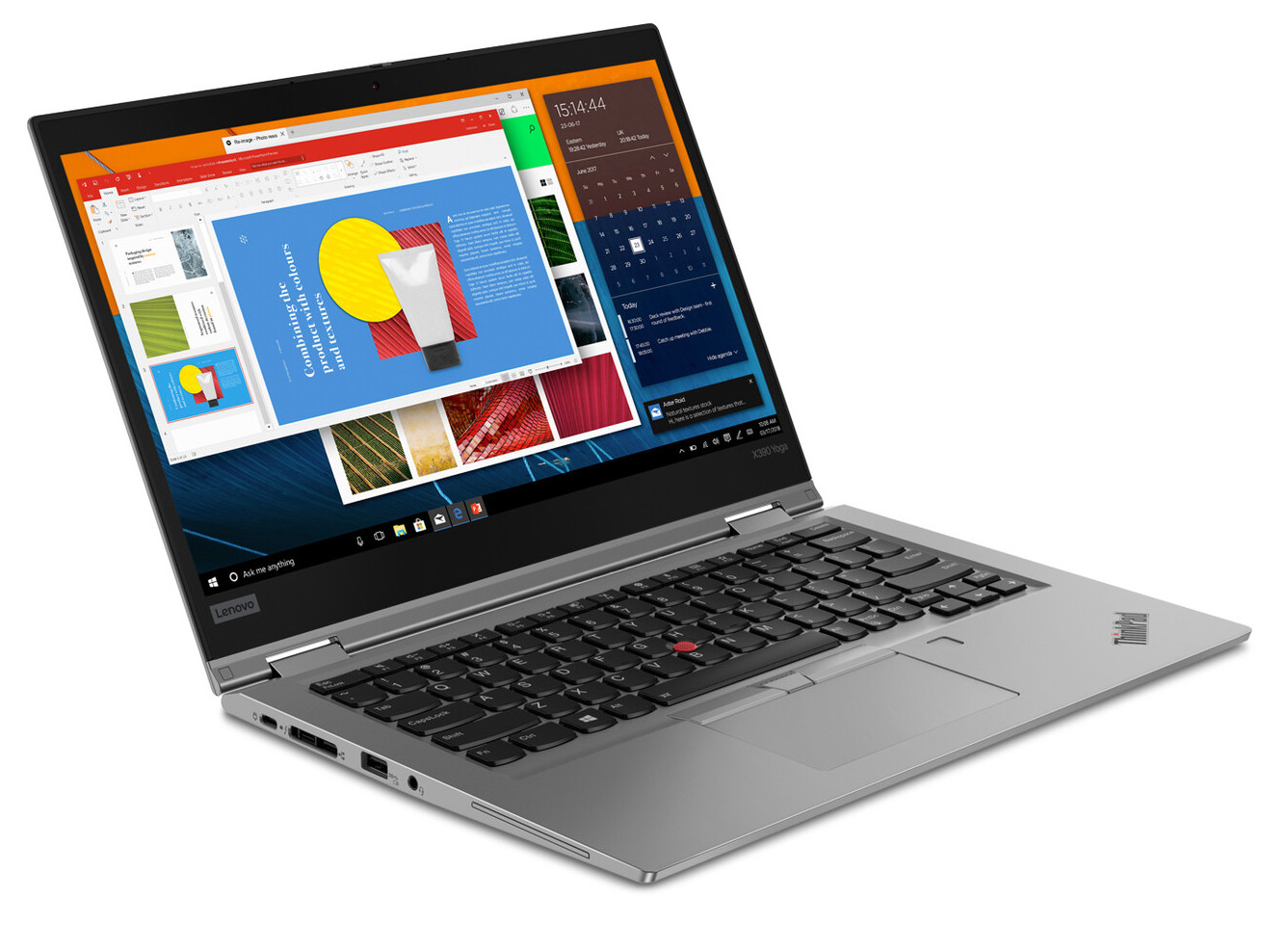
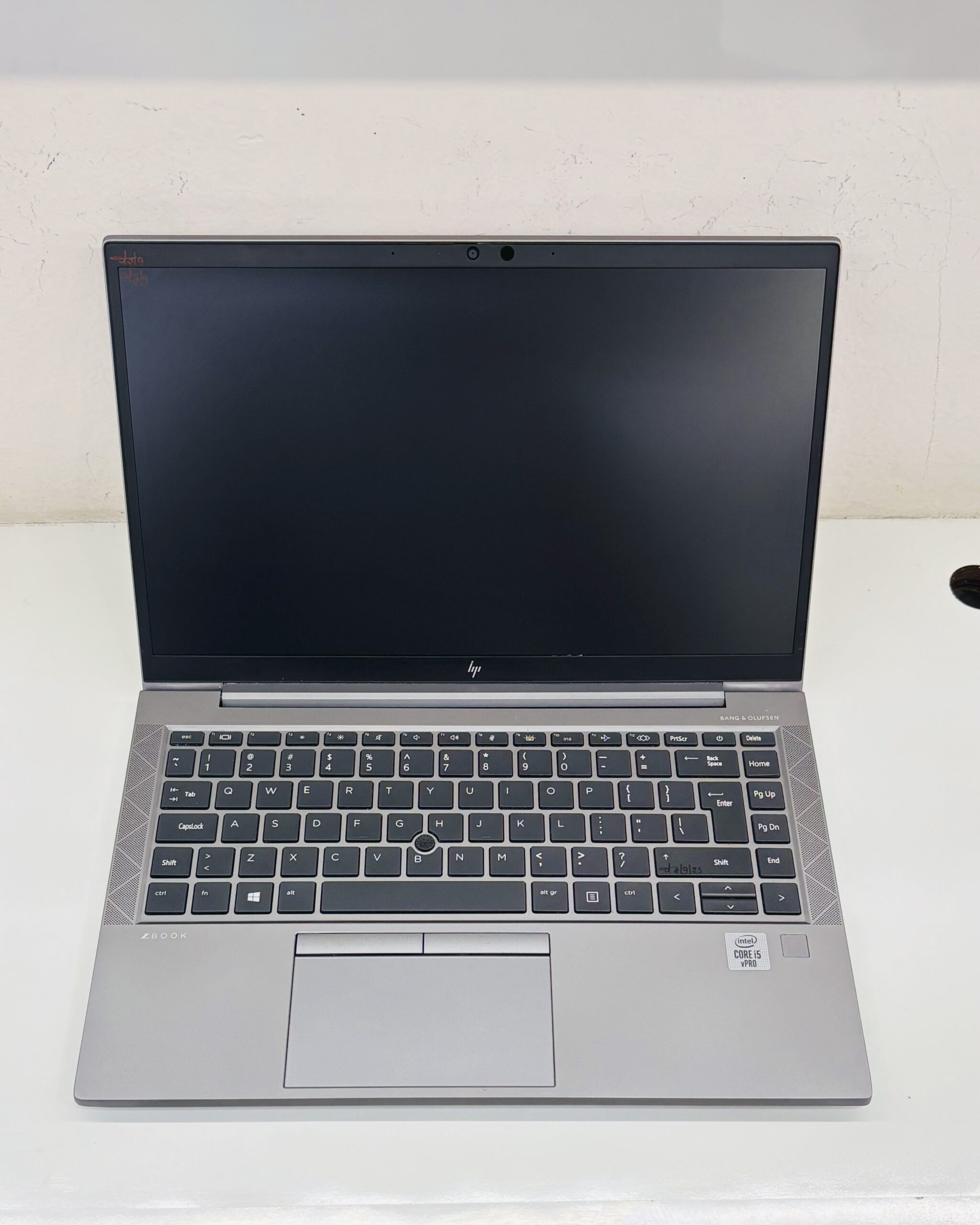
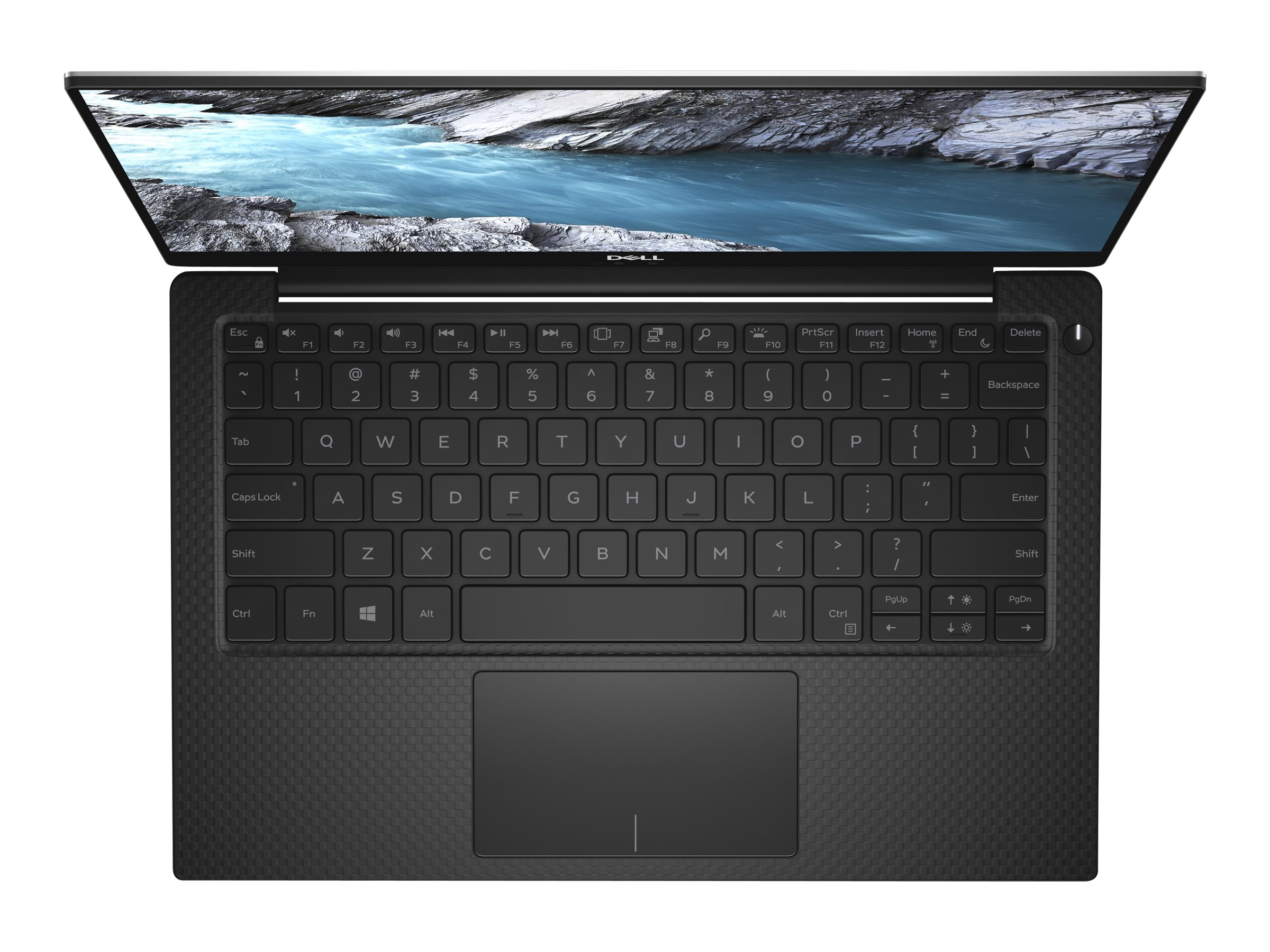
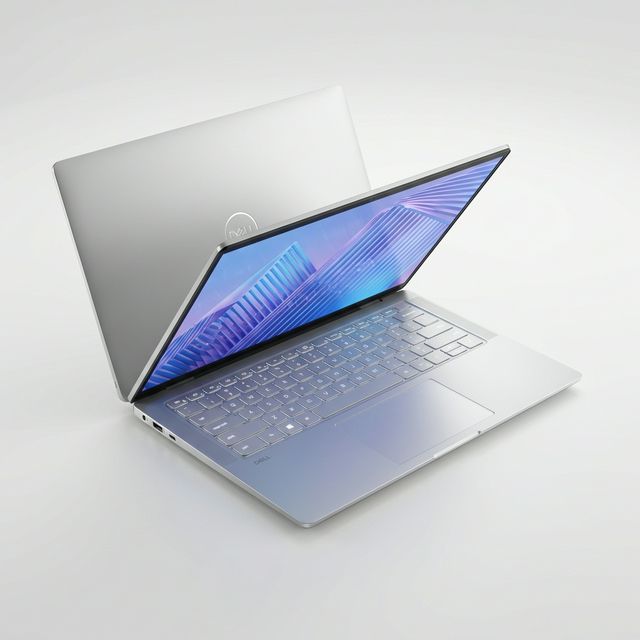
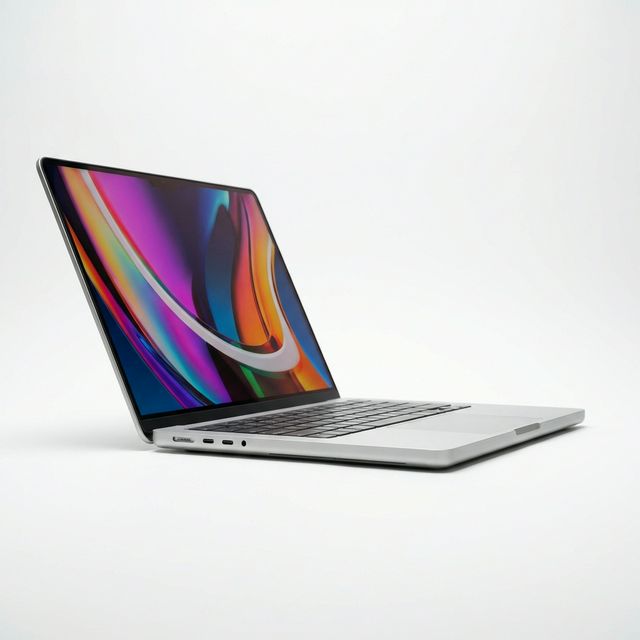
All current MacBooks have P3 screens, which is a large part of why designers choose them. Among Windows laptops, look at the Dell XPS line, HP's higher-end Spectre and OmniBook models, Lenovo Yoga and some ThinkPad X1 models, checking the exact screen option because the same model is often sold with different panels.
Mac or Windows for graphic design?
Both run the tools designers use. The decision usually comes down to your workflow and the people you work with.
| Mac | Windows | |
|---|---|---|
| Adobe Photoshop, Illustrator, InDesign | Yes | Yes |
| Figma, Canva | Yes (browser or desktop app) | Yes |
| CorelDRAW | Yes | Yes, and more common in Ghana's print shops |
| Affinity Designer, Photo, Publisher | Yes | Yes |
| Procreate | iPad only | No |
| Screen quality | P3 colour on every model | Varies widely; check each model |
| Pen and touch | No touchscreen; use an iPad with Sidecar or a drawing tablet | Many 2-in-1s with pens |
| Fonts | Ships with many quality fonts | Fonts move easily between machines |
A note on CorelDRAW. Many print shops and branding businesses in Ghana work in CorelDRAW, and they often send and receive .cdr files. CorelDRAW now runs on Mac too, but if most of your clients and printers use the Windows version, a Windows laptop removes any small compatibility worries with older files and plug-ins.
If you are leaning towards Apple, our guide to which MacBook to buy explains the Air and Pro trade-offs. If you are still deciding between platforms more generally, see MacBook vs Windows laptops in Ghana.
Do you need a pen or touchscreen?
It depends on the kind of design you do.
- Layout, branding, social media graphics, print design: a mouse and keyboard shortcuts are faster. A pen is optional.
- Illustration, hand lettering, digital painting, photo retouching: a pen makes a large difference. You have three options:
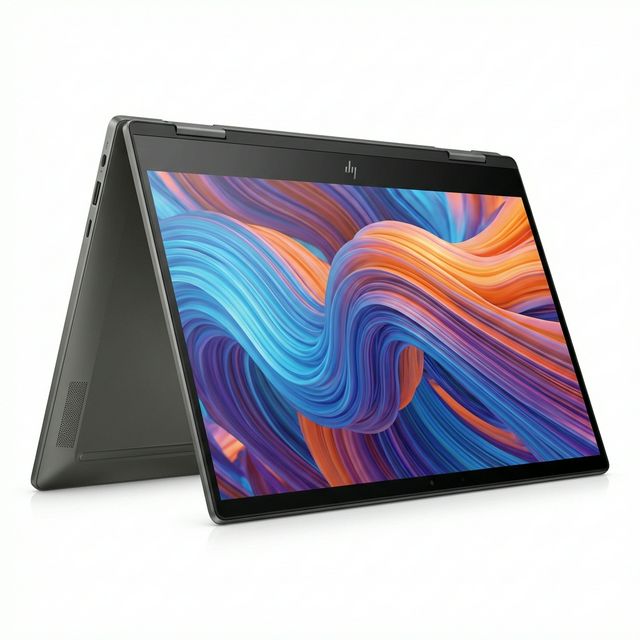
- A 2-in-1 laptop with a pen, such as HP's x360 and Flip models or Lenovo Yoga models, where you draw on the laptop screen.
- A separate drawing tablet from brands like Wacom, XP-Pen or Huion, connected to any laptop.
- An iPad with Apple Pencil, used with Procreate on its own or as a second screen for a Mac through Sidecar. See our guides to the iPad 10th generation and iPad Air M2.
A pen-capable laptop must still have a good screen. A 2-in-1 with a dim, low-colour panel is a poor design machine even with a pen.
What about designing for print in Ghana?
Much design work in Ghana ends up printed: flyers, banners, funeral brochures, church programmes, packaging and signage. Screens show colour in RGB; printers use CMYK inks, which cannot reproduce every screen colour. Bright blues and greens on screen often print duller.
A few habits help:
- Work in CMYK for print jobs from the start, or at least soft-proof in Photoshop or Illustrator before sending files.
- Ask your printer for their colour profile and use it for soft proofing.
- Print a small test before a large run when colour matters to the client.
- Keep your screen brightness moderate when judging print colour. A very bright screen makes designs look lighter than they will print.
A colour-accurate screen does not remove the RGB to CMYK difference, but it removes the extra error of a poor screen, so your soft proofs mean something.
How much memory and storage do designers need?
Memory. Photoshop with a few large, layered files, Illustrator, a browser full of references, and WhatsApp desktop for client chats can use 12 to 16GB together. With 8GB you will see the spinning wheel or "not responding" during busy days. Choose 16GB as the minimum and 32GB if you work with very large files, print banners at full size, or also do motion design.
Storage. Design files grow fast. Stock images, mockups, font libraries and years of client projects add up. A 512GB SSD is a sensible minimum, with an external SSD for archived client work. Keep a second backup of anything a client may ask for again; designers get asked to "send that logo again" years later.
A worked example: how quickly does a design archive grow?
Say you complete 15 client jobs a month. Each job includes source files (often 200MB to 1GB for layered PSDs and print-ready PDFs), exported images and a few drafts. At an average of 500MB per job, that is about 7.5GB a month, or roughly 90GB a year. Add a growing library of mockups and stock images at another 30 to 50GB a year. In three years you have roughly 360 to 420GB of client work. A 256GB laptop fills within the first year; a 512GB laptop with an external archive drive stays comfortable.
What else should a designer check?
- Ports. USB-C or Thunderbolt for external monitors and fast drives, and USB-A for older flash drives clients bring. Carry a small hub if your laptop lacks them.
- External monitor support. Many designers work on a larger external computer monitor at their desk. Check how many external displays the laptop supports.
- Keyboard and trackpad. You will use shortcuts all day. A comfortable, full-size keyboard matters.
- Battery during outages. Design deadlines do not move for power cuts. A laptop with long battery life, and a UPS or power bank that can charge it, protects your deadlines.
Common mistakes when buying a design laptop
- Buying a gaming laptop for design. Gaming laptops have strong graphics cards that 2D design barely uses, and many have fast but colour-poor screens.
- Ignoring the screen specification. "Full HD" says nothing about colour. Look for sRGB or P3 coverage.
- Choosing 8GB to save money. Memory is the most common reason a design laptop feels slow.
- Keeping one copy of client work. A stolen or damaged laptop should never cost you your portfolio and your clients' files.
- Skipping software checks. Confirm that the exact versions of your tools and plug-ins run on the platform you choose.
Frequently asked questions
Is a MacBook Air good for graphic design?
Yes. Its P3 screen, quiet operation and battery life suit design work well. Choose 16GB of memory. A MacBook Pro adds a brighter, smoother screen and a fan for heavier work.
Is a gaming laptop good for graphic design?
Only if its screen covers 100% of sRGB or more. Its powerful graphics card helps 3D and motion work, but most 2D design gains little from it.
How much RAM does Photoshop need?
Adobe lists 8GB as the minimum and recommends 16GB. For multiple large files and other apps open at the same time, 16GB is the practical minimum and 32GB is comfortable.
Can I do graphic design on a UK used laptop?
Yes, if the screen is good and it has 16GB of memory. Check battery health and look closely at the screen for marks and colour problems, because a worn screen is costly to replace.
Do I need a separate drawing tablet?
Only for illustration, lettering or retouching. Layout and branding work is usually faster with a mouse and shortcuts.
What laptop do design students in Ghana need?
A laptop with 16GB of memory, a colour-accurate screen and enough storage for coursework. Check your programme's software list, because some courses teach in specific tools. Our student laptop guide covers other courses too.
Want help choosing a design laptop? Send us your software and the kind of work you do on WhatsApp on 0550 314 351, or browse laptops on MachineWura.
Thanks for reading!
Published October 23, 2026 · 10 min read