In this article
- What makes a business laptop different?
- Which laptop suits which job?
- Should professionals choose Windows or a MacBook?
- Which features are worth paying for?
- A worked example: 14-inch or 15-inch for an accountant?
- How do professionals keep working through outages?
- What should you check before buying?
- Common mistakes
- Frequently asked questions
- What is the best laptop brand for professionals in Ghana?
- Are UK used business laptops reliable?
- How much RAM does a professional need?
- Is a MacBook good for accountants?
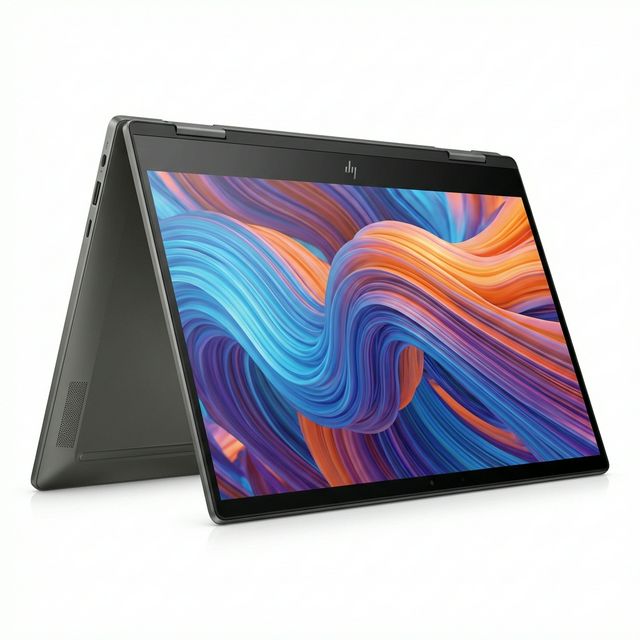
- Should I buy a 2-in-1 laptop for work?
- Can MachineWura supply laptops for a whole office?
Most working professionals in Ghana are best served by a business-line laptop, meaning an HP EliteBook or ProBook, a Dell Latitude or a Lenovo ThinkPad, or by a MacBook Air if their work does not depend on Windows-only software. Business laptops are built for daily carrying and long working days, have better keyboards and security features than consumer models, and are easy to repair because spare parts are widely available. The right model depends on your job: an accountant who lives in Excel needs something different from an architect or a sales manager on the road. This guide matches laptops to common professions, explains the features worth paying for, and lists what to check before you buy.
Updated October 2026.
What makes a business laptop different?
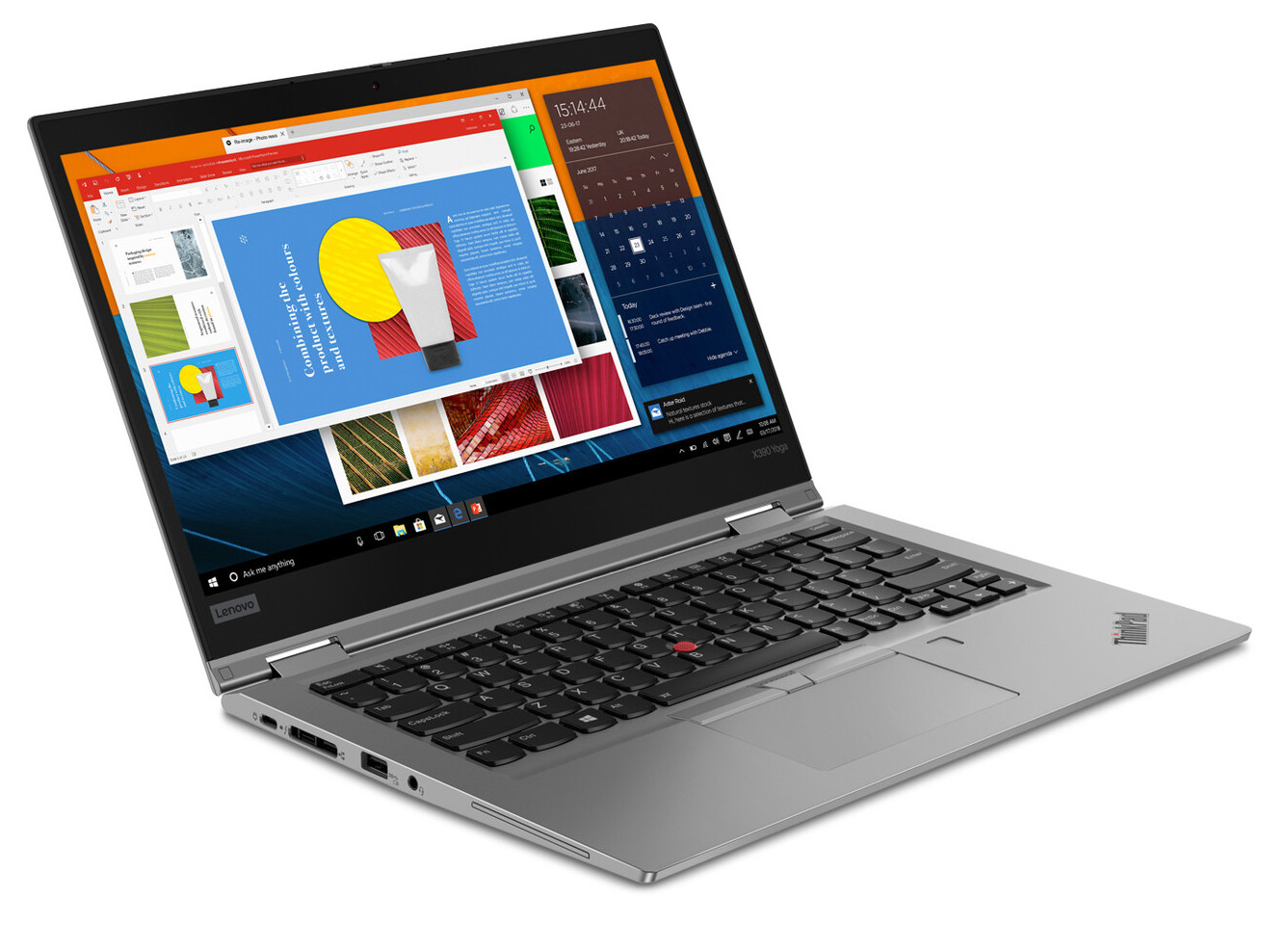
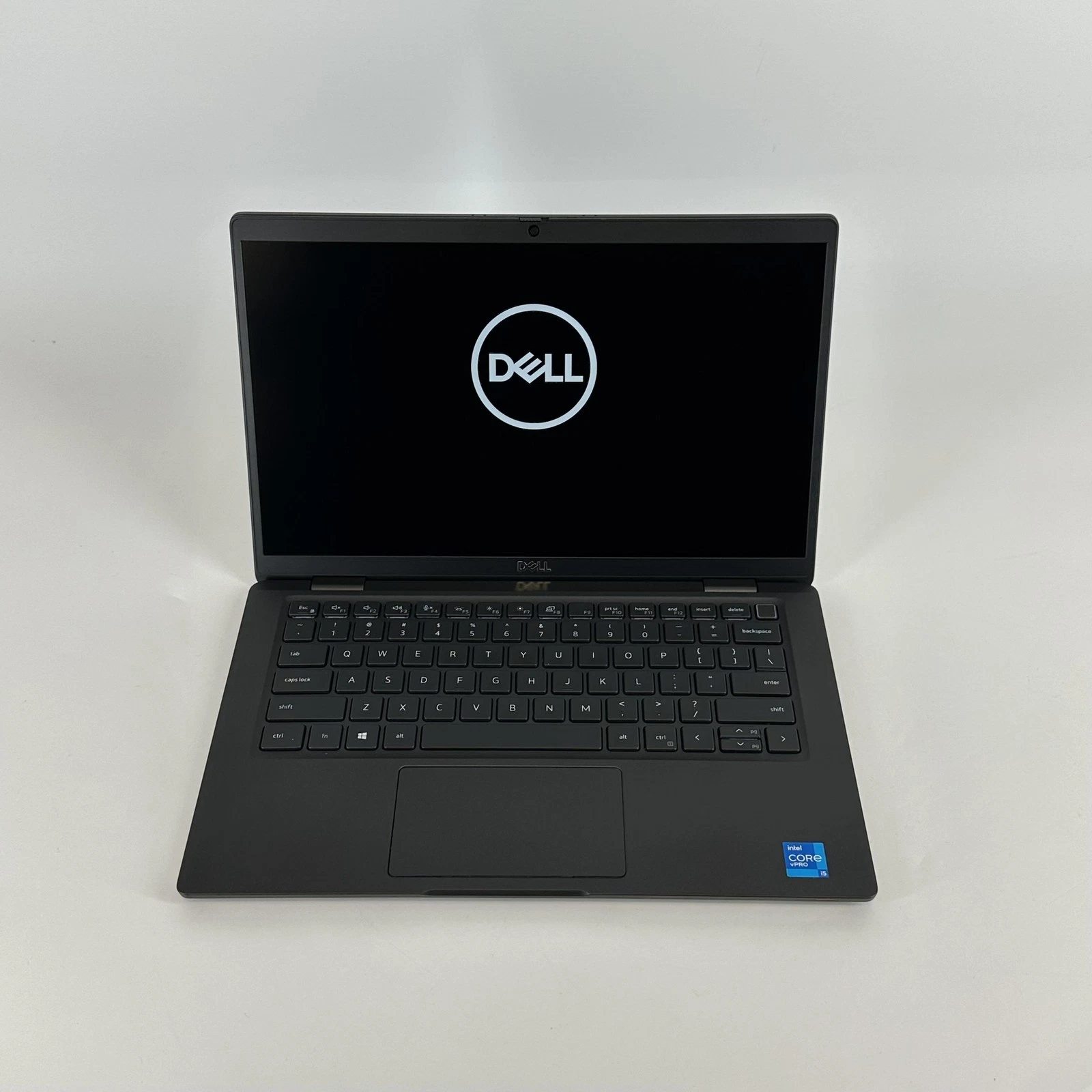
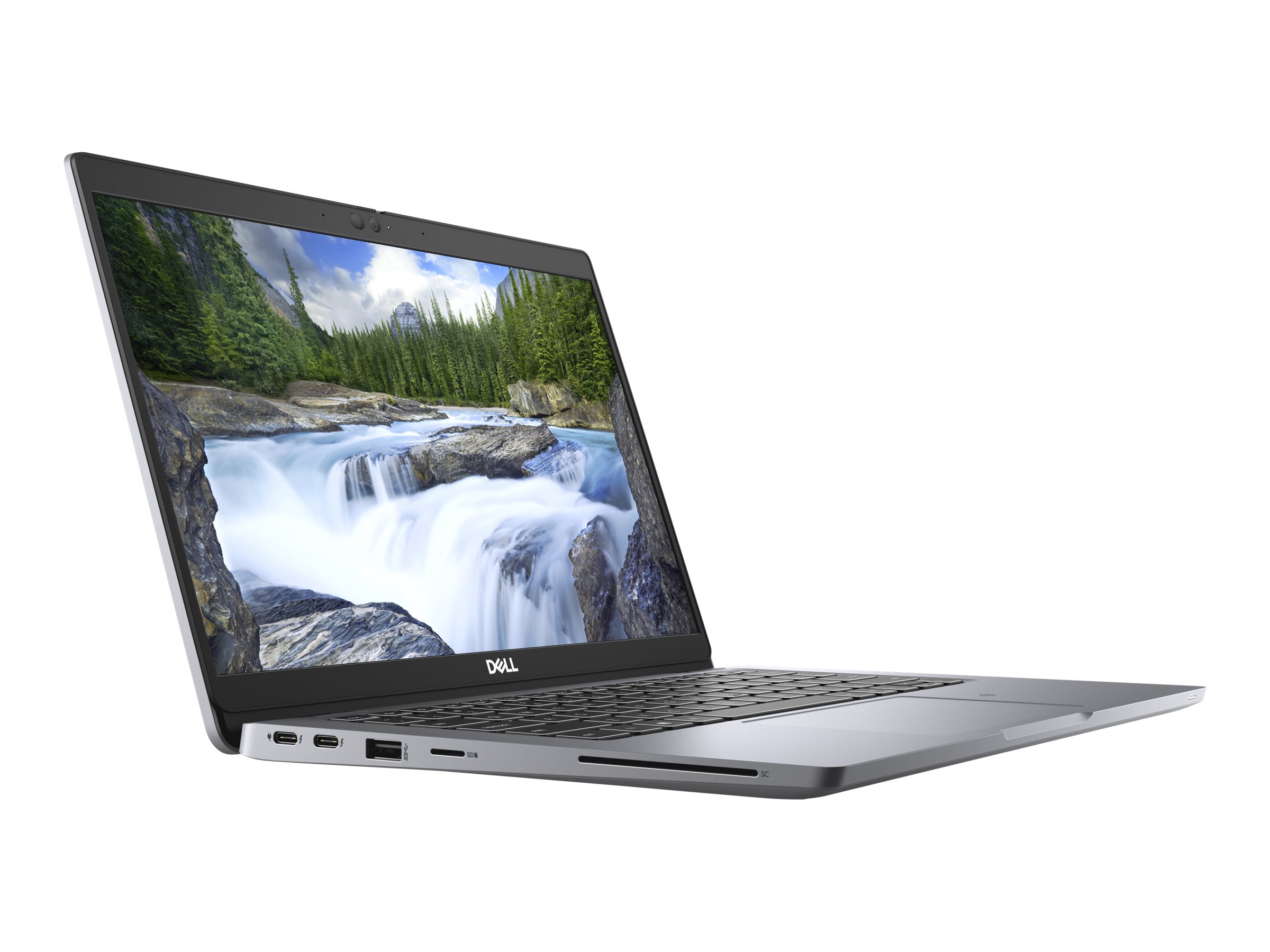
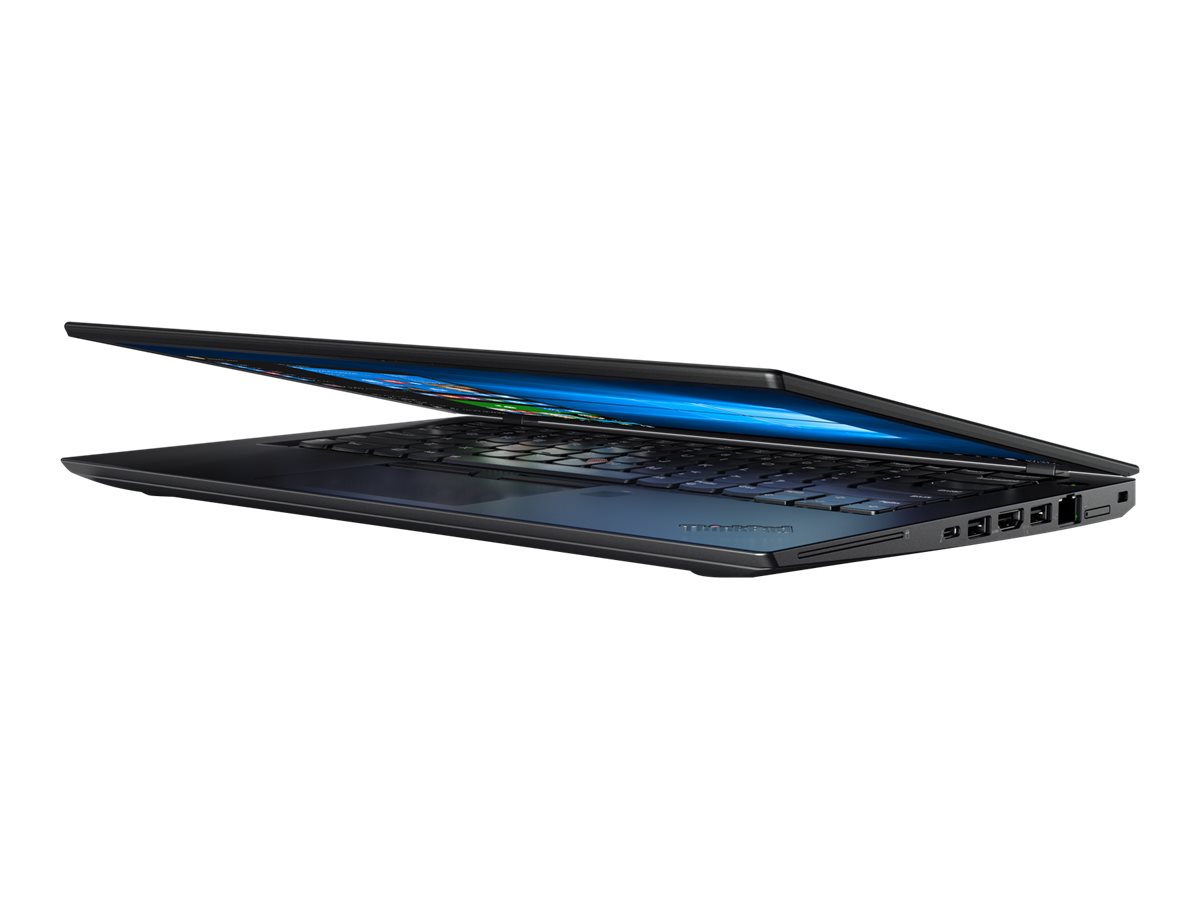
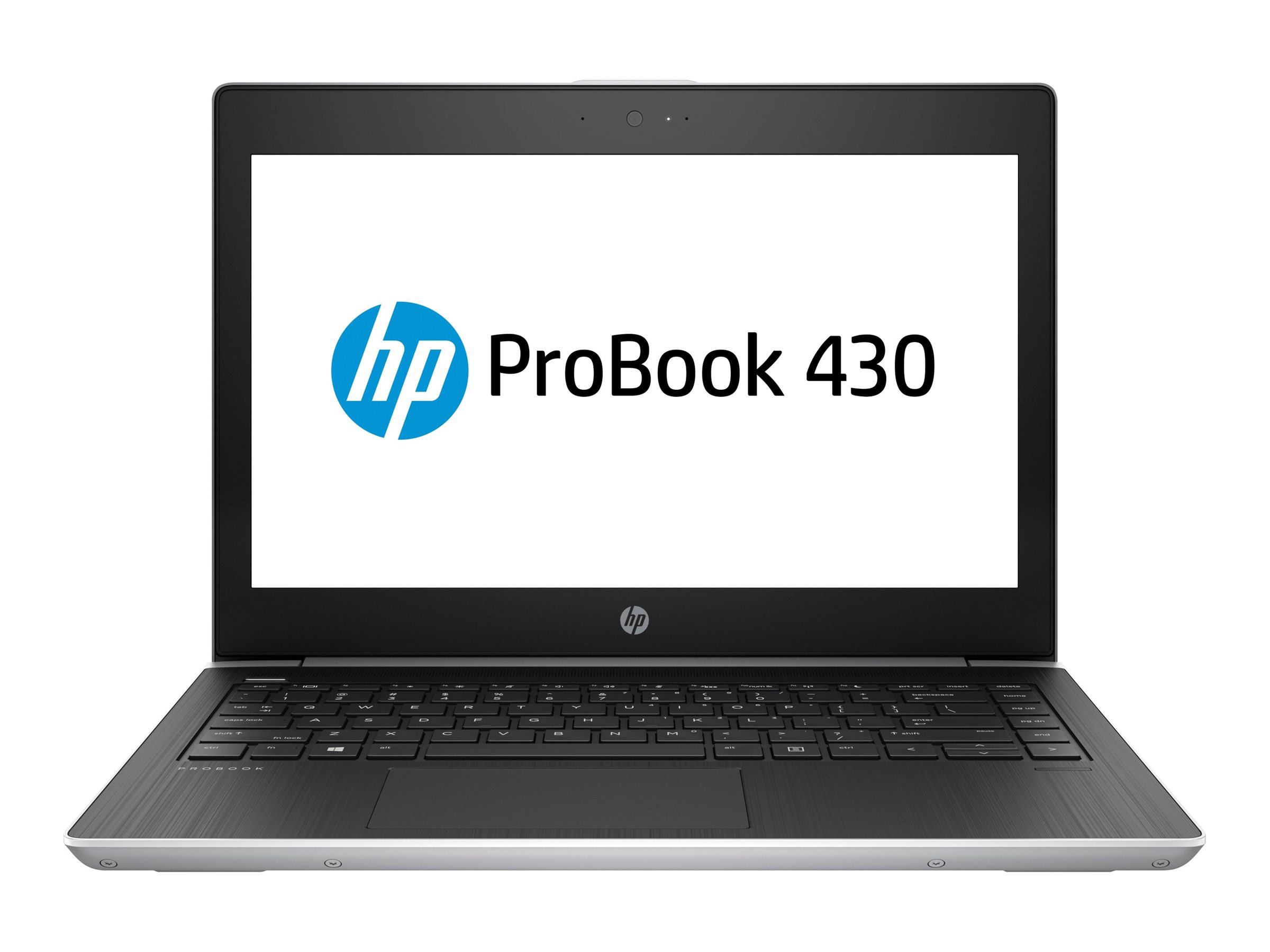
Manufacturers sell two kinds of laptop. Consumer lines (HP Pavilion, Dell Inspiron, Lenovo IdeaPad) are designed to look good in shops at a low price. Business lines (HP EliteBook and ProBook, Dell Latitude, Lenovo ThinkPad) are designed for companies that buy hundreds of laptops and need them to last.
That difference shows up in several ways:
- Build. Many business models are tested by their makers against parts of the US military's MIL-STD-810 standard for drops, vibration, heat and dust. That does not make them indestructible, but they survive daily bags, car boots and trotro rides better than most consumer models.
- Keyboard. Business keyboards are usually more comfortable for typing all day, and many are spill-resistant.
- Security. Fingerprint readers, infrared cameras for Windows Hello face login, TPM security chips and, on many models, privacy screens and webcam shutters.
- Repairability. Batteries, keyboards, memory and storage are easier to replace, and parts for popular models are common in Ghana, so a repair does not mean weeks of waiting.
- Docking and ports. USB-C or Thunderbolt docking with one cable, HDMI for projectors, and often USB-A for flash drives.
The same features are why UK-used business laptops are popular in Ghana. Companies in the UK replace them on a fixed cycle, often after three to five years, while they still have plenty of life. Read UK used laptops in Ghana explained for how that works.
Which laptop suits which job?
| Profession | What the work needs | Good fit |
|---|---|---|
| Accountants, auditors, finance officers | Heavy Excel, accounting software, long typing sessions, numeric keypad helps | 15-inch business laptop with a number pad (HP ProBook 450, EliteBook 850, Latitude 5000 series 15-inch), 16GB |
| Bankers and corporate staff | Company security policies, VPN, Teams, Windows domain | EliteBook, Latitude or ThinkPad T series, 16GB, as specified by IT |
| Lawyers | Long documents, PDFs, video calls, carrying to court and clients | Light 13 or 14-inch: EliteBook 840, ThinkPad T14 or X1, Latitude 7000 series, or MacBook Air |
| Sales and field staff | Light weight, long battery, 4G connection | 13 or 14-inch business laptop, ideally with a SIM slot, plus a MiFi router |
| Managers and executives | Presentations, calls, travel | ThinkPad X1, EliteBook 1000 series, Latitude 7000 or 9000 series, or MacBook Air |
| Architects and engineers | CAD, BIM, rendering | Mobile workstation (HP ZBook, Dell Precision, ThinkPad P) with professional graphics, 32GB |
| Doctors, pharmacists, health workers | Records systems, light weight, cleanable surfaces | 13 or 14-inch business laptop or MacBook Air |
| Teachers and lecturers | Slides, projectors, marking, video calls | 14-inch business laptop with HDMI, or MacBook Air with an adapter |
| Entrepreneurs and small business owners | A bit of everything, plus outages | MacBook Air for battery life, or a 14-inch business laptop with a UPS at the desk |
| Creative professionals | Design, video | See our guides for video editing and graphic design |
Model names change every year. What stays constant is the family: EliteBook and Latitude 7000 for premium business, ProBook and Latitude 5000 for mainstream, ThinkPad T for workhorses and ThinkPad X for light travel machines. Our guides to the HP EliteBook 840 G8, HP ProBook 450 G8, Dell Latitude 7420 and Lenovo ThinkPad T14 Gen 2 describe specific popular models in detail.
Should professionals choose Windows or a MacBook?
Windows is the safer choice if any of these are true:
- Your company runs Windows systems, Microsoft domain logins or software that only runs on Windows.
- You rely on advanced Excel features. Excel for Mac covers everyday work, but some features used heavily in finance, such as Power Pivot, are Windows only.
- You use accounting, banking, engineering or architecture software with no Mac version. Revit, for example, is Windows only.
A MacBook Air is an excellent choice if your work is documents, email, browser-based systems, video calls and presentations. Its battery life is a real advantage during outages, it is light, and it stays fast for many years. Many lawyers, consultants, managers and entrepreneurs use one for exactly these reasons. See which MacBook to buy.
Which features are worth paying for?
16GB of memory. Teams or Zoom, a browser with a dozen tabs, Outlook and Excel together can push an 8GB laptop into constant slowdowns. 16GB keeps it smooth for years.
An SSD. Every modern business laptop has one; avoid any older model still using a hard disk. 256GB is enough for many office workers because company files often live in OneDrive or SharePoint. Choose 512GB if you keep files locally.
A good webcam and microphones. Video calls are part of most professional jobs now. Newer business laptops have 1080p or better cameras and noise-cancelling microphones; older ones often have 720p cameras that look grainy.
Battery health. On a used laptop, a battery at or above 85% of its original capacity will still give you a full morning or afternoon away from a socket.
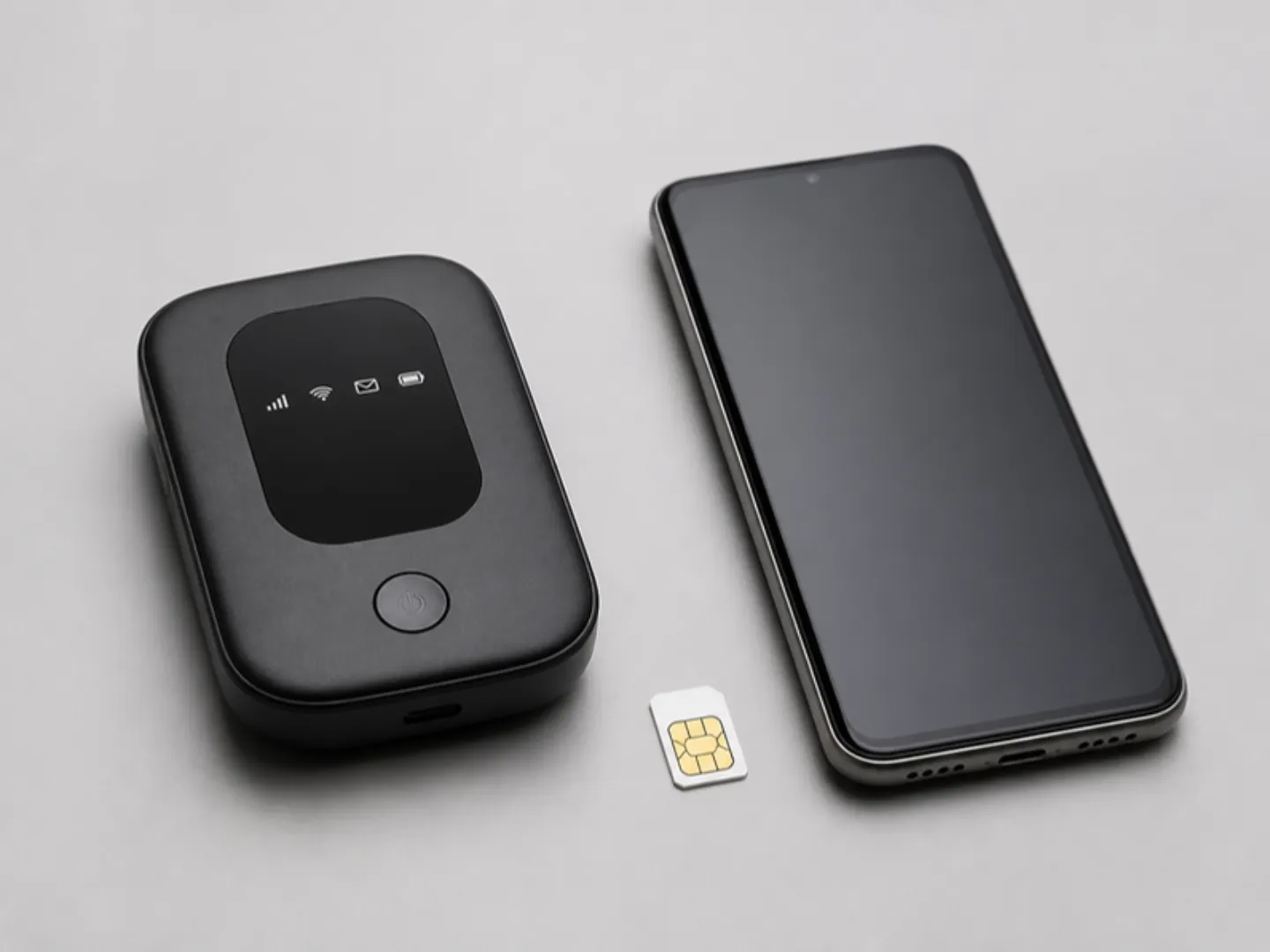
A 4G or 5G SIM slot. Useful for field staff and anyone who works away from Wi-Fi, though a MiFi router does the same job and can serve your phone too.
Weight. A 13 or 14-inch laptop at around 1.2 to 1.5kg is easy to carry every day. A 15 or 16-inch business laptop is often 1.7 to 2kg, fine for a desk but tiring in a bag.
A worked example: 14-inch or 15-inch for an accountant?
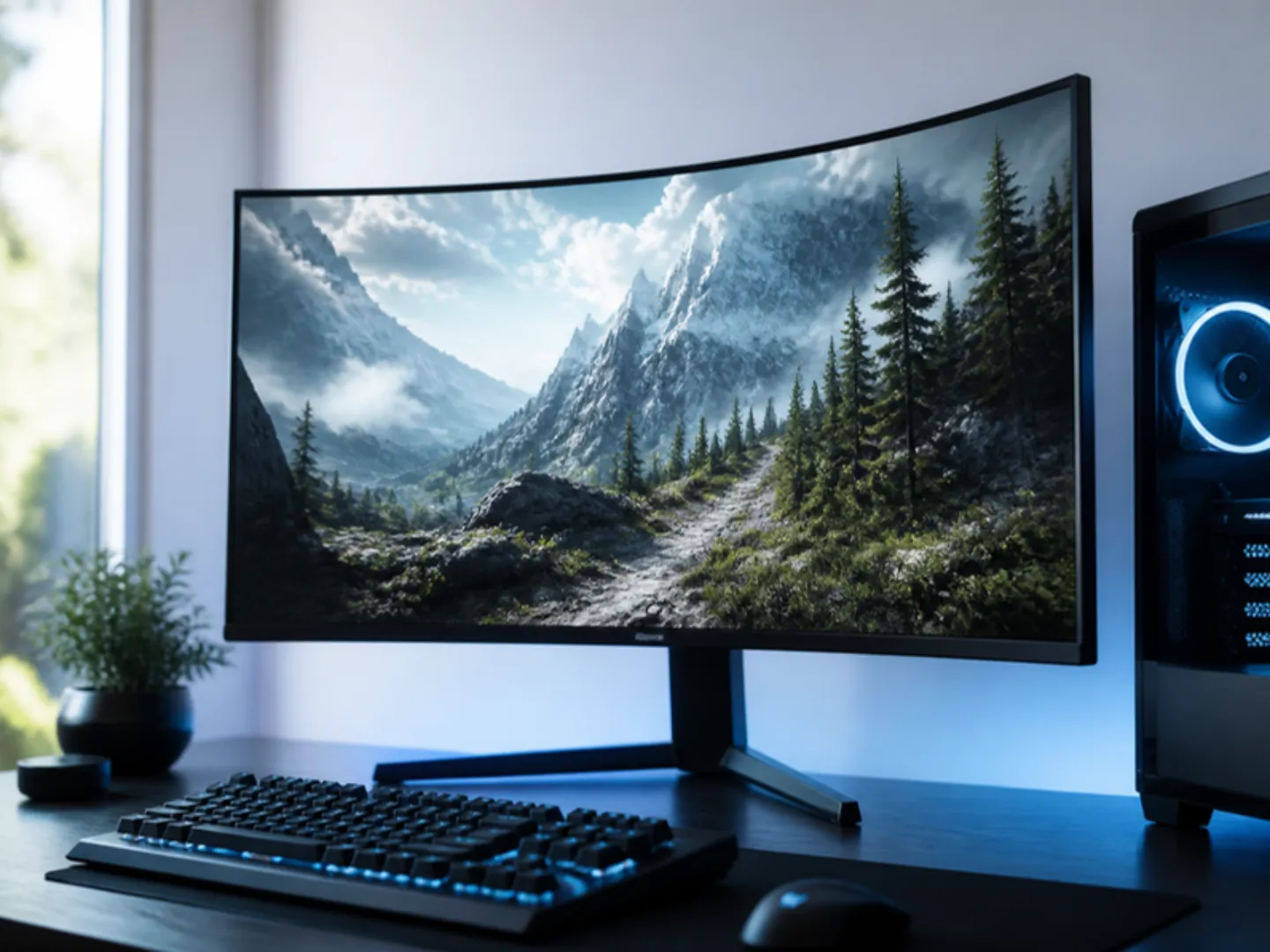
An accountant who works mainly at one desk, enters numbers all day and uses wide spreadsheets benefits from a 15 or 16-inch laptop with a numeric keypad: more columns are visible, and number entry is faster. If the same accountant visits clients twice a week, a 14-inch laptop at the desk with an external computer monitor and a USB keyboard with a number pad gives both: a big screen and keypad at the office and a light laptop on the road.
How do professionals keep working through outages?
Power cuts cost professionals meetings and deadlines. A simple setup covers most outages:
- A laptop with a healthy battery for the first few hours.
- Router and modem on a small UPS so the internet stays up; a laptop on battery is not much use if the Wi-Fi dies. See the Wi-Fi router guide.
- A USB-C power bank that supports laptop charging (look for 65W or higher USB Power Delivery output) for longer outages. See our power bank guide.
- A surge protector at your desk, because power returning after an outage can arrive with a spike.
For more on this, read our guide to laptop battery life during power outages and our comparison of UPS, inverter and stabiliser options.
What should you check before buying?
- The exact configuration. Business laptops are sold in many versions. Confirm the processor, memory, storage and screen resolution.
- No BIOS password or company lock. On a used laptop, the BIOS must open without a password, and Windows must not show a company sign-in screen during setup. A laptop still registered to a company's management system can be locked remotely.
- Battery health. Ask for the figure, or check it with the manufacturer's tools or the Windows battery report.
- Keyboard layout. UK keyboards have the @ and " keys swapped compared with US keyboards, and a £ symbol above the 3. They work perfectly; you just need to know where the keys are.
- The charger. UK chargers use the same three-pin plug common in Ghana and the same 230V supply, so they work without adapters.
- Warranty. Confirm what the seller covers and for how long.
For a full step-by-step inspection list, see how to check a used laptop before buying.
Common mistakes
- Buying a consumer laptop for heavy daily use. It may look similar on paper but rarely lasts as long with daily carrying.
- Paying for gaming hardware you will not use. A gaming laptop is heavy, loud and drains its battery quickly, which is the opposite of what most professionals need.
- Ignoring the webcam. Clients notice a blurry, dark video feed.
- Not checking company locks on used laptops. A locked laptop is a very expensive paperweight.
- Buying for the company without standardising. If you are buying for a team, the same model for everyone makes support, spare chargers and repairs much simpler. Our business page covers supply for offices and schools.
Frequently asked questions
What is the best laptop brand for professionals in Ghana?
HP, Dell and Lenovo all make strong business lines: EliteBook and ProBook, Latitude, and ThinkPad. Apple's MacBook Air suits professionals who do not need Windows-only software. Choose by model family and condition rather than brand alone.
Are UK used business laptops reliable?
Yes, when they are checked properly. They were built for corporate use and are often replaced on a schedule, not because they failed. Check battery health, company locks and the exact configuration.
How much RAM does a professional need?
16GB for smooth multitasking with video calls, a browser, email and Office. 8GB works for light use but slows down with several apps open.
Is a MacBook good for accountants?
For general accounting work, yes. If you depend on advanced Excel features such as Power Pivot, or on Windows-only accounting software, choose Windows.
Should I buy a 2-in-1 laptop for work?
If you present often, sign documents or take handwritten notes, a 2-in-1 with a pen is useful. Otherwise a standard laptop is lighter and usually has a better keyboard.
Can MachineWura supply laptops for a whole office?
Yes. MachineWura supplies offices, schools and organisations with laptops, networks, backup power and appliances, with quotes on request. See our business page.
Need help choosing a laptop for your job or your team? Message us on WhatsApp on 0550 314 351, or browse laptops on MachineWura.
Thanks for reading!
Published October 23, 2026 · 9 min read