Laptops
How to Check a Used MacBook Before You Pay in Ghana (2027 Checklist)
A step-by-step checklist for inspecting a UK-used or second-hand MacBook in Ghana: Activation Lock, company Remote Management, battery health, keyboard, screen and the signs of a MacBook that will cost you later.
MachineWura Team
November 15, 2026 · 8 min read

Before you pay for a used MacBook, check four things above all: that Activation Lock is off, that it is not controlled by a company (Remote Management), that the battery is healthy, and that the model, chip, memory and storage match the listing. A MacBook that fails the first two checks can become a locked, useless laptop after its first reset, and those are exactly the ones offered cheaply on marketplaces. This checklist takes about 20 minutes, needs no tools, and works on any MacBook from 2015 to today. Bring a USB flash drive, your phone and earphones.
Updated November 2026 for 2027 buyers. We update this guide whenever Apple releases new models or prices in Ghana shift.
Before you meet the seller
- Ask for a photo of the About This Mac window. It shows the exact model, year, chip or processor, memory and serial number. Sellers who refuse are a warning sign.
- Check the serial number on Apple's website. Enter it at checkcoverage.apple.com. It confirms the model and whether any warranty remains. It does not show whether the laptop is stolen or locked, so you still need the checks below.
- Decide which models you will accept. In 2027 we recommend Apple-chip MacBooks (M1 or newer, or the MacBook Neo). Intel models have reached their last macOS; see should you buy an Intel MacBook in 2027?
- Meet in daylight in a public place with power and Wi-Fi, or at the seller's shop.
Step 1: Confirm what you are buying
Click the Apple menu (top-left corner), then About This Mac.
- Model and year: for example "MacBook Air, M1, 2020" or "MacBook Pro, 16-inch, 2019".
- Chip or processor: "Chip: Apple M2" means Apple chip; "Processor: Intel Core i5" means Intel.
- Memory: 8 GB, 16 GB and so on.
- Storage: click More Info or Storage Settings.
Make sure every detail matches what you were told. A common trick is selling an Intel "MacBook Pro 2020" at M1 prices.
Step 2: Check Activation Lock
Activation Lock ties a MacBook to its owner's Apple Account. If it is on, the laptop asks for that account's password after a reset, and without it the Mac cannot be used.
Hold the Option key, click the Apple menu and choose System Information. Click Hardware and look for Activation Lock Status. It must say Disabled.
Also open System Settings, click the name at the top and check iCloud: Find My Mac should be off, or the seller should sign out in front of you.
Step 3: Check for company control (Remote Management)
Many used MacBooks in Ghana were company laptops in the UK or US. Companies manage them with software called MDM (mobile device management). If the company did not release the laptop, it shows a Remote Management screen after a reset and the company can lock or wipe it remotely. These are the "too good to be true" MacBooks.
- Open System Settings > General > Device Management (on older Macs: System Preferences > Profiles). It should be empty.
- Open Terminal (search for it with Command + Space) and type:
sudo profiles show -type enrollment. Enter the laptop password. If it shows a company name or configuration, the Mac is still registered to that company.
Do not buy a MacBook that shows company management unless the seller can show a release from the company. "Bypassed" MDM is not a fix: it can come back after an update or reset.
Step 4: Check for a startup lock
- Intel Macs: shut down, then hold Option and press the power button. If you see a padlock and password box, a firmware password is set.
- Apple-chip Macs: shut down, then hold the power button until "Loading startup options" appears and click Options. If it asks for a password nobody knows, a Recovery Lock is set.
Either one means walk away unless the seller removes it in front of you.
Step 5: Check the battery
Hold Option, click the Apple menu, choose System Information, then Power. Look at:
- Cycle Count: how many full charges the battery has done. Modern MacBook batteries are designed for 1,000 cycles. Under 300 is good; 300 to 700 is normal for a used laptop; over 800 means a replacement is coming.
- Condition: "Normal" is good. "Service Recommended" means it needs a new battery.
On newer macOS you can also open System Settings > Battery and click the information button next to Battery Health to see Maximum Capacity. Above 85% is good.
Look for swelling. Put the laptop on a flat table. If the trackpad sits higher than the palm rests or will not click, or the bottom case rocks, the battery is swelling. That is a fire risk; do not buy it.
Our MacBook battery guide explains what replacements involve.
Step 6: Test the keyboard and trackpad
Open Notes and type every key, including the number row and the top row. Watch for keys that stick, repeat or do nothing. This matters most on 2016 to 2019 MacBook Pros and 2018 to 2019 MacBook Airs, which use the fragile butterfly keyboard.
Press the trackpad in all four corners and the middle; the click should feel the same everywhere. Test Touch ID if the laptop has it.
Step 7: Test the screen
Open a plain white image full screen, then a plain black one.
- Dead or stuck dots: tiny black or coloured spots.
- Stain-like patches around the edges: worn anti-glare coating, common on older MacBook Pros. It cannot be cleaned off.
- Uneven light along the bottom, or flickering when you open the lid: on 2016 to 2018 MacBook Pros this can be a failing display cable. Open the lid slowly from closed to fully open while watching.
- Lines or blotches: signs of a damaged or replaced screen.
Step 8: Test ports, sound, camera and Wi-Fi
- Plug your flash drive into every port, and charge from each USB-C port in turn.
- Play music at full volume to listen for rattles or distortion; test the headphone jack with your earphones.
- Open Photo Booth to test the camera, and record a voice memo to test the microphone.
- Connect to Wi-Fi and Bluetooth.
Step 9: Check the body
- Dents near the corners can mean a drop and a bent frame.
- The lid should stay where you put it.
- Check the screws on the bottom: stripped or missing screws suggest it has been opened.
- Look in the ports and keyboard for corrosion, a sign of liquid damage.
Step 10: Watch it being erased
Ask the seller to erase the Mac in front of you: System Settings > General > Transfer or Reset > Erase All Content and Settings on newer Macs, or a fresh install of macOS on older ones. After it restarts, the setup screens should run without asking for anyone else's Apple Account and without a Remote Management screen. This is the final proof that the MacBook is truly free.
Questions to ask the seller
- Where did the laptop come from? (A company, a personal owner, an importer?)
- Has it ever been repaired? Is the battery or screen original?
- Does it come with the original charger? (Some newer UK models were sold without one.)
- Will you give a receipt and a return or warranty period?
Common mistakes
- Paying before erasing. A Mac that works with the seller's account can lock after reset.
- Accepting "it's just a profile, I can remove it". Company management is not a profile you can delete.
- Judging battery by the percentage. 100% charged tells you nothing; read the cycle count and condition.
- Ignoring Intel vs Apple chip. The same year can be both.
- Skipping the receipt. Without one, you have no recourse.
Frequently asked questions
Can a locked MacBook be unlocked in Ghana?
An Activation Lock can only be removed by the owner or by Apple with original proof of purchase. Company management can only be removed by the company. Anything else is a workaround that can fail later.
How do I know if a MacBook is stolen?
There is no public database to check. Activation Lock being off, the seller having the original box or receipt, and a successful erase in front of you are the best signs it is legitimately for sale.
What battery cycle count is acceptable?
Under 300 is excellent, under 700 is normal for a used MacBook. Over 800 means budget for a replacement soon.
Is it safe to buy a MacBook on Jiji or Tonaton?
Many honest sellers use them, but these marketplaces do not inspect laptops. Use this checklist every time, meet in a safe public place, and never pay before the erase test. Or buy one already inspected from MachineWura: every pre-owned MacBook we sell passes these checks and a 30-point inspection.
Which used MacBook is best value in 2027?
For most people, a MacBook Air M1 or MacBook Air M2 with a healthy battery. Creators should look at the 2021 MacBook Pro M1 Pro. See our best MacBook to buy in 2027 guide.
MacBooks in stock

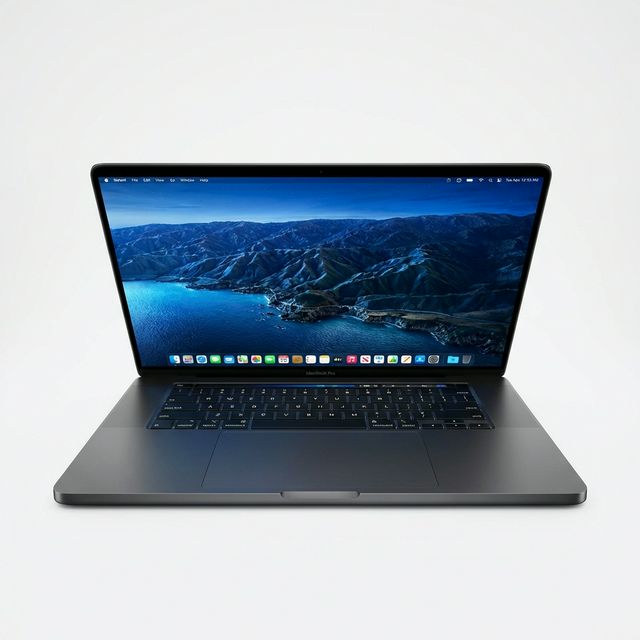
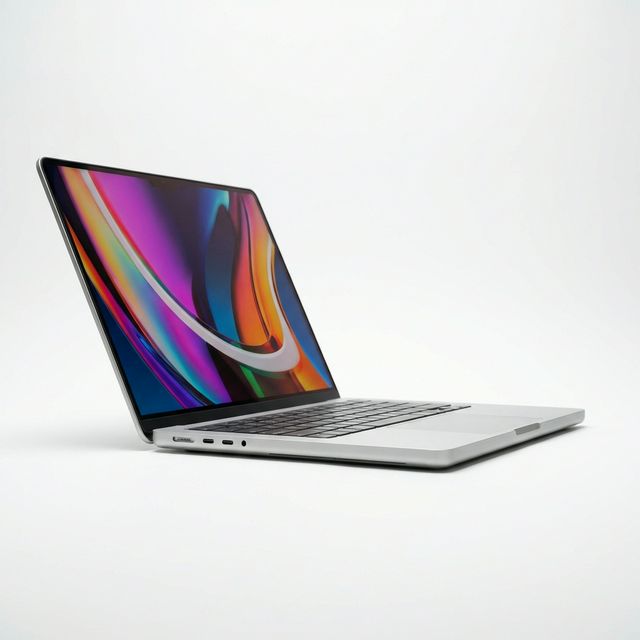

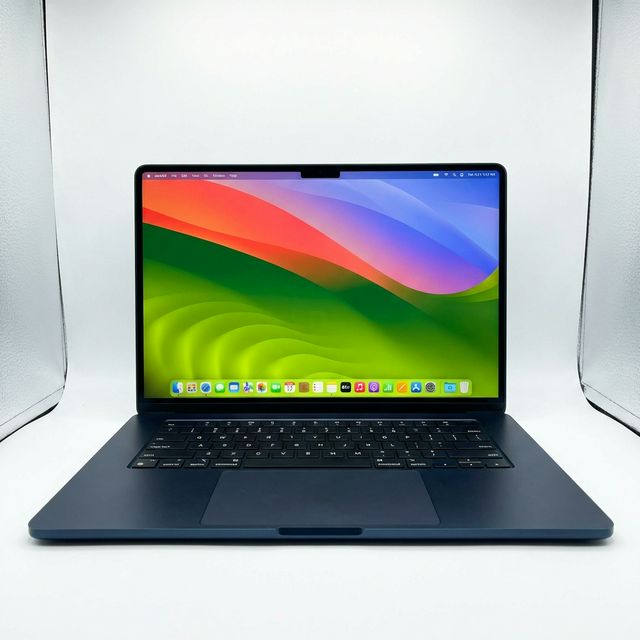
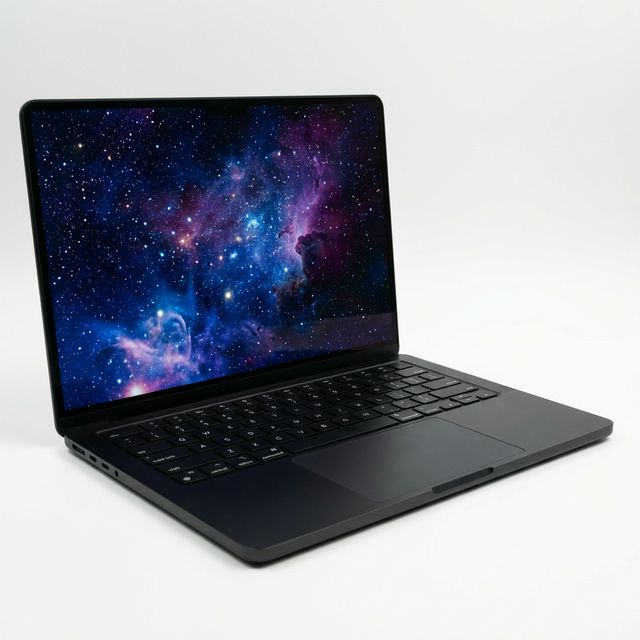
Buying from MachineWura
An online electronics store in Accra selling brand new and UK-used phones, laptops, creator gear and appliances.
Pay on Delivery in Accra
Inspect it at your door, then pay.
Checked before it ships
UK-used devices pass a 30-point check with at least 85% battery.
Fast delivery
24 hours in Accra, 2 to 3 days elsewhere in Ghana.
7-day returns
If it arrives defective or not as described.
Published November 15, 2026 · 8 min read