
In this article
- What does a fresher need on day one?
- Which laptop does your course need?
- What software do students get free?
- How do you deal with power cuts in hostels and halls?
- A worked example: will a power bank charge your laptop?
- How do you keep your devices safe on campus?
- What should you buy later, if at all?
- What do most freshers regret?
- Frequently asked questions
- Do I really need a laptop in first year?
- Is a MacBook or Windows laptop better for university?
- How much RAM should a student laptop have?
- What size laptop is best for students?
- Can I buy a laptop and have it delivered to campus?
- Is a UK used laptop good for a student?
A fresher starting university in Ghana needs a laptop suited to their course, a reliable smartphone, a way to charge both during power cuts, somewhere safe to back up coursework, and a few small accessories such as earphones and a surge-protected extension. Everything else can wait until you know what your course and hostel life demand. This checklist explains what to buy before resumption, what to buy after the first few weeks, and what most students never need, with a section for each type of course.
Updated October 2026.
What does a fresher need on day one?
Start with the essentials. These are the items you will use from the first week of lectures.
| Item | Why you need it | What to look for |
|---|---|---|
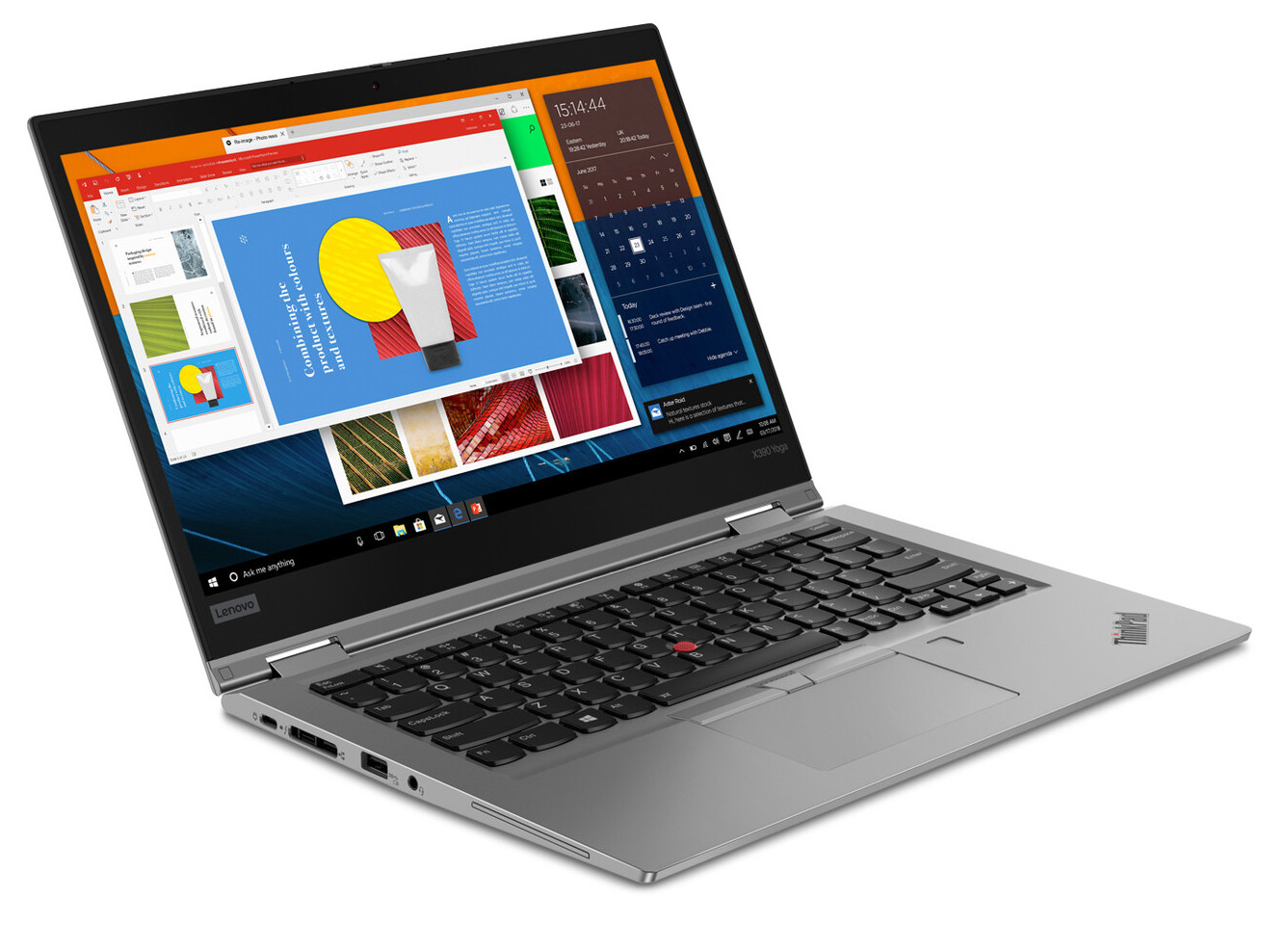
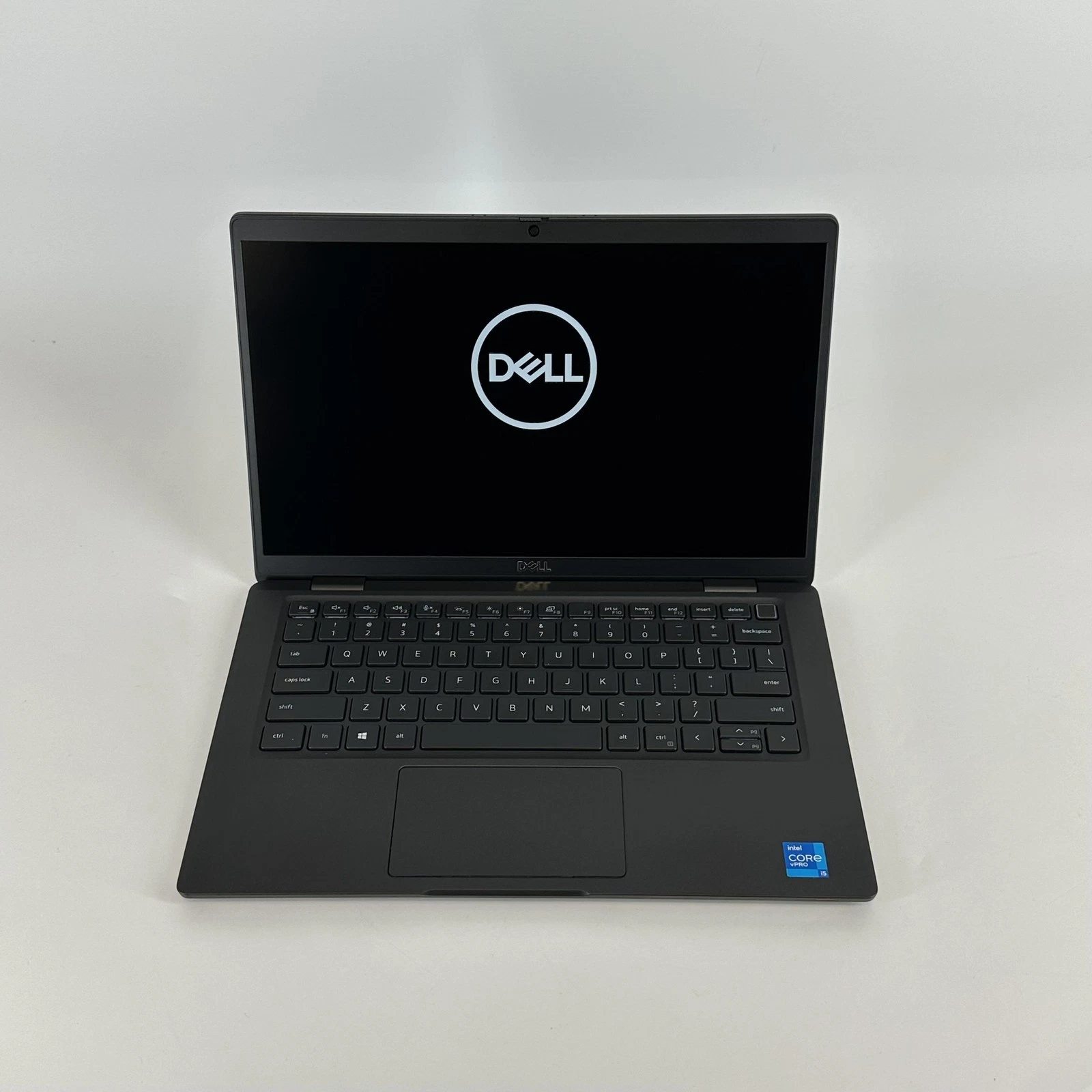
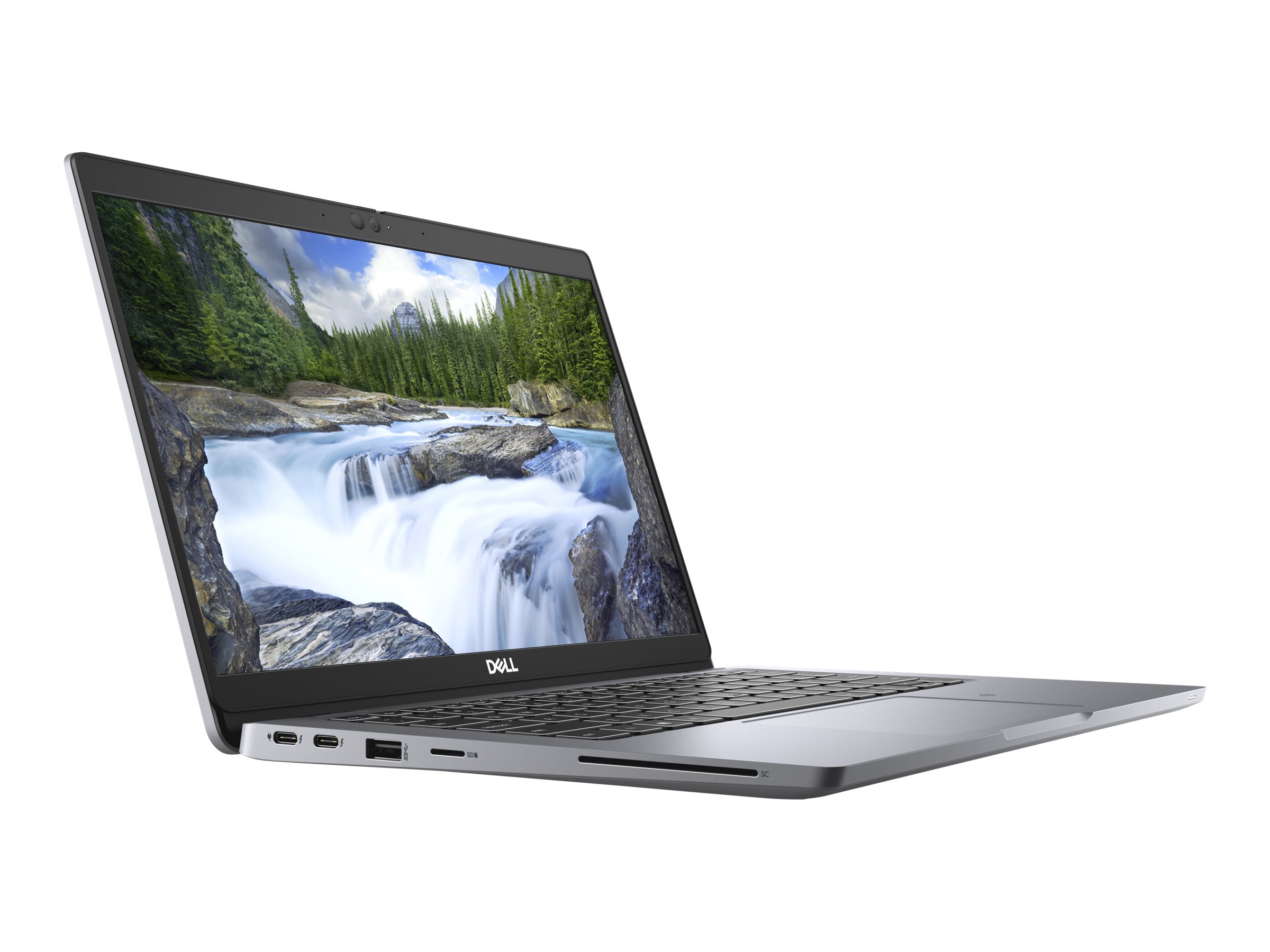
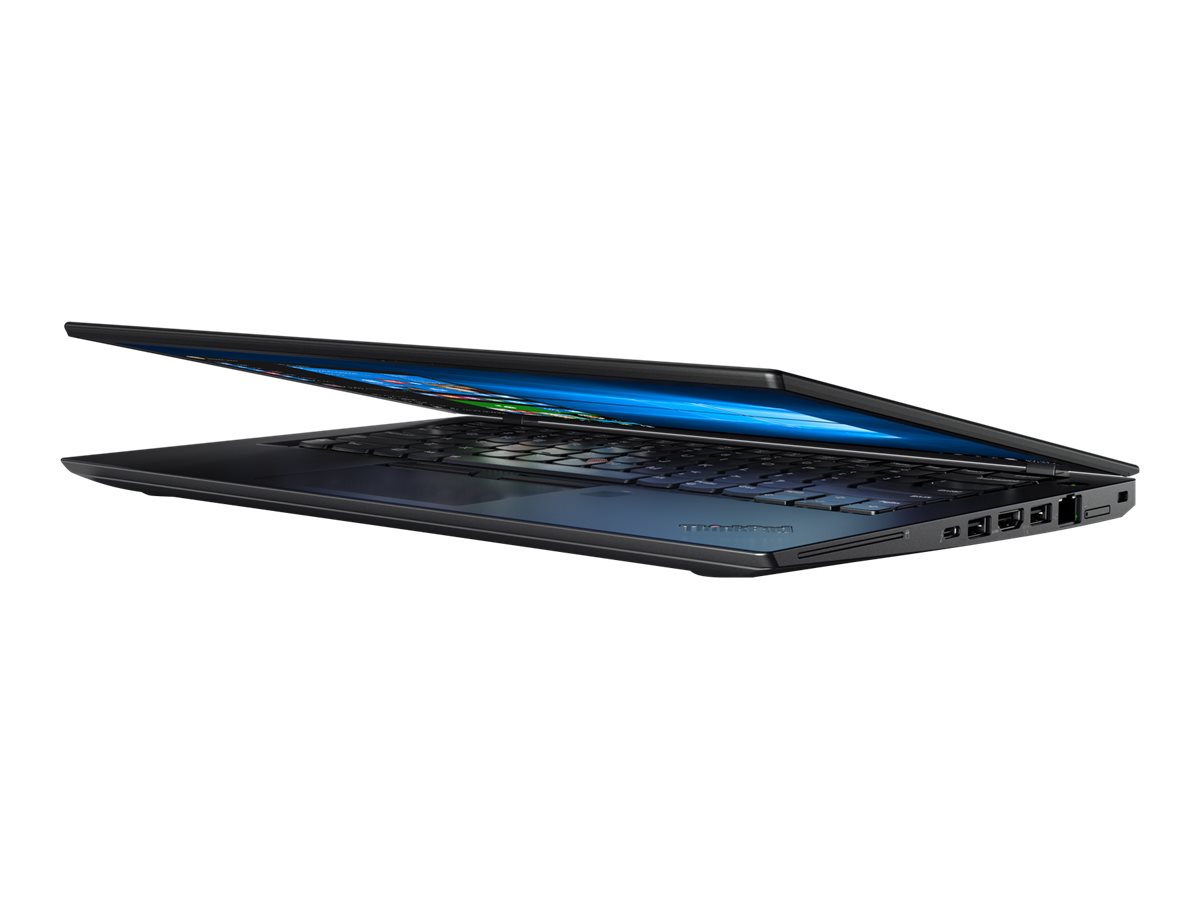
| Laptop | Assignments, research, online portals, presentations, exams on some courses | Matched to your course (see below); 8GB memory minimum, 16GB preferred; SSD storage; battery that lasts a morning |
| Smartphone | Course WhatsApp groups, mobile money, portal notifications, two-factor codes, photos of lecture slides | Enough storage for a year of WhatsApp media (128GB is comfortable); a battery that lasts a full day |
| Power bank | Lights go off; hall sockets are shared | 10,000 to 20,000mAh for a phone; 65W USB-C output if you want it to charge a laptop too |
| Surge-protected extension board | Few sockets in rooms; voltage spikes when power returns | Several sockets, a switch and surge protection; see our surge protector guide |
| Earphones or earbuds | Lecture recordings, online classes, quiet study in noisy halls | Comfortable, with a microphone for calls; see wireless earbuds |
| Backup storage | Lost or stolen laptops take your coursework with them | Cloud storage through your student email, plus a USB flash drive or external drive |
Which laptop does your course need?
The course matters more than the brand. Find yours in this table, then read the linked guide for detail.
| Course area | What the work involves | What to buy |
|---|---|---|
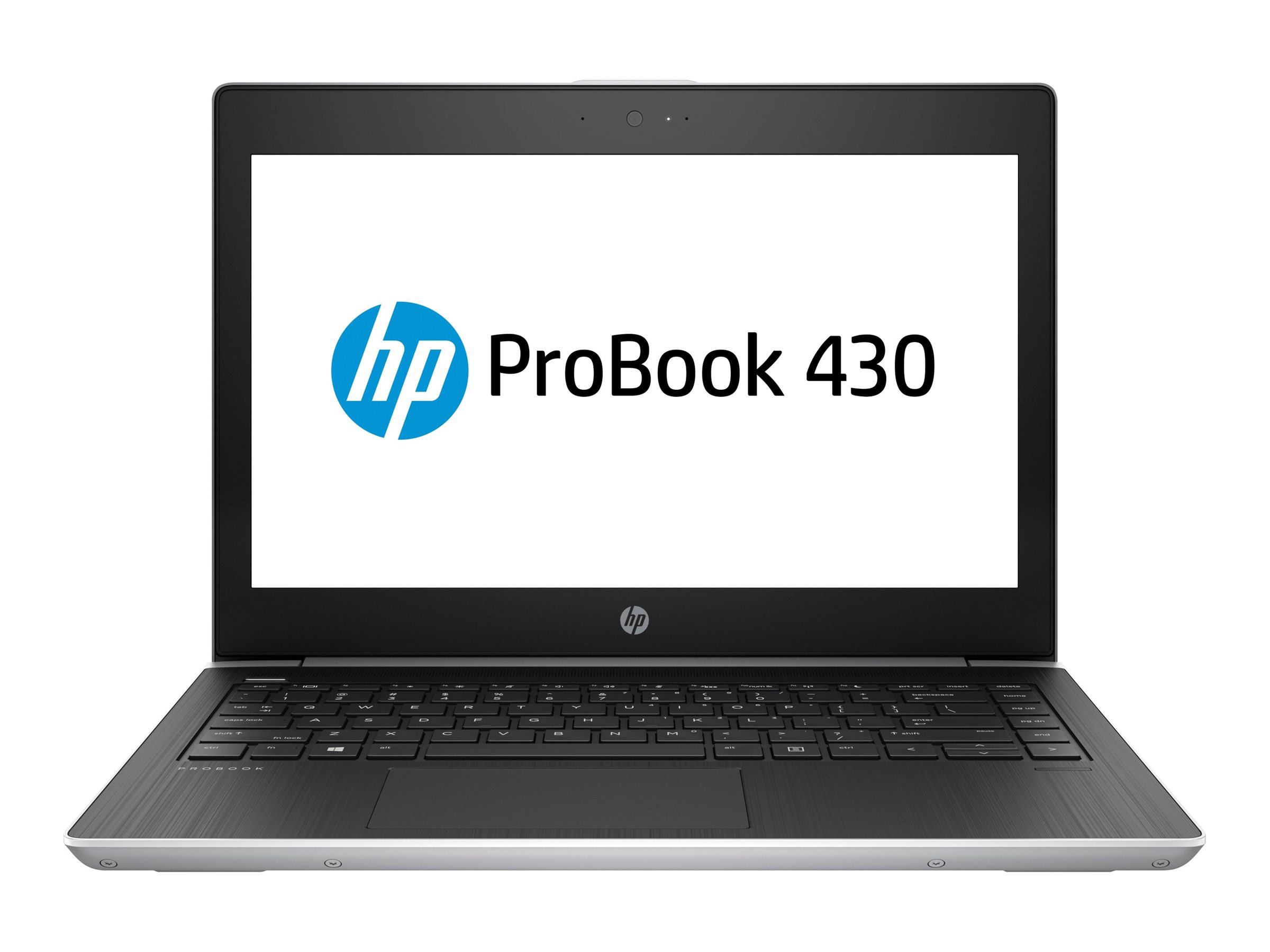
| Business, law, humanities, social sciences | Writing, research, slides, Office | A light 13 or 14-inch laptop with long battery life: a MacBook Air or a business laptop such as an EliteBook, Latitude or ThinkPad. 8GB works; 16GB lasts longer |
| Sciences, nursing, medicine, pharmacy | Reading, notes, statistics, online resources | Light laptop with long battery; a tablet can help for notes and reading |
| Computer science, IT, data science | Programming, virtual machines, data tools | 16GB memory, SSD of 512GB, any OS; see our coding laptop guide |
| Engineering, architecture, surveying | CAD, BIM, simulation; some software is Windows only | Windows laptop with 16GB or more and dedicated graphics; see laptops for engineering students |
| Art, graphic design, communication design | Adobe tools, CorelDRAW, Figma | Colour-accurate screen, 16GB; see laptops for graphic designers |
| Film, media, journalism | Video editing, audio, photography | 16GB or more, strong graphics, external SSD; see laptops for video editing |
Before buying, check two things with your department or seniors on your course: whether any required software is Windows only, and whether exams or lab work need a particular setup. Our general student laptop guide covers the decision in more depth, and if a MacBook is on your list, read which MacBook to buy.
What software do students get free?
Many universities in Ghana give students Microsoft 365 through their student email, which includes Word, Excel, PowerPoint, Teams and OneDrive cloud storage. Check with your university's IT office before paying for Office. Other useful free tools:
- Google Workspace (Docs, Sheets, Drive) through a personal Gmail account.
- Zotero or Mendeley for managing references in long essays and final-year projects.
- LibreOffice as a free Office alternative if your university does not provide Microsoft 365.
- Microsoft Defender, built into Windows, which is enough antivirus for most students. You do not need to buy separate antivirus software.
How do you deal with power cuts in hostels and halls?
Outages are part of student life in many parts of Ghana, and they tend to arrive the night before a deadline. Three things help:
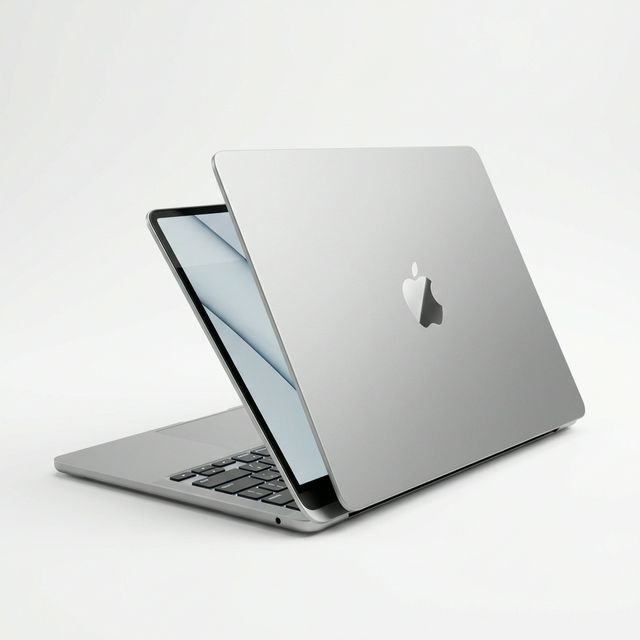
- A laptop with good battery life. A MacBook Air or a modern business laptop with a healthy battery can last through most evening outages. Older laptops with worn batteries may last an hour.
- A power bank that can charge a laptop. Many newer laptops charge through USB-C. A power bank with 65W USB Power Delivery output can top up those laptops as well as your phone. See our power bank guide.
- Save work in the cloud. Turn on OneDrive or Google Drive sync so a dead battery never costs you an assignment.
A worked example: will a power bank charge your laptop?
A 20,000mAh power bank stores about 74 watt-hours of energy (20Ah x 3.7V). After conversion losses, roughly 60 watt-hours reach your devices. A typical 13-inch laptop battery holds 50 to 55 watt-hours, so the power bank can refill it about once. If your laptop uses about 8 to 10 watts while you type an assignment, that full refill is worth roughly five to six more hours of writing. The same power bank could instead charge a phone with a 4,000mAh battery four or five times. For more on this, see laptop battery life during power outages.
How do you keep your devices safe on campus?
Laptops and phones are easy targets in busy halls, libraries and lecture rooms. Simple habits make a difference:
- Turn on tracking. Find My on Apple devices, Find My Device on Windows and Android. It helps recover devices and lets you lock or erase them if they are stolen.
- Use a password or fingerprint on your laptop and phone. A device without a lock exposes your email, mobile money and social media.
- Do not leave devices charging unattended in shared spaces, libraries or lecture halls.
- Keep a written note of your laptop's serial number and your phone's IMEI (dial *#06#). Police and the university will ask for them if something is stolen.
- Back up coursework every week to cloud storage and a flash drive.
- Use a padded laptop bag or sleeve. Most laptop damage comes from drops and pressure in bags.
What should you buy later, if at all?
Wait a few weeks before buying these. Many students find they do not need them.
- A printer. Most campuses have printing services, and many lecturers accept digital submissions. A printer makes sense only if you print a lot or live far from campus. See our printer guide if you do.
- A tablet. Useful for reading and note-taking on medicine, law and science courses, but not a replacement for a laptop.
- A MiFi router. Helpful if hall Wi-Fi is weak and you share with roommates. See our MiFi guide.
- A second monitor. Nice for final-year projects and coding, rarely needed in first year.
- A gaming console. Fun, but notorious for eating study time.
What do most freshers regret?
These are the regrets that come up most often:
- Buying an expensive laptop that does not run their course software. Check the software list first.
- Buying the cheapest laptop available. Slow laptops with 4GB of memory and hard disks frustrate students within months.
- Not backing up. Lost final-year project drafts are a painful lesson.
- No plan for power cuts. A power bank costs much less than a missed deadline.
- Buying from strangers online. Pay attention to how to buy electronics online without scams, especially for laptops and phones.
Frequently asked questions
Do I really need a laptop in first year?
On most courses, yes. Assignments, portals, online classes and research are much harder on a phone alone. If budget is tight, a reliable UK used business laptop is a sensible start.
Is a MacBook or Windows laptop better for university?
Both work for most courses. Choose Windows if your course needs Windows-only software, which is common in engineering and architecture. A MacBook Air is excellent for most other courses thanks to its battery life.
How much RAM should a student laptop have?
8GB is the minimum for smooth use. 16GB keeps the laptop fast through four years and is needed for coding, design and engineering.
What size laptop is best for students?
13 or 14 inches is easiest to carry around campus every day. Choose 15 or 16 inches if the laptop will mostly stay in your room or you need a bigger screen for design or engineering.
Can I buy a laptop and have it delivered to campus?
Yes. MachineWura delivers within 24 hours in Accra and in 2 to 3 days elsewhere in Ghana. In Accra you can inspect it at delivery and then pay.
Is a UK used laptop good for a student?
Yes, if it has been checked. UK used business laptops are durable and give you a higher model for your budget. Check battery health and that there are no company locks. Read UK used laptops explained.
Getting ready for resumption? Ask us anything on WhatsApp on 0550 314 351, or browse laptops on MachineWura.
Thanks for reading!
Published October 23, 2026 · 8 min read